
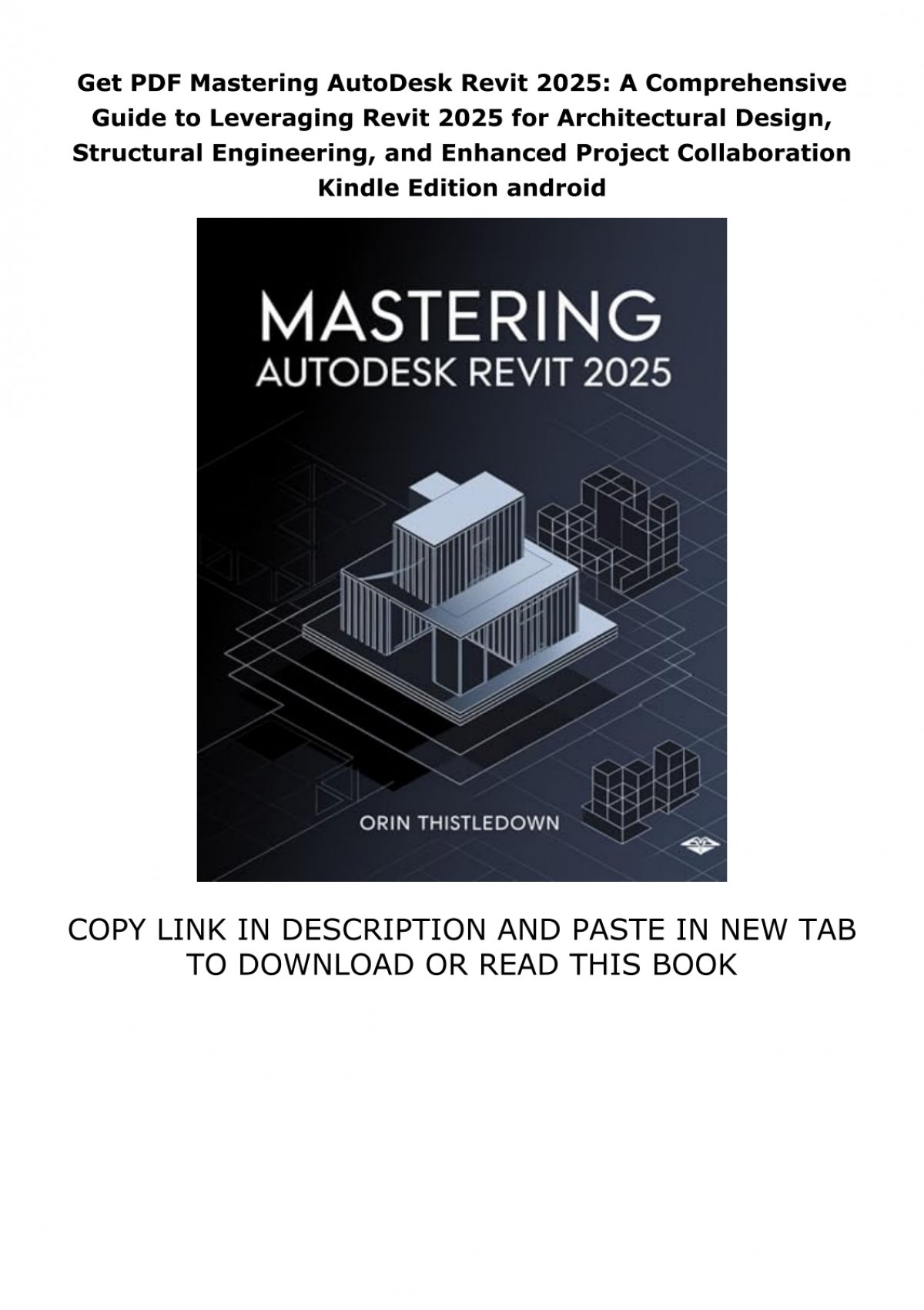
Autodesk Revit 2025 is an indispensable tool for architects and designers, and this comprehensive guide is tailored for those entirely new to its capabilities. Through a project-based approach, this text meticulously walks you through developing a single-family residence, culminating in photorealistic renderings that showcase your design prowess. Each purchase includes access to extensive video training, designed to further solidify your mastery of Autodesk Revit. This resource ensures that even complex features become accessible, providing a visual and practical pathway to proficiency.
The initial chapters of the book provide a fundamental introduction to Autodesk Revit 2025. These early sections are crafted to familiarize you with the user interface and the myriad of common menus and tools available, laying a robust groundwork for the more advanced concepts to follow.
As you progress through the book, you will embark on the creation of a residential building, exploring the majority of Autodesk Revit’s tools and features in considerable detail. Employing step-by-step tutorial lessons, the residential project serves as a practical vehicle for learning, guiding you through the creation of elevations, sections, floor plans, renderings, and construction sets, among other essential outputs.
Comprehensive Video Training
Residential Design Using Autodesk Revit 2025 distinguishes itself with an expanded library of video tutorials. This includes a full suite of chapter-by-chapter walkthroughs that complement the existing, comprehensive tool-specific videos. This dual-layered training strategy guarantees access to robust learning resources, facilitating both broad project-based understanding and focused skill enhancement.
Chapter-Based Tutorial Videos
These videos offer a thorough, sequential guide that directly mirrors the content and progression of the textbook. Each video is aligned with a specific book section, providing detailed visual instruction on the concepts, techniques, and tutorials presented in the text. By demonstrating the precise steps required for each lesson, these tutorials enhance comprehension and facilitate a deeper grasp of design principles and Revit’s functionalities.
Tool-Specific Videos
The included tool-specific videos concentrate on individual features and functions within Autodesk Revit, delivering targeted instruction on their application and benefits. These are ideal for users seeking quick references or needing to refresh their knowledge on specific functionalities without engaging in a full project tutorial. Furthermore, these videos explore supplementary topics not covered in the book, offering broader insights into the software’s capabilities. They deconstruct complex tools into manageable segments, concisely demonstrating menu selections and operational tips to boost productivity and proficiency in architectural design.
Conclusion
Mastering Autodesk Revit 2025 is a journey that this guide aims to make as accessible and effective as possible. By combining a project-based textual approach with extensive video resources, learners are equipped with the knowledge and practical skills necessary to excel in residential design. Whether you are a complete beginner or looking to deepen your understanding of specific tools, this resource provides a clear path to leveraging the full potential of Revit for architectural visualization and documentation. For further insights into Revit’s capabilities, exploring resources such as [revit help 2025] can provide additional context and support for your design endeavors.