
Twinmotion 2024.1 has officially launched and is now integrated with Revit 2025, bringing architects, designers, and visualization artists a fresh set of tools to create higher-quality 3D images and videos with far less effort. This release focuses on giving users finer creative control over animation, lighting, and scene composition, while also making everyday workflows faster and more intuitive. Whether you are producing walkthrough animations for a client presentation or fine-tuning the atmosphere of a rendered scene, Twinmotion 2024.1 introduces several upgrades worth exploring in detail.
Advanced Animation Sequencing Tools
One of the most notable additions in this release is the improved sequencing animation toolset. Users can now build more sophisticated animated videos with greater precision. The updated tools make it easier to position camera angles, pause movement at key moments, adjust travel speed along a path, and preview the camera’s trajectory before rendering. This level of control allows creators to choreograph complex camera movements that previously required much more manual adjustment, resulting in smoother, more professional walkthrough videos.
Render Layers for Post-Production Flexibility
Twinmotion 2024.1 also introduces a dedicated Render Layers feature, which lets users separate different elements of a scene into individual layers for editing after rendering. For example, a character or a specific object can be isolated from the background so it can be adjusted independently in post-production software. These layers can be exported with a transparent background or as black-and-white masks, giving visualization artists much more flexibility when compositing final images or videos.
Smart Foliage Applied to Imported Assets
Twinmotion has long offered an extensive library of trees and shrubs equipped with intelligent effects such as wind movement, seasonal color changes, leaf shedding, and snow accumulation. With this update, users can now import their own custom vegetation assets and apply those same smart effects to them. Wind sway, seasonal transformation, falling leaves, and snowfall can all be layered onto custom foliage, making imported plant models look significantly more natural and alive within a scene.
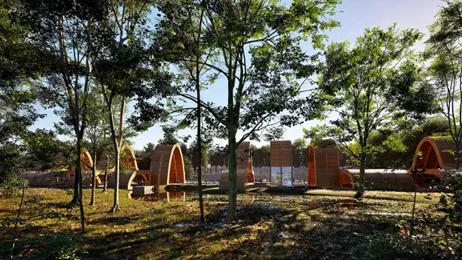
A New Scattering Tool for Natural Landscapes
The new scattering tool simplifies the process of distributing objects such as trees, rocks, or other assets across a path or a defined area within a scene. With just a few clicks, users can select content and automatically apply it across the target area, then fine-tune density and randomness to achieve a more natural, organic look. This tool is particularly useful for large outdoor scenes where manually placing hundreds of individual assets would otherwise be extremely time-consuming.
Enhanced Lumen and Path Tracer Performance
Lighting quality has also received meaningful improvements in Twinmotion 2024.1, particularly through upgrades to Lumen and the Path Tracer. Shadows and light behavior throughout a scene are now rendered with greater realism, which is especially noticeable when working with natural daylight or complex, layered lighting setups. These enhancements help scenes feel more grounded and believable, even in challenging lighting conditions such as sunset transitions or interior spaces lit by multiple sources.
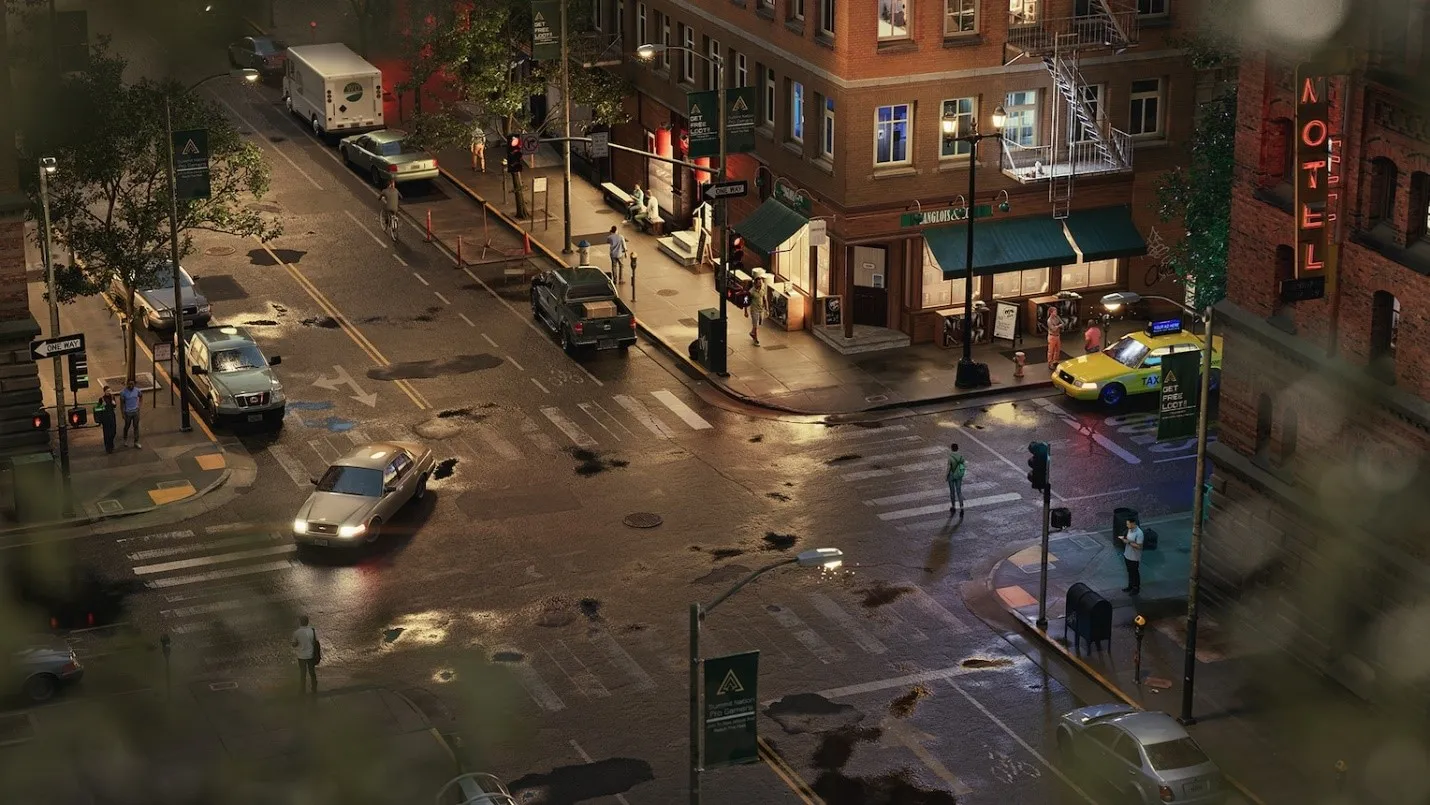
New Bloom Controls for Light Sources
When a camera view looks directly at a light source, a glowing effect known as bloom typically appears. Twinmotion 2024.1 introduces new controls that let users adjust bloom intensity and create star-shaped glare effects, with twelve different pattern textures to choose from. This gives creators more artistic freedom when composing shots that include streetlights, sunlight, or any strong light source within the frame, allowing for a more cinematic and polished final render.

Final Thoughts
Taken together, the animation sequencing improvements, Render Layers feature, smart foliage for imported assets, new scattering tool, and upgraded lighting controls make Twinmotion 2024.1 a substantial step forward for anyone working with Revit 2025 on architectural visualization projects. These updates are designed not just to add new capabilities but to streamline everyday workflows, saving time while improving the final visual quality of renders and animations. Architects and designers looking to elevate their presentation materials should consider updating to this version to take full advantage of these tools.
References
- Epic Games, “Twinmotion 2024.1 is Here,” official Twinmotion news release, available at twinmotion.com