
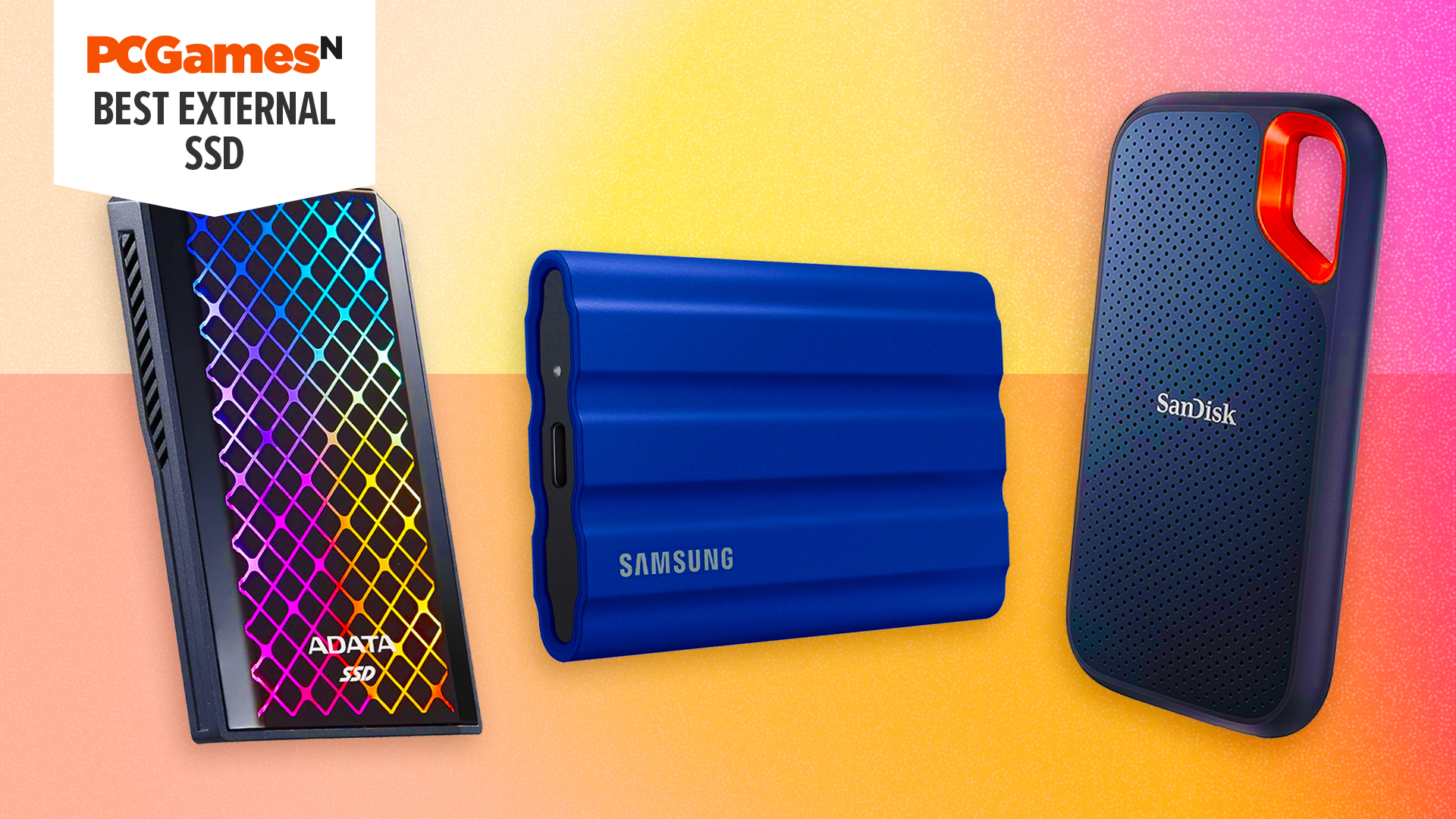
As game sizes continue to explode, with titles like Modern Warfare demanding over 200GB, the need for expanded storage is more critical than ever for PC gamers. While internal solutions are often preferred, external drives present a viable and increasingly performant option for expanding your gaming library, especially for those with laptops or limited internal space. This article dives deep into the world of external drives for gaming, examining their performance, compatibility, and ultimately, which options offer the best value and experience for gamers.
Understanding USB Interfaces for Gaming
Choosing the right external drive for gaming hinges on understanding the limitations and capabilities of various USB interfaces. The speed of your connection directly impacts game load times, update speeds, and even in-game performance.
USB Standards and Speeds:
- USB 2.0: Operates at a maximum of 480 Mbps (60 MB/s). While sufficient for peripherals like keyboards and mice, it’s far too slow for modern gaming storage, resulting in excessively long load times.
- USB 3.2 Gen 1 (formerly USB 3.0/3.1 Gen 1): Offers transfer speeds up to 5 Gbps (625 MB/s). This is a noticeable improvement over USB 2.0 and can be a viable option for less demanding games or older systems.
- USB 3.2 Gen 2 (formerly USB 3.1 Gen 2): Doubles the speed to 10 Gbps (1,250 MB/s). This interface is crucial for achieving near-internal SSD performance with external drives.
- USB 3.2 Gen 2×2: Capable of up to 20 Gbps (2,500 MB/s), this newer standard offers significant speed increases, though early drives have faced stability issues. Native support is growing on recent Intel platforms.
Thunderbolt: A High-Speed, High-Cost Option
Thunderbolt 3 and the upcoming Thunderbolt 4 offer a massive 40 Gbps (5,000 MB/s). However, external Thunderbolt drives come with a premium price tag. Furthermore, testing has revealed potential compatibility issues with certain game services, such as the Epic and Rockstar game launchers, leading to random disconnections or failed game updates. For these reasons, this article focuses primarily on USB solutions.
The Impact of USB Ports on Game Performance
Connecting a fast external drive to a slow USB port cripples its potential. Plugging a USB 3.2 Gen 2 external SSD into a USB 2.0 port will result in load times that rival or even exceed those of a traditional 5,400 RPM internal hard drive. Conversely, utilizing a USB 3.2 Gen 2 port ensures the drive can operate at its rated speeds, delivering significantly faster game loads.
Avoiding Bandwidth Bottlenecks:
It’s also important to avoid connecting multiple high-bandwidth devices to the same controller, especially through front-panel connectors. Pairing an external game drive with other demanding peripherals like USB capture cards, high-polling rate mice, or DACs on the same internal controller can lead to performance degradation on the external drive and instability for other connected devices.
Comparing External Drives and Internal Solutions
The core question for gamers is whether external drives can match the performance of internal solutions. This involves examining game update times, game load times, and the impact on frame rates.
Game Update Speeds:
Game updates are a common source of frustration, often bottlenecked not just by internet speed but also by the storage drive’s write performance. Modern games download data in smaller packets, requiring the drive to write information before the next batch can be downloaded. This means storage speed is as critical as internet connection speed for timely updates.
- High-Performance Drives: NVMe SSDs like the Crucial P5 and fast external drives such as the Crucial X8 (USB 3.2 Gen 2) offer comparable and swift update times.
- Mid-Range External Drives: The Crucial X6, while a respectable budget option, showed slower write performance in certain update scenarios, highlighting a potential bottleneck with specific update methodologies.
- Traditional HDDs: Spinning hard drives, especially 5,400 RPM models, are significantly slower for game updates compared to any SSD solution.
Game Load Times:
When it comes to loading into games, the difference between internal SSDs and fast external drives is often minimal. While benchmarks might show vast disparities, real-world game load times are surprisingly consistent.
- Consistent Performance: External drives, particularly those using USB 3.2 Gen 2, provide results that are nearly indistinguishable from internal SATA SSDs like the Crucial MX500. The SATA interface’s lower latency can even provide a slight edge in certain loading scenarios.
- NVMe Advantage: While fast, the performance benefit of an internal NVMe drive over a high-speed external drive during game loads is often negligible for most titles.
- HDD Limitations: Traditional hard drives remain the slowest option, with significantly longer load times, especially in games with extensive asset preloading.
Effect on Frame Rates:
For the most part, external drives have a negligible impact on in-game frame rates. Developers often preload game assets to avoid constant requests to storage, which can otherwise cause frame rate drops.
- Minimal Impact: On powerful systems, any significant bottleneck would be apparent, but external drives generally perform within the margin of error.
- HDD Struggles: The only outlier is typically the 5,400 RPM hard drive, which may exhibit lower 1% lows and less fluid gameplay in titles with massive, open worlds that require continuous asset streaming.
Conclusion: External Drives are a Viable Gaming Solution
External drives have evolved to become a genuinely viable option for gamers seeking to expand their storage. By adhering to a few key principles, players can ensure a satisfactory gaming experience:
- Prioritize USB Ports: Avoid USB 2.0 for game storage. Aim for USB 3.2 Gen 2 or higher for optimal performance.
- Strategic Connection: Do not overload front-panel USB controllers with multiple high-bandwidth devices.
- Value Over Spec: The most expensive drive isn’t always the best. Consider capacity and performance relative to cost, as even more affordable options like the Crucial X6 offer a good balance for many gamers.
Whether you’re a laptop user needing more space or a PC gamer looking to easily manage a large library or transfer games between systems, external drives provide a flexible and increasingly performant solution. With advancements in USB technology on the horizon, the capabilities of external storage for gaming are set to improve even further.
References
- External Drives Versus SSD Versus HDD for GAMING. hardwarecanucks.com.