
Keeping accurate records of phone interactions is a cornerstone of effective business communication — and the right call log template can make all the difference. Whether you’re managing a sales pipeline, running a customer service desk, or tracking patient calls in a healthcare setting, a well-designed call log template ensures no detail slips through the cracks. This guide walks you through the most useful free call log templates available in Excel, Word, Google Sheets, Google Docs, and PDF formats, helping you choose the one that best fits your workflow.
What Is a Call Log Template and Why Does It Matter?
A call log template is a structured document or spreadsheet used to record the details of incoming and outgoing phone calls. At its core, it captures essentials like the date and time of the call, the caller’s name, contact number, the purpose of the call, and any required follow-up actions.
For businesses of any size, maintaining a consistent call log system delivers measurable benefits:
- Accurately registers all daily incoming and outgoing call details
- Tracks customer, client, or patient call-related activity
- Keeps your entire team informed about important call details
- Enhances customer relationships and service quality
- Anticipates necessary follow-up actions before they become urgent
- Helps monitor average call duration and control service-related costs
- Maintains solid CRM practices through precise record-keeping
- Measures team performance by evaluating the accuracy of call tracking
Without a standardized template, call details often get recorded inconsistently — or not at all — leading to missed follow-ups and poor customer experiences.
The Best Free Call Log Templates
Simple Call Log Template
The simple call log template is the go-to starting point for teams that need a clean, no-frills solution. It captures the date, the start and end times of the call, the caller’s name, the contact number, action items, and any additional comments.
This template works equally well as an individual call tracker or as a standardized form rolled out across an entire department. If your goal is quick, consistent documentation without unnecessary complexity, this is the template to start with.
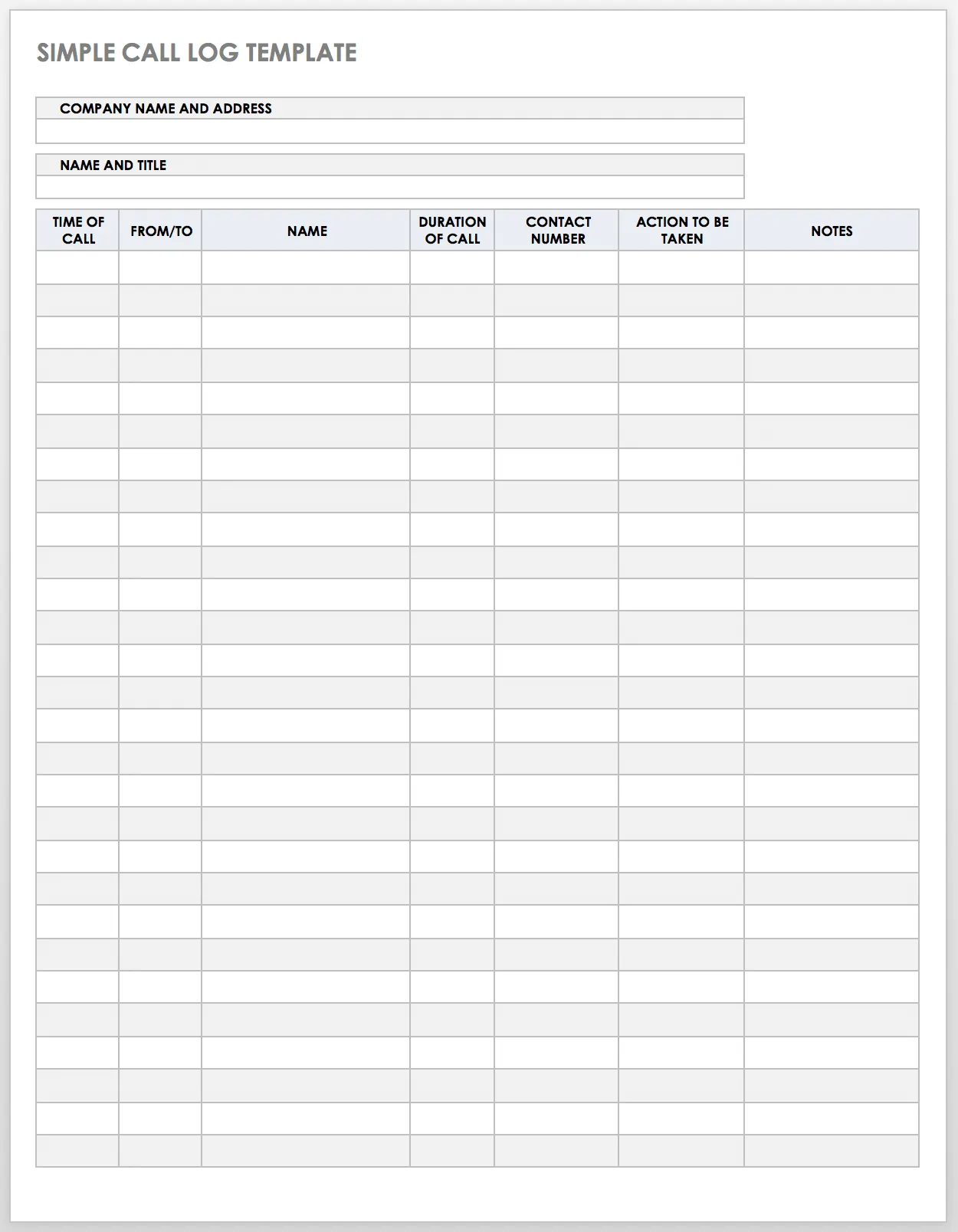
Available in Excel, Word, Google Sheets, and PDF formats, the simple call log template is versatile enough to fit into virtually any existing workflow.
Sales Call Log Template
Sales teams live and die by their follow-up habits. The sales call log template gives sales representatives a dedicated tool for recording every client interaction in full detail — including the client’s phone number, company name, call date, call duration, and the outcome of the conversation.
Once a sales rep completes the log, other team members can review the communication history and determine the most appropriate next step toward closing a deal. This is especially valuable for teams working shared accounts or handing off leads between representatives.
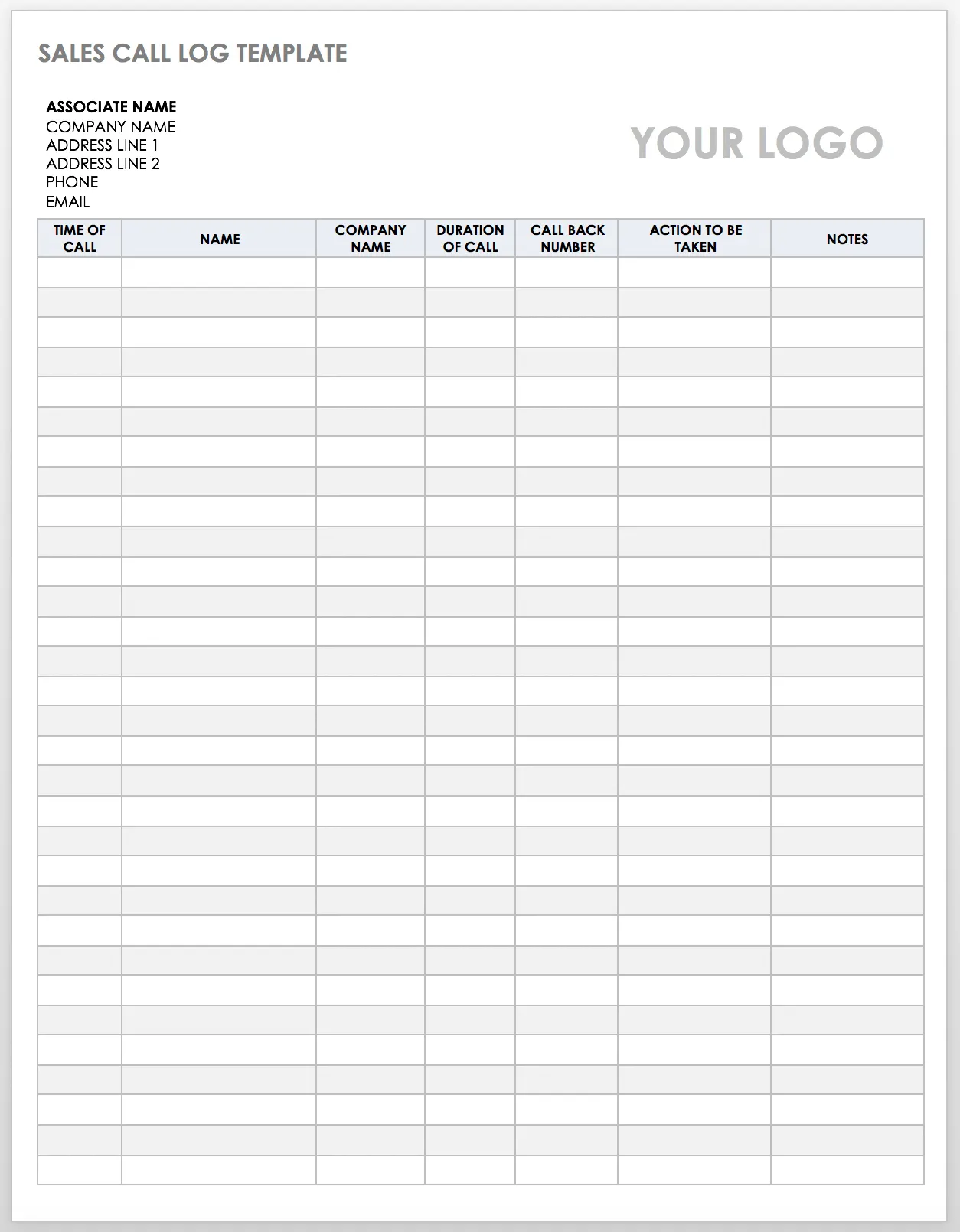
Available in Excel, Word, and Google Docs formats, the sales call log template is a practical addition to any sales process documentation toolkit.
Daily Call Log Template
For teams handling a high volume of calls every day, the daily call log template acts as an all-in-one tracking system. It records the date, time, caller name, contact number, and the next action to be taken — giving any team member immediate visibility into what needs to happen next.
The streamlined layout makes it easy to review a full day’s call activity at a glance, reducing the risk of missed follow-ups and ensuring consistent day-to-day client communication management.
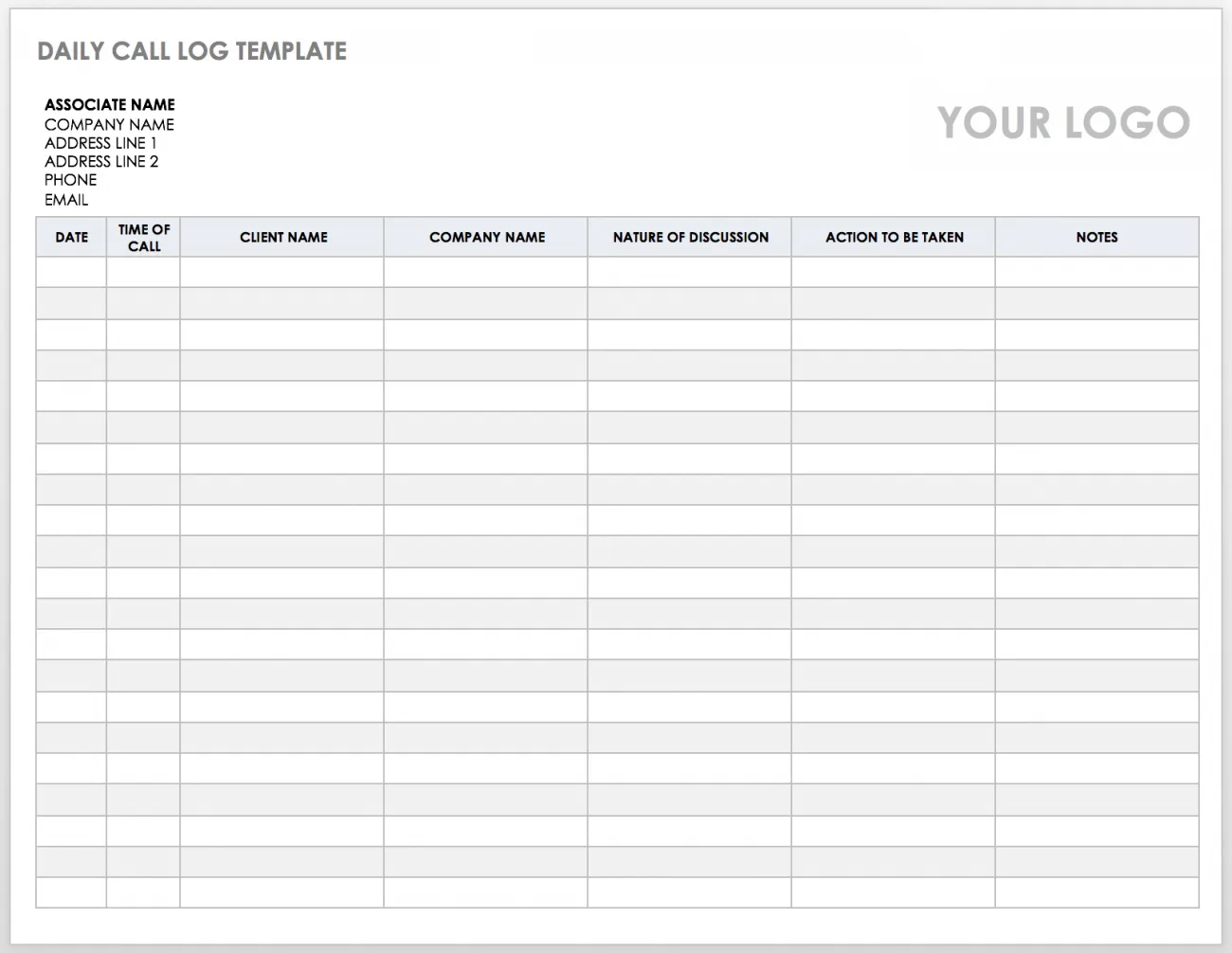
Available in Excel, Word, and Google Docs.
Business Call Log Template
The business call log template is designed for a broader organizational context. It tracks how calls impact business operations by capturing the date and time, the person called, the company name, follow-up actions, and open notes fields.
This template is particularly useful for managers and team leads who need to monitor communication patterns across multiple relationships. Keeping everyone in the loop becomes far easier when call details are recorded in a consistent, accessible format.
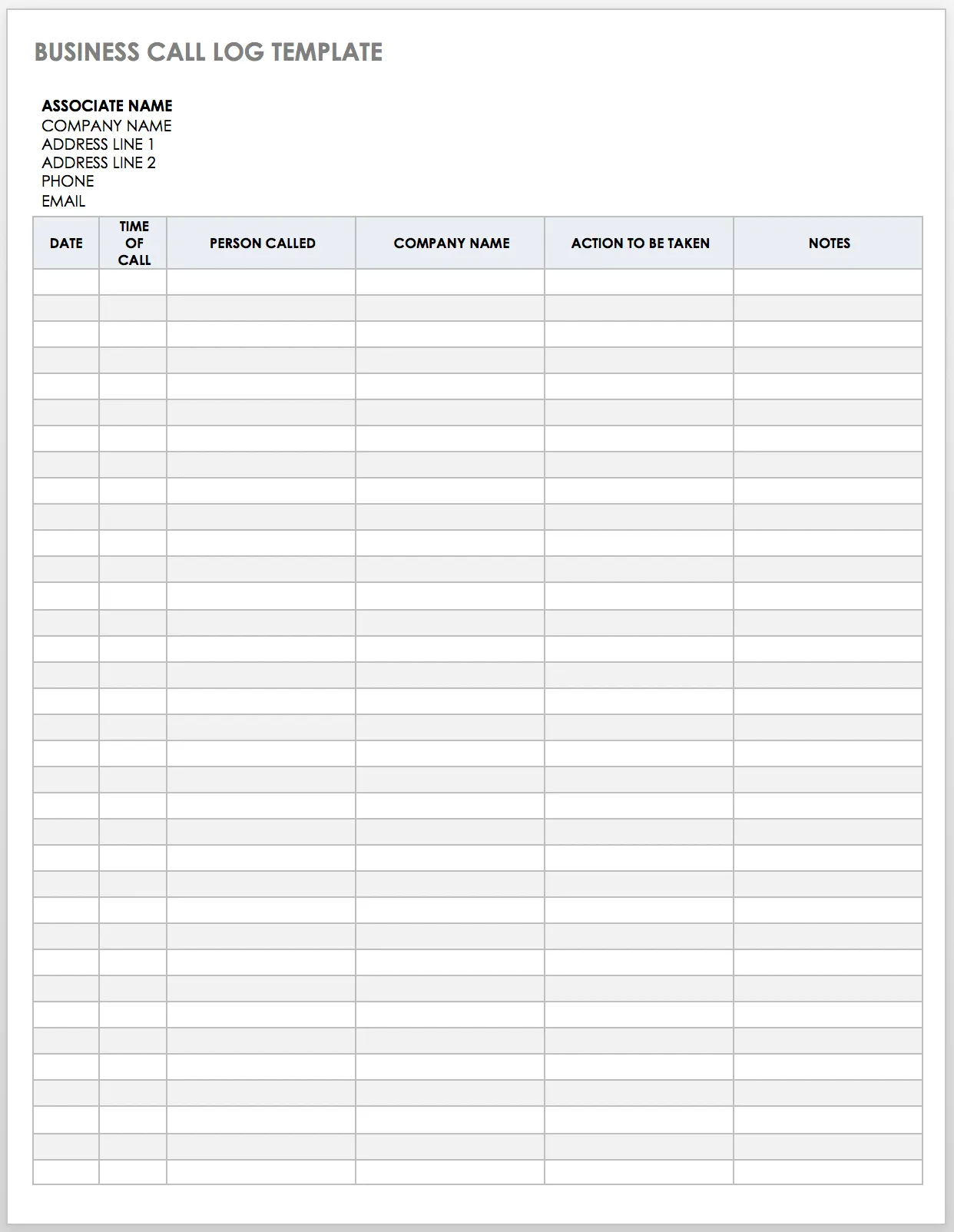 Business call log template with columns for company name, contact person, call date, and follow-up notes
Available in Excel, Word, and Google Sheets.
Patient Call Log Template
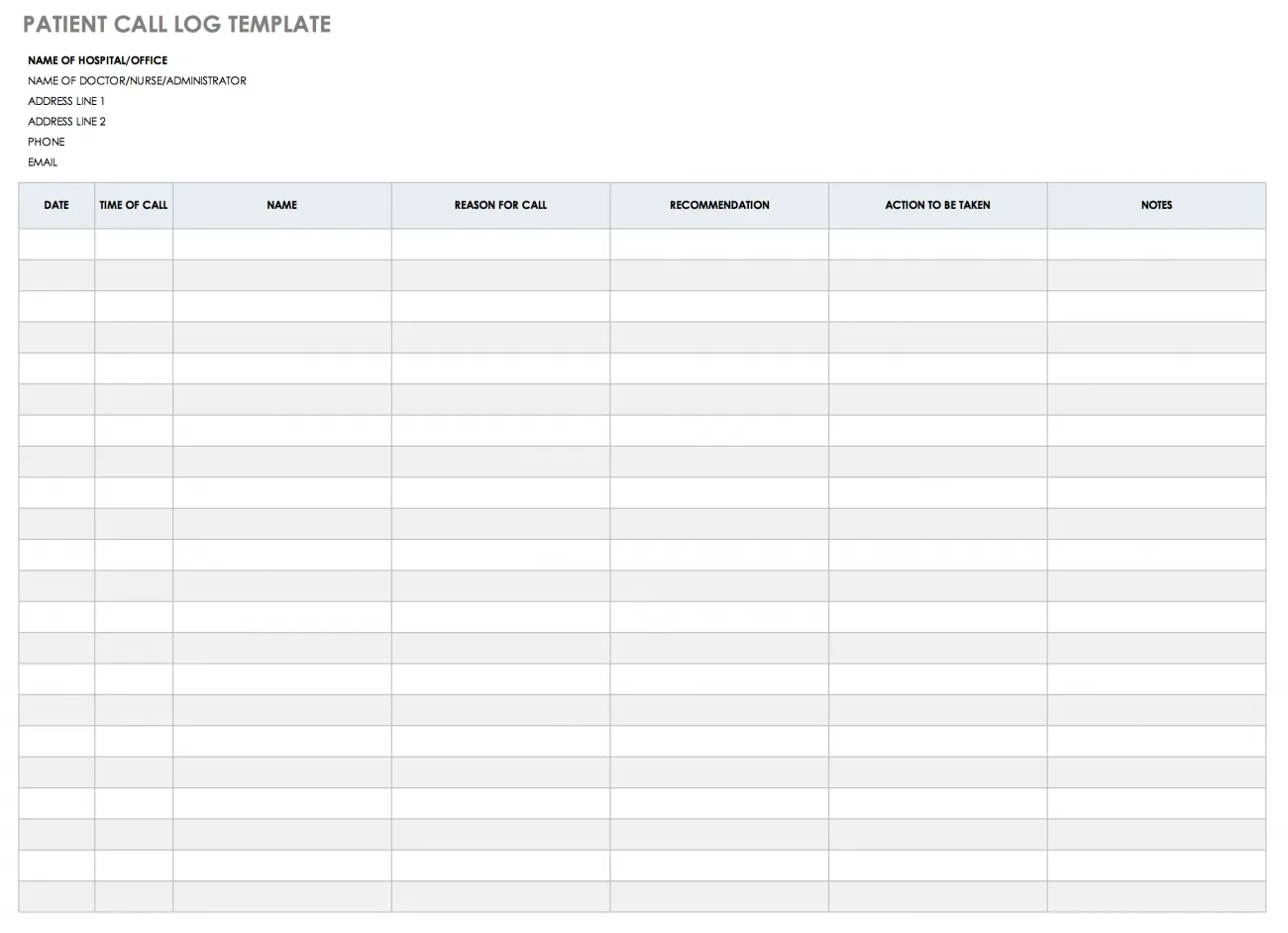
Healthcare environments have unique requirements for documenting phone interactions. The patient call log template is built specifically for medical offices, clinics, and other healthcare settings where capturing accurate patient information over the phone is essential.
Fields include patient details, the time of the call, the reason for the call, the recommendation given, the action to be taken, and space for additional notes. This level of documentation supports both operational efficiency and the standard of care patients expect.
Available in Excel, Word, and Google Sheets.
Printable Call Log Template
Some teams still prefer a printed form on a desk or in a binder rather than a digital solution. The printable call log template is formatted specifically for that purpose — clean, printer-friendly, and easy to fill in by hand.
It captures the time of the call, client name, company name, the reason for the call, and the action to take. For teams managing client relationships in environments where digital tools aren’t always practical, this template ensures documentation still happens consistently.
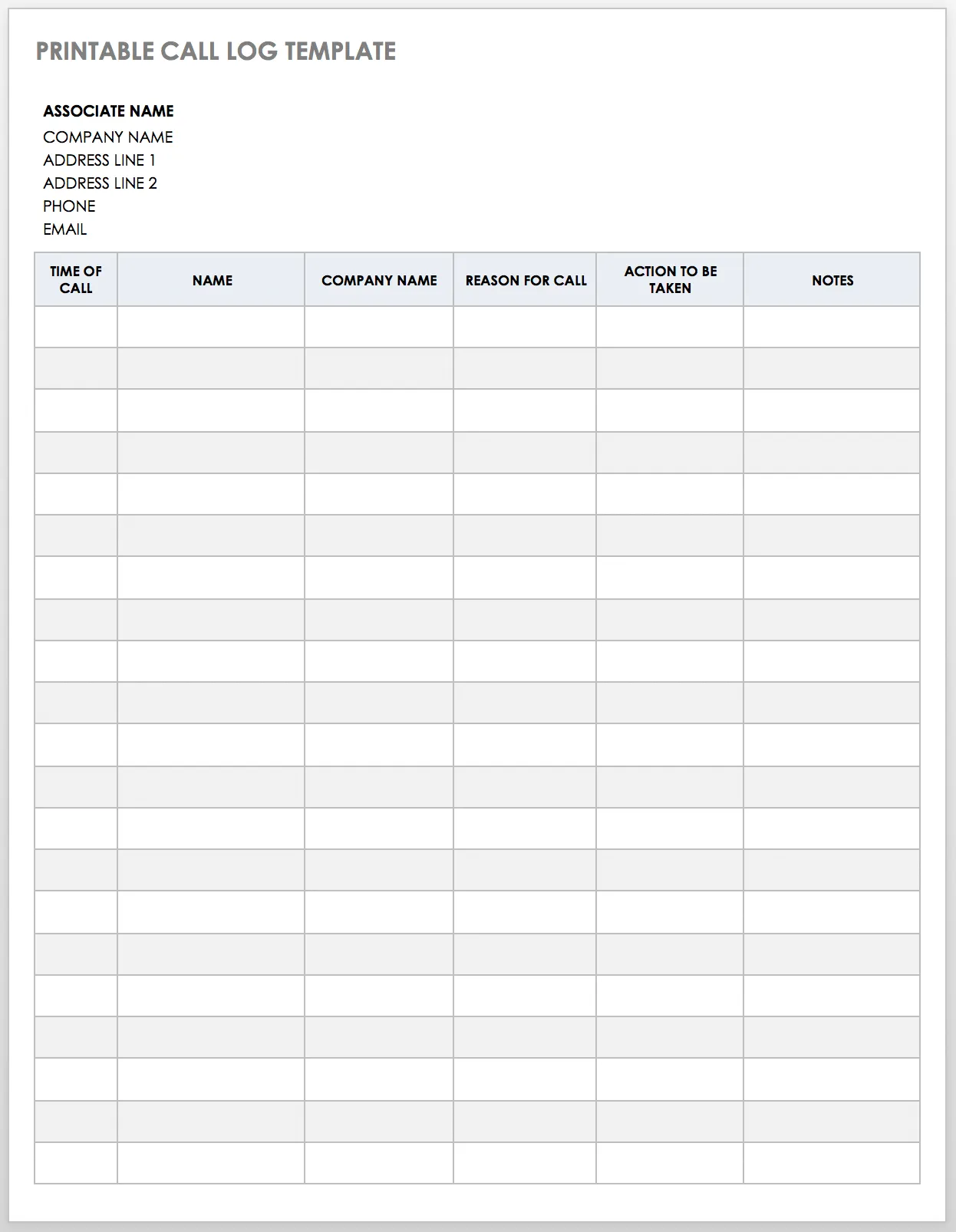 Printable call log template formatted for clean physical printing with fields for client and call details
Available in Excel, Word, and PDF.
Customer Service Call Log Template
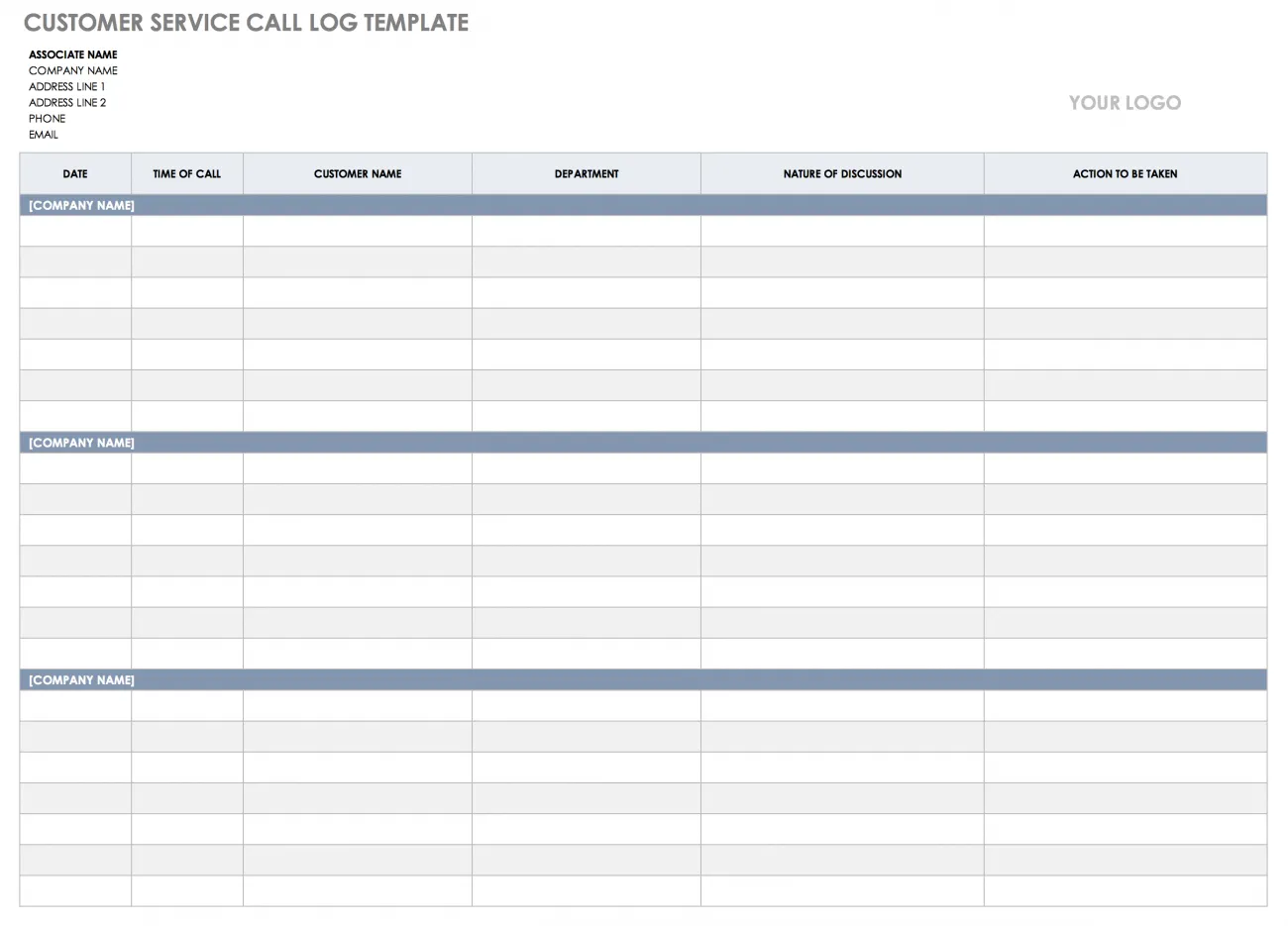
Customer service representatives handle a high volume of calls across many different customer issues. The customer service call log template is designed for exactly this environment, with columns for the date and time of the call, customer name, department, the nature of the discussion, and the recommended action.
Once a CSR completes the form, any other team member can quickly get up to speed on the history of a customer interaction and act accordingly — reducing resolution times and improving customer satisfaction.
Available in Excel and Google Sheets.
Client Call Log Form Template
The client call log form template is built around simple, accurate client record-keeping. It includes fields for the time of the call, client name, company name, the reason for the call, and the action your team should take in response.
This template works well for professional services firms, agencies, and any business where client relationships are a core part of operations. The form structure keeps entries concise and consistent, making it easy to review call history across multiple clients.
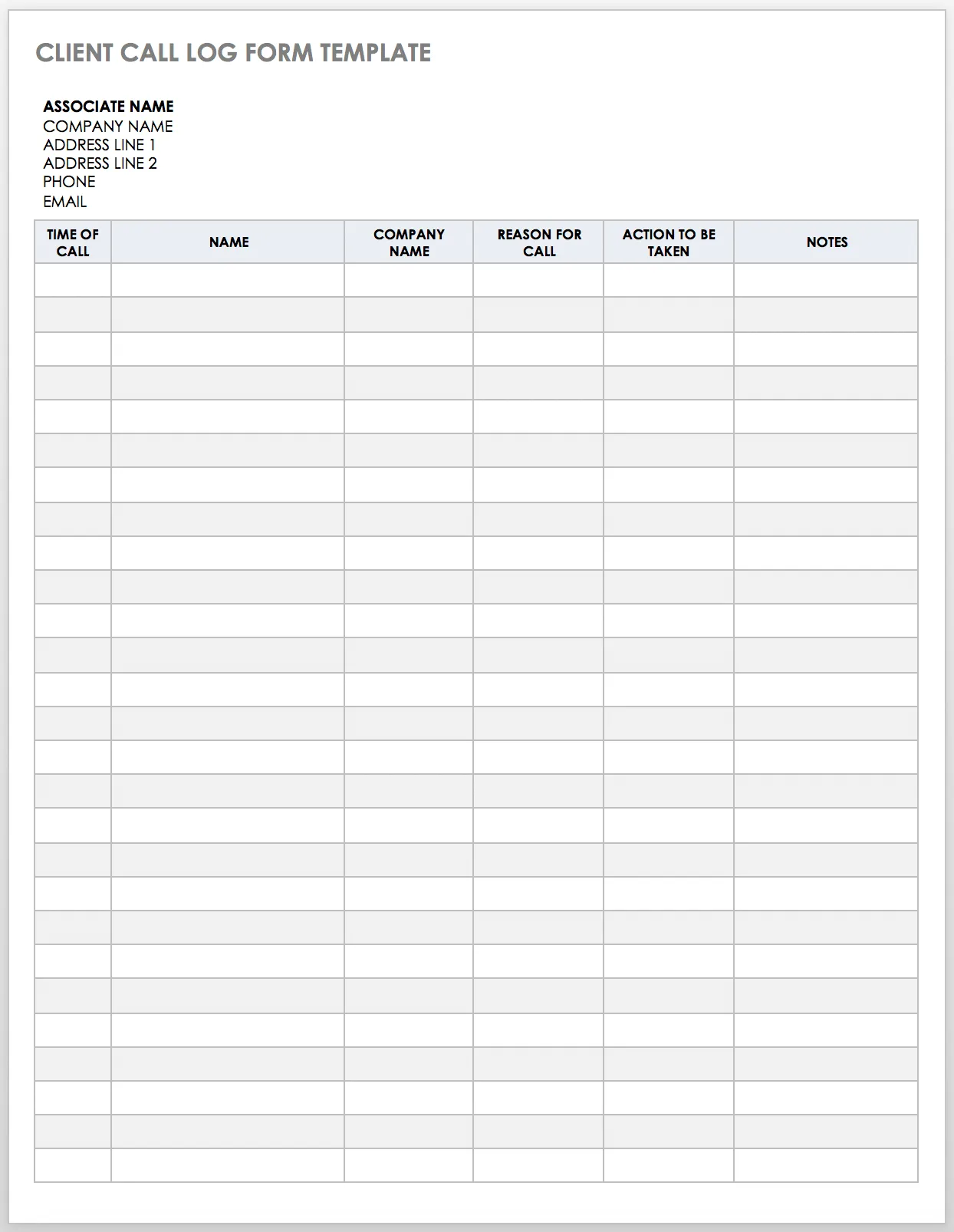 Client call log form template with organized columns for client name, call reason, and required action
Available in Excel, Word, and Google Docs.
Sample Call Log Template
The sample call log template is a comprehensive option for teams that want to proactively document potential leads, existing customers, and business partner interactions in a single place. It records the time of the call, the client or customer name, call duration, contact number, and next steps.
This template is particularly useful for teams making CRM decisions based on call history — for example, determining whether a prospect is ready to advance in the sales funnel or whether a customer issue requires escalation.
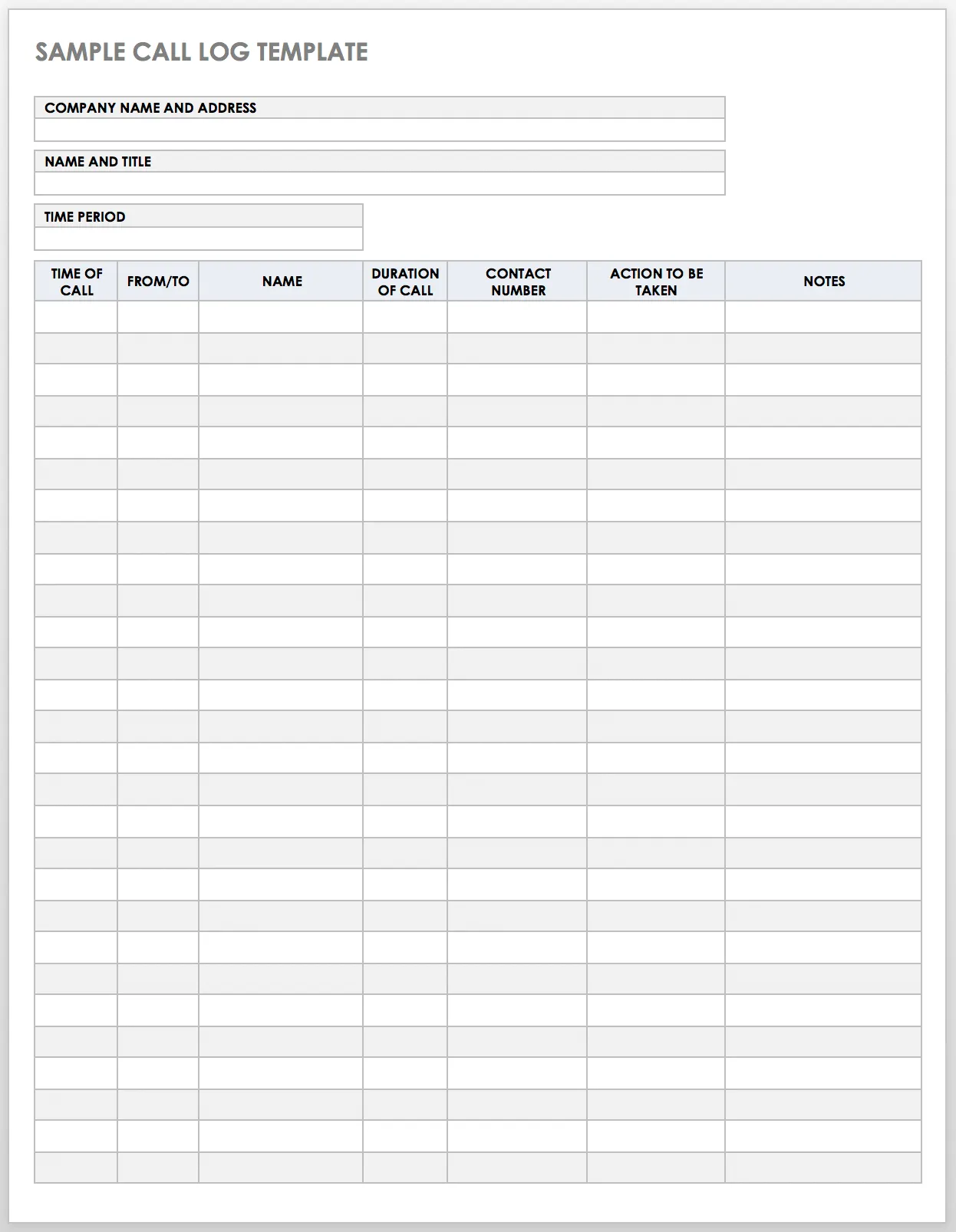
Available in Excel, Word, and Google Docs.
Tips for Improving Your Call Logging
Having the right template is only half the equation. How your team uses it matters just as much. The following best practices apply across industries — whether you’re in sales, customer service, healthcare, or academia.
Pick the template that fits your specific needs. Every team has different call volumes, documentation requirements, and workflows. A small startup might need only the simple call log, while a large customer service center may benefit from the more detailed customer service or business templates. Match the template to the job.
Use templates to standardize call-tracking practices across your team. When everyone logs calls the same way, the information becomes genuinely useful. Team members know exactly where to look for the details they need, and managers can make reliable decisions based on complete records.
Verify the accuracy of call log entries regularly. Client information changes. Contact numbers, company names, and key contacts all shift over time. A call log is only as useful as it is accurate, so build a habit of reviewing and updating entries as part of your team’s standard workflow.
Ensure every team member can access the call log. Accessibility is critical. Excel, Word, and PDF files can be stored in a shared folder or central repository. Google Docs and Google Sheets templates are especially practical because they allow real-time collaboration and easy sharing through Google Drive — meaning your team always has access to the latest version of any call record.
Conclusion
A reliable call log system is one of the simplest and most effective tools a business can implement to improve communication, maintain accountability, and strengthen client relationships. Whether you need a basic form for individual use or a detailed template built for a large team, the free call log templates covered in this guide offer a practical starting point for every context — from healthcare to sales to customer support.
Start by identifying which template aligns most closely with your team’s workflow, download the format that suits your existing tools, and establish a consistent logging habit from day one. Good call records lead to better follow-through, stronger relationships, and more informed business decisions. If your team manages a high volume of interactions, consider upgrading to a platform like Smartsheet, which can automate workflows, centralize records, and provide real-time visibility into all communication activity across your organization.