
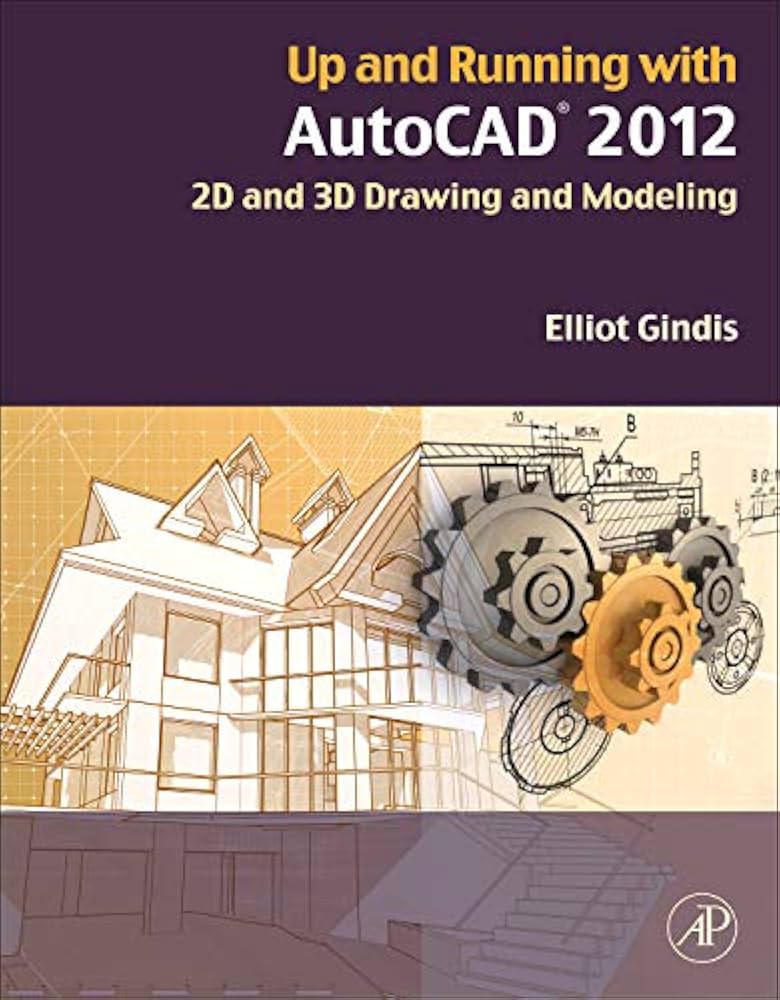
AutoCAD, a flagship product from Autodesk, remains a cornerstone in the world of computer-aided design (CAD). Trusted by millions globally, it provides robust 2D and 3D CAD tools that empower professionals to bring their creative visions to life. This overview delves into the core functionalities, industry-specific advantages, and evolving features of AutoCAD, highlighting why it continues to be an indispensable tool for architects, designers, engineers, and construction professionals.
Key Benefits and Features of AutoCAD
AutoCAD is designed to enhance the design and drafting experience through intelligent features and automations, significantly boosted by Autodesk AI. This integration allows for more efficient workflows, enabling users to focus on creative problem-solving rather than repetitive tasks.
Streamlined Design and Collaboration
AutoCAD facilitates efficient CAD workflows by offering a comprehensive suite of tools for both 2D and 3D design. Its cross-platform compatibility, allowing access to DWG files on desktop, web, and mobile, ensures that design and collaboration can occur seamlessly, irrespective of location or device. This flexibility is crucial for capturing, sharing, and reviewing design ideas on the go.
Enhanced Data Management
For projects within the Architecture, Engineering, and Construction (AEC) industry, reliable data management is paramount. AutoCAD, particularly when integrated with Autodesk Docs, offers a cloud-based common data environment. This CDE streamlines document review and approval processes, ensuring that project data is managed efficiently and securely.
AI-Powered Support and Insights
Autodesk Assistant, integrated within AutoCAD, provides AI-generated support and solutions. Users can ask questions about AutoCAD features and troubleshoot design challenges without leaving their workspace, dramatically reducing downtime and learning curves. Furthermore, “My Insights” offers personalized recommendations based on user behavior, suggesting tips and features to optimize project completion times.
Industry-Specific Toolsets for Enhanced Productivity
A significant advantage of AutoCAD is its collection of industry-specific toolsets, which deliver specialized functionalities and automate common tasks, leading to substantial productivity gains.
- Architecture Toolset: Boosts architectural design and drafting productivity by up to 61% through time-saving features and task automation.
- Mechanical Toolset: Increases productivity by up to 55% with access to over 700,000 intelligent parts and features.
- Map 3D Toolset: Facilitates easy access to data for planning, design, and management with its model-based geographic information system capabilities.
- MEP Toolset: Offers significant time savings in common Mechanical, Electrical, and Plumbing (MEP) design tasks, increasing productivity by up to 85%.
- Electrical Toolset: Enhances productivity by up to 95% with specialized features for creating, modifying, and documenting electrical control systems.
- Plant 3D Toolset: Enables the creation and editing of instrumentation diagrams and 3D models, along with the extraction of piping orthographics and isometrics.
- Raster Design Toolset: Assists in editing scanned drawings and converting raster images into editable DWG objects.
These toolsets are designed to cater to the specific needs of various professional disciplines, ensuring that users have the precise tools required for their specialized tasks.
Innovative Features for Modern Workflows
AutoCAD continuously evolves with new features aimed at improving user efficiency and design quality.
- Smart Blocks: Detect and Convert (Tech Preview): This AI-powered feature automatically converts recognized objects into blocks, simplifying drawing cleanup and consistency.
- Markup Import and Markup Assist: Enables the quick integration of feedback from paper or PDFs. AI automatically executes markup commands, transforming imported comments into actionable design changes.
- Trace: Allows users to annotate and mark design changes without altering the original drawing, fostering a clear review process.
- AutoLISP Enhancements: Support for building and running AutoLISP programs with the integrated Visual LISP IDE further automates complex workflows.
Community and Learning Resources
Autodesk fosters a vibrant community around AutoCAD, offering a wealth of resources for users to expand their knowledge and share insights. The Autodesk Community Forum provides a platform for users to ask questions, share expertise, and collaborate on projects. Additionally, Autodesk University offers numerous sessions and tutorials, including guides on leveraging AutoCAD’s advanced features for more efficient drafting.
Flexible Purchasing Options
AutoCAD is available through various subscription and flex purchase options to suit different user needs and budgets. Options include monthly, annual, and multi-year terms, as well as a pay-as-you-go Flex option with tokens. Autodesk offers a 30-day money-back guarantee on annual and multi-year subscriptions, and a 15-day guarantee for monthly subscriptions, ensuring customer confidence.
AutoCAD’s continuous innovation, comprehensive feature set, specialized toolsets, and strong community support solidify its position as the industry standard for 2D and 3D design and drafting. Whether you are a seasoned professional or new to CAD, AutoCAD provides the tools and resources necessary to excel in your design endeavors. For those looking to explore its capabilities, a free 15-day trial is available.