

A 3-year financial projection template Excel free workbook includes editable assumptions, revenue and expense projections, an income statement, a cash flow forecast, and a balance sheet, all linked so changing one input updates every statement automatically.
A free 3-year financial projection template can help entrepreneurs and small business owners avoid building a financial model from an empty spreadsheet, but the challenge is choosing a workbook that actually connects assumptions, formulas, and financial statements. Many downloadable files contain attractive layouts but lack linked calculations or clear input areas.
A complete 3-year financial projection template Excel workbook should include editable assumptions, revenue projections, expense projections, an income statement, a cash flow forecast, and a projected balance sheet. A suitable template lets you enter your business drivers and produce a connected multi-year forecast without creating every Excel spreadsheet formula from scratch.
What a 3-year financial projection template includes
A 3-year financial projection template is a pre-built spreadsheet model designed to estimate a company’s future financial position over three years. Instead of recording past transactions like accounting software, the workbook uses assumptions such as pricing, sales volume, costs, and growth expectations to calculate possible future outcomes.
For most startups and small businesses, a useful projection workbook contains several connected tabs:
- Assumptions or inputs sheet for business drivers such as prices, customers, growth rates, and operating costs.
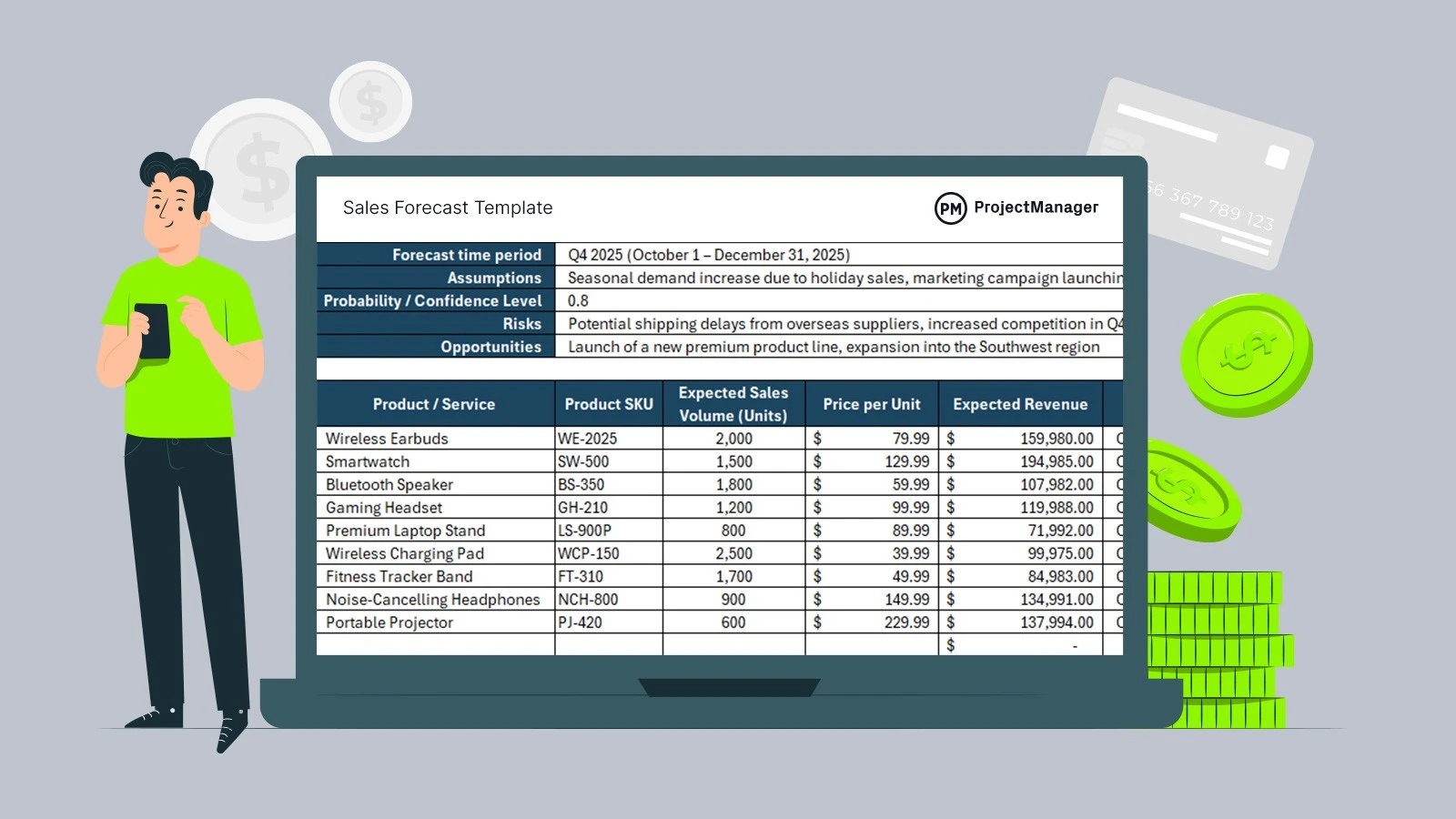
- Revenue forecast sheet showing expected sales by product, service, or customer group.
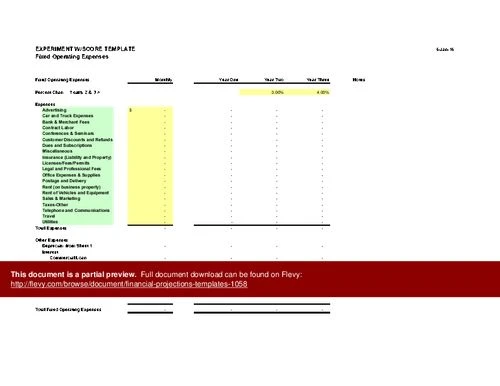
- Expense projection sheet separating fixed costs from costs that change with sales activity.
- Income statement, also called a profit and loss statement, showing revenue, expenses, and projected profit or loss.
- Cash flow statement showing how money moves into and out of the business.
- Balance sheet showing projected assets, liabilities, and owner equity.
The purpose of the three core statements is different. The income statement answers whether the business may generate profit. The cash flow forecast shows whether the business may have enough cash available to operate. The balance sheet shows whether the projected financial position remains internally consistent.
A financial projection template and a financial forecast template are often used interchangeably, but they can serve slightly different purposes. A projection usually focuses on a planned future scenario, often including assumptions about growth or expansion. A forecast may focus more on the most likely expected outcome based on current information.
Choosing a free Excel template for your business needs
Not every free financial model template is suitable for every company. A startup preparing a business plan may need more assumption controls than a small business owner creating an internal budget review.
Before downloading a workbook, check whether it separates input cells from calculated outputs, includes the three financial statements, and explains how formulas flow between tabs. A spreadsheet with only revenue and expense columns may be useful for a simple budget but may not qualify as a complete 3-year projection model.
Common free options include business projection templates available through spreadsheet template libraries such as Microsoft Excel template collections. These can be useful starting points because they usually provide editable structures, but they still require customization for your business model.
Template formats for different planning goals
The best template depends on what decision the forecast needs to support.
Template formats for different planning goals
| Template type | Best for | Key features | Limitations |
|---|---|---|---|
| Startup projection workbook | New businesses preparing launch forecasts or planning documents | Revenue assumptions, operating costs, linked statements, scenario inputs | May require extra customization for complex financing or industry-specific metrics |
| Internal budgeting template | Ongoing expense planning and management reviews | Budget categories, monthly tracking, variance review sections | May not include investor-focused outputs or detailed assumptions |
| Business plan financial model | Formal business plans and external stakeholder reviews | Three-year projections, financial statements, assumption schedules | Can include more sections than needed for simple internal planning |

Workbook checks before downloading a template
A downloadable Excel financial projection template for startups should be reviewed before numbers are entered. The goal is to confirm that the spreadsheet structure can support your forecast rather than simply looking complete.
Check these areas before using the file:
- Confirm that revenue inputs connect to the income statement instead of requiring manual copying between sheets.
- Locate the assumption area and verify that editable cells are separated from formula cells.
- Open key worksheets and inspect formulas for broken references, empty calculation areas, or disconnected totals.
- Check that the balance sheet includes assets, liabilities, and equity rather than only a list of expenses.
A practical warning sign is a workbook where changing a major assumption, such as monthly sales volume, does not change the financial statements. That usually indicates the template is a static document rather than a working financial model.
Setting up your Excel forecast with business assumptions
The quality of a three-year forecast depends more on the assumptions entered into the workbook than on the appearance of the spreadsheet. A well-designed template cannot fix unrealistic inputs.
A reliable setup sequence is to enter business drivers first, then allow formulas to calculate statements from those drivers. Avoid manually typing projected profits or cash balances because those numbers should normally result from connected calculations.
Use this order when configuring a simple Excel template for financial projections:
- Enter core business assumptions such as pricing, expected sales volume, customer activity, and operating drivers before creating statements.
- Build revenue projections from those inputs and separate sales assumptions from calculated totals.
- Add expense projections using categories such as payroll, software, rent, marketing, inventory, and other operating costs.
- Review the connected income statement, cash flow statement, and balance sheet for consistency.
Building realistic revenue assumptions
Revenue assumptions are often the most sensitive part of a startup financial projection spreadsheet because early businesses may have limited historical data. Instead of entering one large growth percentage, break revenue into measurable drivers.
For example, a service business might estimate revenue using the number of customers multiplied by average monthly revenue per customer. A retail business might use units sold multiplied by average selling price. The correct approach depends on what actually creates sales in that business.
A safer way to check revenue assumptions is to ask whether each number has an operational explanation. If sales are expected to increase, the workbook should identify the reason, such as more customers, higher pricing, additional locations, or increased sales capacity.
For a startup, compare the forecast with available operating constraints. A projection that requires more customers than the team can realistically support or more inventory than the business can purchase is not useful even if the formulas work correctly.
Adding expense projections and operating costs
Expense projections should reflect how costs behave as the business grows. Separate fixed expenses from variable expenses so the model can show how profitability changes when sales increase or decrease.
Fixed expenses may include items such as rent, subscriptions, or base salaries. Variable expenses may include transaction fees, materials, shipping costs, or costs directly tied to sales activity.
In practical financial planning work, the easy-to-miss step is connecting expense assumptions to business drivers. For example, adding employees should normally affect payroll and related costs rather than only appearing as a note in the spreadsheet.
Review expense categories using these checks:
- Identify whether each major expense has a reason for changing over the three-year period.
- Compare planned hiring, equipment purchases, or marketing increases against the revenue assumptions that support them.
- Look for expenses that remain unchanged despite a business model that clearly requires more resources as it grows.
Creating connected financial statements in the workbook
A complete financial projection model does not treat financial statements as separate documents. The statements should connect so that changes in assumptions flow through the workbook.
The income statement is usually the starting output. Revenue minus operating expenses produces projected profit or loss. That result can then affect retained earnings on the balance sheet and influence cash movement in the cash flow statement.
A cash flow forecast requires special attention because profitable businesses can still face cash shortages. A business may record sales but not receive payment immediately, creating a difference between accounting profit and available cash.
A projected balance sheet in Excel format should include three main areas: assets, liabilities, and equity. The balance sheet should remain balanced after formulas update. If assets do not equal liabilities plus equity, the model likely has a missing link or incorrect formula.
When building a three-year forecast, many businesses use more detail in the first year and less detail in later years. This creates a useful balance between operational visibility and manageable spreadsheet complexity.
Checking whether your financial model works correctly
A free template is only useful if the calculations behave correctly after customization. Before relying on the forecast, run basic model validation checks.
From an editorial review of financial planning content, the recurring failure mode is treating a completed spreadsheet as accurate simply because every cell contains a number. A forecast needs logical connections, not just filled-in fields.
Use these checks:
- Compare projected profit from the income statement with cash movement in the cash flow statement and investigate large differences.
- Verify that the projected balance sheet remains balanced after changing major assumptions.
- Inspect formulas and worksheet references after adding or deleting rows to find broken links.
Common spreadsheet problems have visible warning signs. A broken formula may display an error message, a balance sheet may stop balancing after one assumption changes, or a cash balance may become negative without a clear operational explanation.
A simple financial model assumptions checklist can include:
- Confirm that revenue assumptions match the sales process used by the business.
- Confirm that expense projections include major operating commitments.
- Confirm that statement totals update automatically when assumptions change.
Comparing projection templates and custom models
A free financial projection template is usually the right choice when the business needs a structured forecast with standard revenue assumptions, operating expenses, and basic financial statements. It provides speed and a proven spreadsheet structure.
A custom financial model becomes more appropriate when the business requires calculations that a general workbook cannot represent clearly.
When to use a template vs. a custom model
| If | Then |
|---|---|
| The business needs standard revenue assumptions, operating expenses, and basic financial statements | Use a free projection template and customize input fields or reporting labels. |
| The business requires specialized revenue drivers, unique operating metrics, or industry-specific reporting | Move toward a customized financial model designed around those calculations. |
| The business includes complex financing arrangements, multiple funding rounds, or detailed capital structures | Use an advanced custom model rather than relying on a basic template workbook. |

The decision is not about whether one approach is better. It is about whether the workbook matches the decisions the business needs to make.
Using a free template effectively for long-term planning
A three-year financial projection should be treated as a planning tool that changes as business conditions change. It is not an accounting record and it cannot guarantee future results.
A useful workflow is to compare actual business results with the forecast regularly and update assumptions when important conditions change. For example, changes in pricing, customer demand, staffing needs, or supplier costs should be reflected in the workbook rather than ignored.
A practical three-year forecast structure often uses more detail when uncertainty is highest.
Situation: An early-stage business uses a three-year projection workbook to track immediate operations while planning longer-term growth.
Steps:
- Create monthly revenue, expense, and cash flow columns for Year 1 to monitor early operating changes.
- Summarize Year 2 and Year 3 projections into annual views while keeping important assumptions visible.
- Compare actual monthly results against the forecast and update future assumptions when business conditions change.
Result: The workbook provides detailed short-term visibility while keeping later-year planning easier to review.
Note: The level of detail should increase when the business has changing drivers, uncertain revenue, or frequent operational decisions.
A simple Excel template for projections works best when it remains understandable. Adding more tabs and formulas does not automatically improve the model if users can no longer identify where assumptions come from.
When a free workbook reaches its limits, the signal is usually operational complexity: multiple revenue models, complicated financing, unusual reporting requirements, or calculations that require repeated manual adjustments.
Open a free 3-year financial projection template today, fill in the assumptions tab first, and check that a change in revenue or expenses updates all three financial statements so you have a working forecast structure instead of only a spreadsheet layout.
FAQ
Can I use a free Excel financial projection template for a startup?
Yes, a free template can work well for a startup as long as it separates input cells from formulas and includes a linked income statement, cash flow forecast, and balance sheet. You’ll still need to customize the assumptions, such as pricing and sales volume, to match your specific business model before relying on the numbers.
How often should I update a three-year financial projection?
You should compare actual results against your forecast regularly and update assumptions whenever important conditions change, such as shifts in pricing, customer demand, staffing needs, or supplier costs. Many businesses track Year 1 in monthly detail and revisit Year 2 and Year 3 assumptions as new information becomes available.
Can a financial projection template replace accounting software?
No, a projection template is not a substitute for accounting software. Accounting software records actual past transactions, while a projection template uses assumptions about future pricing, sales, and costs to estimate where the business may be headed. The two serve different purposes and work best used alongside each other.
When should I create a custom financial model?
A custom model makes sense when your business needs specialized revenue drivers, unique operating metrics, industry-specific reporting, or has complex financing arrangements like multiple funding rounds. If a standard template can’t clearly represent those calculations, moving to a purpose-built model is the more useful option.