
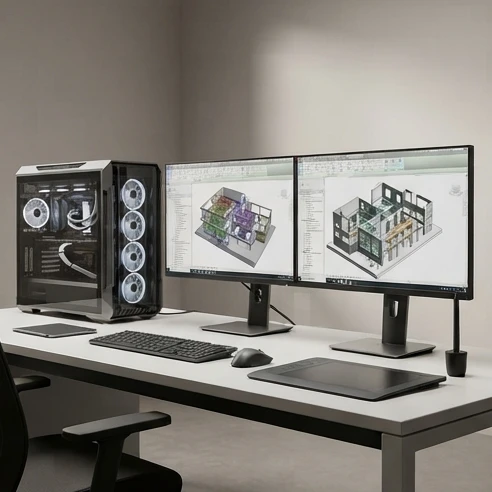
Revit 2025 requires a 64-bit Windows 10 or Windows 11 system, a modern multicore CPU, 16 GB of RAM, 30 GB of free disk space, and a DirectX 11 capable graphics card with Shader Model 5 support and at least 4 GB of video memory. For daily BIM work, 32 GB RAM and an RTX 4060-class GPU are recommended.
IT professionals and architects preparing to install or upgrade to Revit 2025 often run into the same problem: the official spec sheet lists processor classes and memory floors, but it doesn’t say what happens when a 500 MB linked model opens on a four-year-old laptop. This guide breaks down Revit 2025’s minimum, recommended, and performance-tier hardware requirements, then maps each tier to real workload types, so you can check a current machine or a purchase list against what the software actually needs before committing to an installation date.
For a broader overview, see the complete guide to Revit requirements 2025.
At minimum, Revit 2025 needs a 64-bit Windows 10 or Windows 11 installation, a multicore processor with modern 64-bit support, 16 GB of RAM, 30 GB of free disk space, and a DirectX 11 capable graphics card with Shader Model 5 and at least 4 GB of video memory. That baseline is what Autodesk considers sufficient for opening and editing a single model up to roughly 300 MB on disk. Anything larger, or any project involving multiple linked files, pushes a workstation into the recommended or performance tiers covered below.
Revit system requirements 2025 at a glance
Autodesk publishes Revit 2025 system specifications across three practical tiers rather than a single checklist: a Minimum configuration for installation and light editing, a Value tier aimed at typical daily production work, and a Performance tier built for large, heavily linked models and rendering-heavy output. Knowing which tier applies to your actual project size is the real question behind "what pc specs do i need for revit 2025" — the answer depends less on the software version and more on model file size, the number of linked files open at once, and whether you’re rendering or exporting frequently.
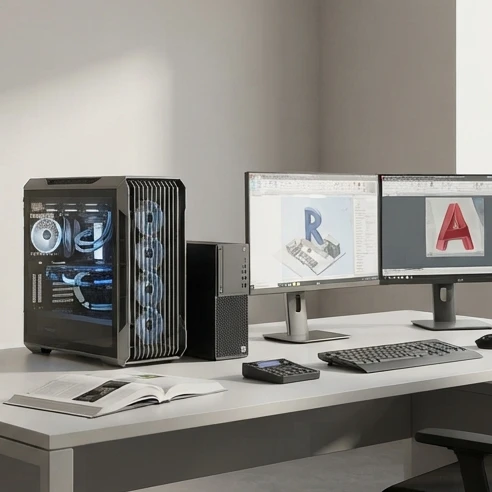
Revit 2025 supports 64-bit Windows 11 as its primary target platform, alongside 64-bit Windows 10 where the underlying hardware still meets current driver and update requirements. This matters for the "revit 2025 system requirements for windows 11" question specifically: there’s no separate hardware bar for Windows 11 versus Windows 10 — the CPU, RAM, and GPU floors are identical across both, and the practical difference comes down to driver support and update compatibility. For more detail on this platform-specific topic, review Revit 2025 system requirements for Windows.
The gap between minimum and recommended specs is not just about numbers on a spec sheet. Doubling RAM from 16 GB to 32 GB changes how many linked models and worksets can stay open simultaneously without triggering out-of-memory warnings, and moving from a basic graphics card to one with more VRAM changes whether view navigation stays smooth once shadows, ambient occlusion, and realistic materials are turned on in a 3D view.
CPU and GPU choices that affect Revit performance
Revit’s performance profile splits cleanly along two axes: how fast a single core can regenerate a view, and how much graphics memory and compute a GPU can throw at real-time viewport rendering. Buying the wrong balance of the two is the most common overspend in Revit hardware purchases.
Revit’s graphics requirements sit on top of a DirectX 11 floor with Shader Model 5 support and dedicated graphics memory at the minimum tier. Above that floor, the Revit 2025 GPU and RAM requirements become the practical question for larger models, because VRAM capacity and memory headroom strongly affect viewport stability.
Storage, display, and operating system setup considerations
Storage gets less attention than CPU and GPU in most requirement discussions, but it’s one of the more common causes of sluggish Revit performance on otherwise well-specced machines. Revit’s central model synchronization, local cache handling, and worksharing all depend on fast, low-latency storage rather than raw capacity alone.
The most reliable way to confirm current specifications is to check the official Autodesk documentation for Revit 2025 system requirements official, since driver certification lists and minor thresholds can change between releases.
Choosing a Revit 2025-ready computer setup
The most common purchasing mistake is buying to the minimum tier and expecting recommended-tier performance. A close second is over-investing in a top-tier CPU while leaving RAM at 16 GB — since Revit slowdowns on real projects often show up as memory pressure and disk I/O bottlenecks, that combination wastes budget on the wrong component.
FAQ
Can Revit 2025 run without a dedicated graphics card?
Revit 2025 requires a DirectX 11 capable graphics solution with Shader Model 5 support and dedicated graphics memory at the minimum tier. While some systems may open and edit smaller models with limited graphics hardware, dedicated graphics are recommended for smoother 3D views, larger models, and professional BIM workflows.