
If you have ever spent twenty minutes hunting through folders for the right Revit family, only to load the wrong version into your model, you already understand why Revit content management matters. Architecture and engineering teams juggle thousands of components, systems, annotations, and details across dozens of active projects, and keeping that library organized by hand quickly becomes unmanageable. Kinship was built to solve exactly this problem, giving firms a single, searchable home for their Revit content and a fast, native way to bring it into their models.
Why Revit Content Management Matters for Design Teams
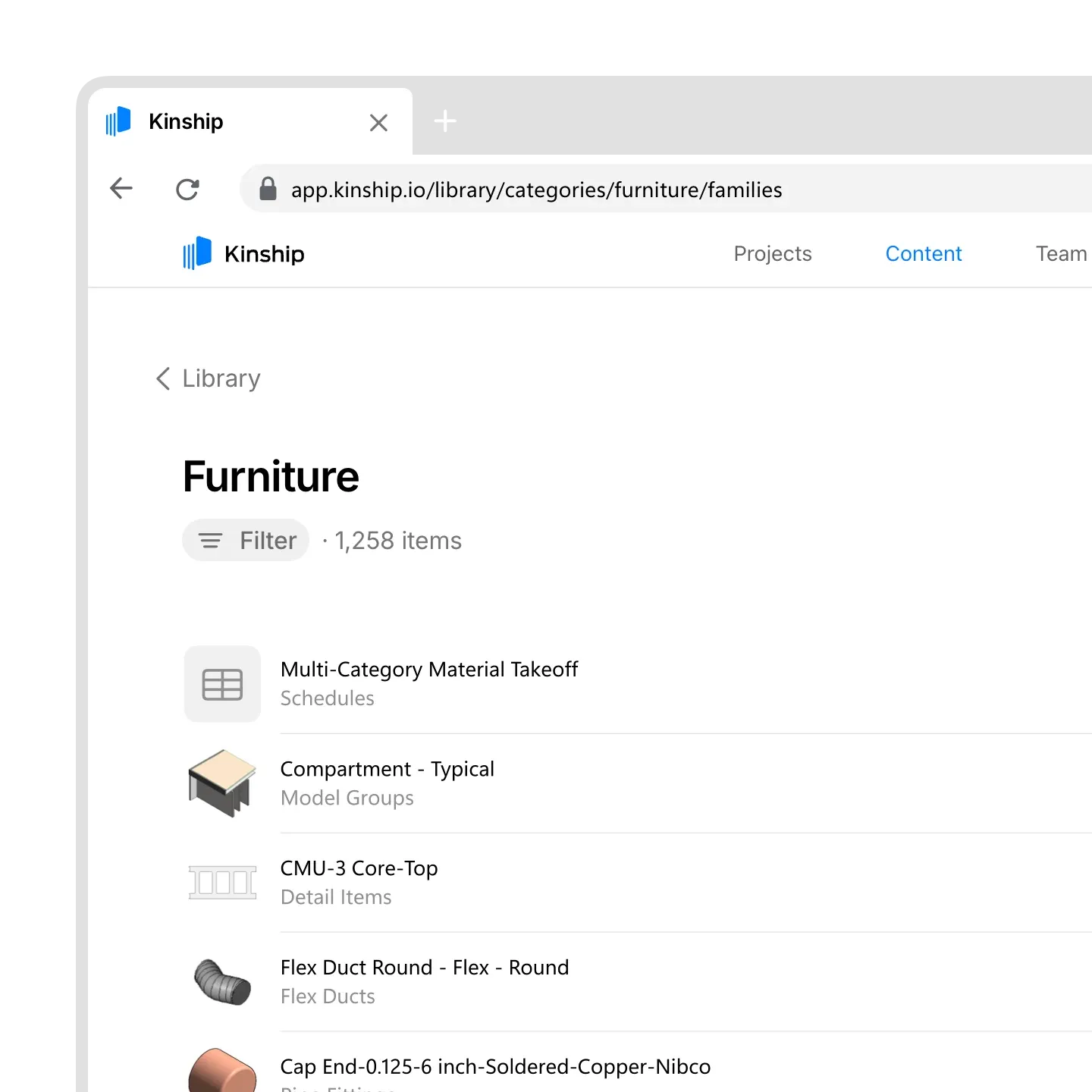
Every architecture and engineering firm accumulates a sprawling collection of Revit content over time: families, groups, sheets, schedules, legends, and more. Without a proper system, this content ends up scattered across shared drives, personal folders, and outdated network locations. Teams lose track of which version is current, who last edited a family, and where a component has already been used. Effective Revit content management addresses all of this by bringing every asset into one organized, searchable library that reflects how a team actually works.
Kinship approaches this by letting firms organize their libraries into shared, restricted, or project-specific collections, so the right people have access to the right content without wading through irrelevant files. Rather than treating content as static files sitting in a folder, the platform tracks how and where each piece of content is actually used across live projects, giving teams visibility they simply cannot get from a traditional file server.
Searching and Loading Content Without Leaving Revit
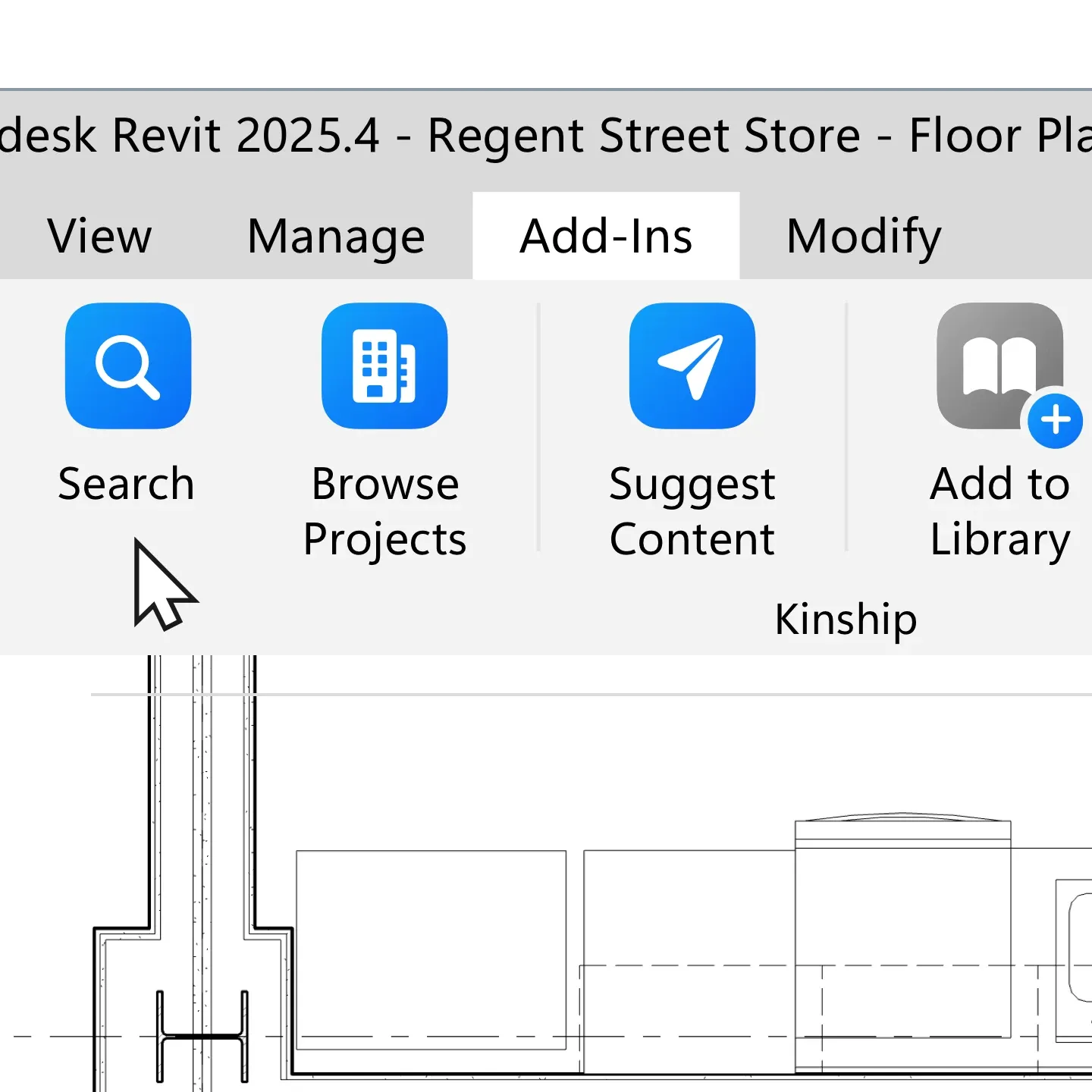
One of the biggest time drains in any BIM workflow is switching between Revit and a separate file browser just to locate a component. Kinship’s add-in solves this by bringing the entire content library directly into Revit itself. Instead of clicking through nested folders, users can search for what they need right inside the software they are already working in, with results that update instantly as they type.
The search experience is also context-aware. Results are filtered based on the family data itself, the current project, and even the version of Revit being used, so teams are far less likely to accidentally load an incompatible or outdated family into their model. Once the right item is found, loading it takes a single click — no manual file management, no version confusion, and no interruption to the design process.
Keeping Model Health and Content Quality in Check
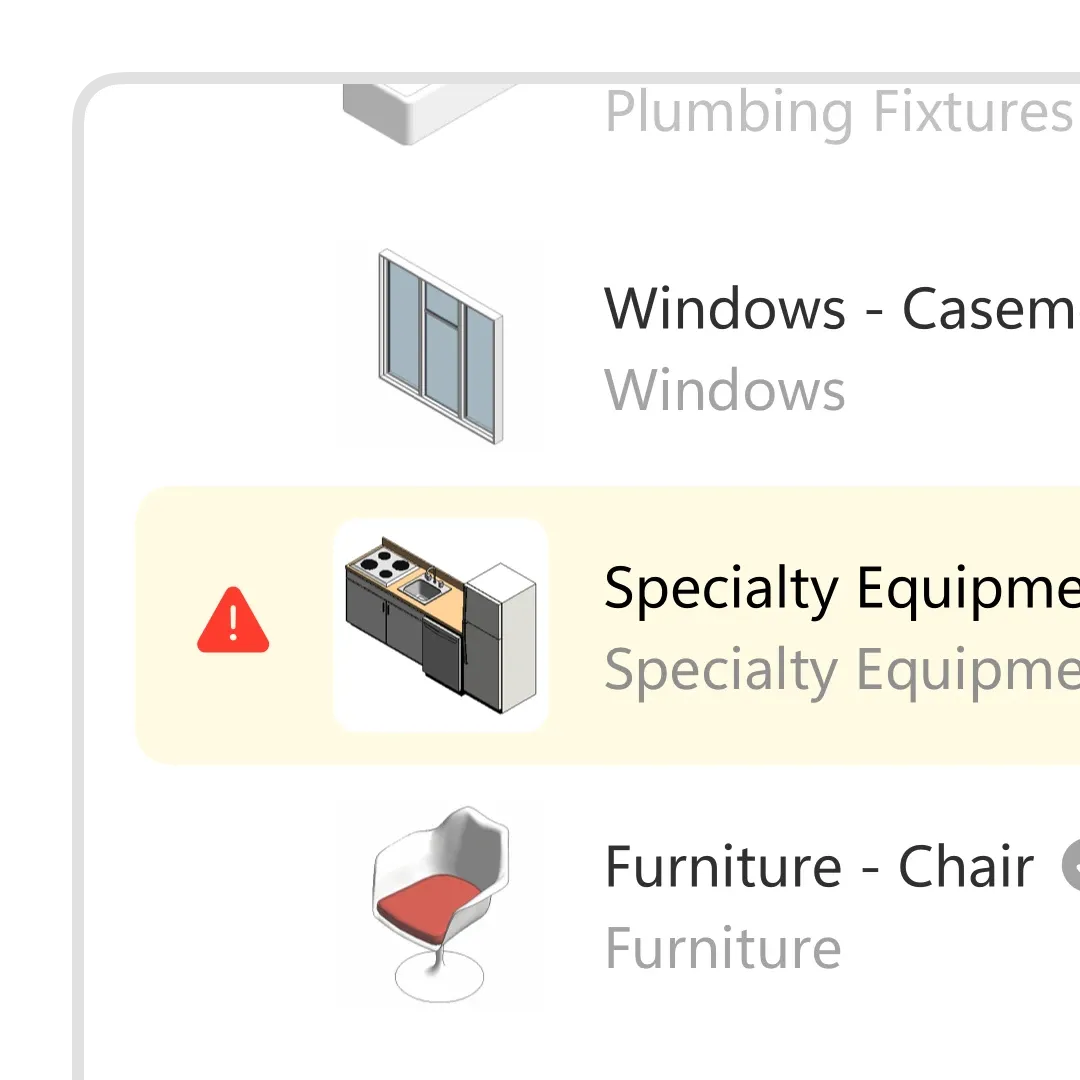
Beyond simple storage and search, a mature Revit content management system should help teams catch problems before they escalate. Kinship automatically monitors family health, flagging issues that could otherwise snowball into larger modeling headaches down the line. This kind of proactive quality control is especially valuable for larger firms managing dozens of active projects at once, where a single corrupted or bloated family can quietly slow down an entire team.
The platform also tracks broader model performance indicators such as sync times, warning counts, and file size, giving IT staff and BIM managers a clearer picture of overall model health without having to open each project individually. Combined with reporting on Revit installations, crashes, and devices across the firm, this turns content management from a purely organizational task into a genuine operational advantage.
Reporting, Compliance, and Browser-Based Access
For teams that need to go beyond day-to-day content organization, Kinship also supports quantity checks, content source tracking, and parameter data reporting, which can be especially useful for compliance-driven projects or firms that need to document exactly what content was used and where. Because all of this information lives in the cloud, it stays current automatically, and firms with more advanced needs can go further still with API and SQL access for custom reporting and integrations.
Everything can also be reviewed directly from a browser, without needing to open Revit at all. This makes it easy for project managers, coordinators, or clients to check on content usage and model status without requiring specialized software knowledge.
 Web browser dashboard showing project data and analytics reports
Bringing It All Together
Strong Revit content management is not just about tidiness — it directly affects how quickly and accurately a design team can work. By centralizing libraries, enabling instant in-Revit search, monitoring family and model health, and offering flexible reporting, Kinship removes much of the friction that traditionally comes with managing large volumes of BIM content. For firms tired of digging through folders or worrying about outdated families sneaking into a model, a dedicated content management platform can make a meaningful difference in daily workflow efficiency.
Firms interested in seeing how this fits into their own process can request a personalized walkthrough with a Revit specialist to explore which plan and features best match their team’s size and needs.