
If you’ve been searching for pyRevit 2025, you’re not alone. Many Revit users transitioning to the latest version of Autodesk’s software have been asking the same question that surfaced repeatedly across the pyRevit community forum: is a stable, official release of pyRevit for Revit 2025 available yet, and if so, how do you install it without breaking your existing pyRevit 2024 setup? This guide walks through what the community has learned so far, based on real troubleshooting threads and developer responses.
Is There an Official pyRevit 2025 Release?
For much of 2024, the honest answer was no. Early forum discussions from July 2024 confirmed that only a beta release existed at that point, with no official version ready for production use. This is common with major Revit releases, since Autodesk’s shift to .NET Core (netcore) for Revit 2025 required significant rework under the hood for third-party tools like pyRevit, not just a simple recompile.
By August 2024, progress accelerated. Developer Jean-Marc Couffin announced that the pre-release build was approaching 99% readiness, and encouraged users comfortable with some instability to try the WIP (Work In Progress) installers, which require a GitHub account to access. This kind of early access is typical for open-source tools undergoing a major platform migration, and it gave power users a chance to start testing pyRevit in Revit 2025 months before a fully polished release.
Community members who tested the WIP builds reported that while some “turbulence” was expected, the update was largely functional. One long-time user noted that even Dynamo’s development team hadn’t fully resolved similar Python.NET compatibility issues in Revit 2025 at that stage, which put pyRevit’s progress into useful context. This kind of comparison across tools is valuable for anyone evaluating how mature the Revit 2025 ecosystem really is.
Common Installation Problems: pyRevit 2024 and 2025 Conflicts
The most persistent issue reported by users wasn’t whether pyRevit worked in Revit 2025, but whether it could coexist with an existing pyRevit installation for Revit 2024 on the same machine. Several BIM managers and coordinators, including staff at architecture and engineering firms running mixed-version offices, ran into the same wall: installing pyRevit 5.0 for Revit 2025 while keeping pyRevit 4.8 for Revit 2024 active proved difficult.
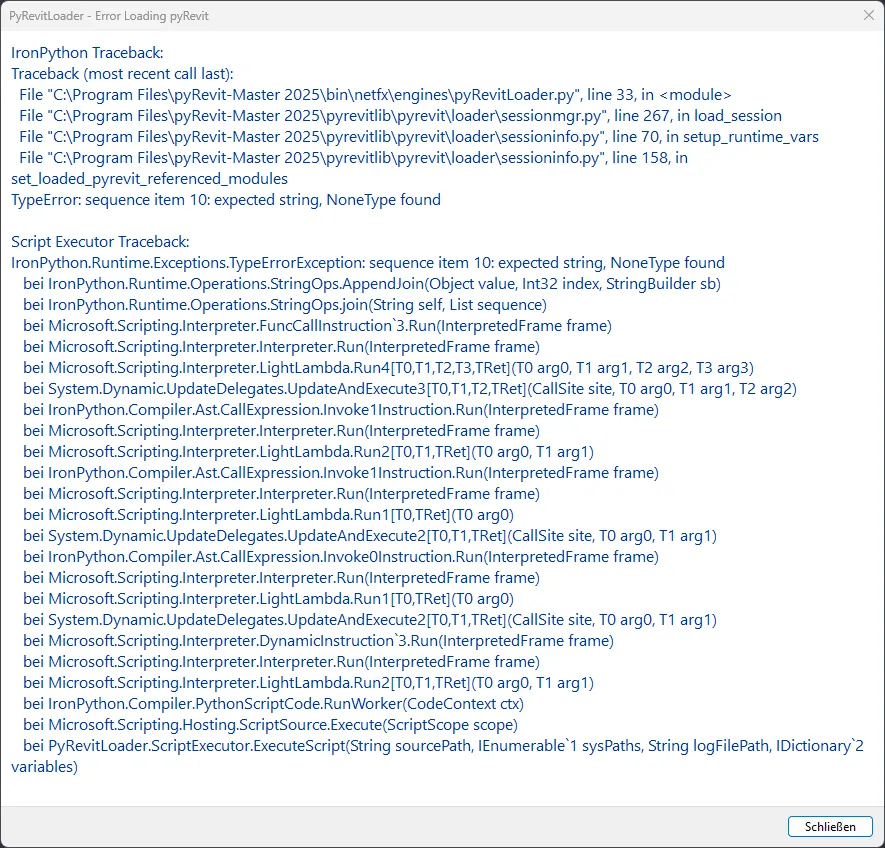
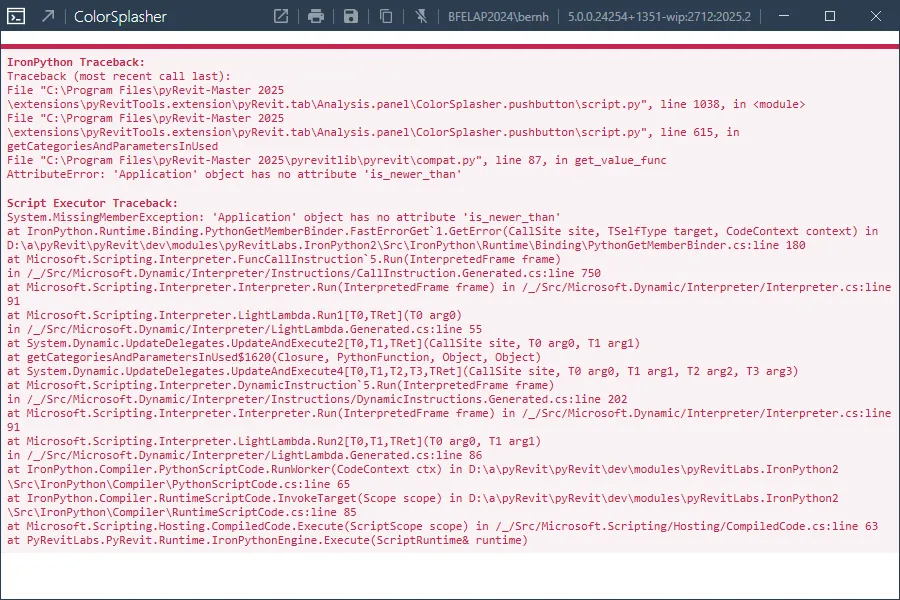
One user described a detailed troubleshooting process: uninstalling both releases, deleting the associated folders, and reinstalling each version into separate directories, one labeled for the 2024 build and one for the 2025 build. Despite this careful separation, error messages still appeared when launching certain tools. In Revit 2024, an error screen would surface after installation. In Revit 2025, running utilities such as the Color Splasher tool produced a similar failure message.
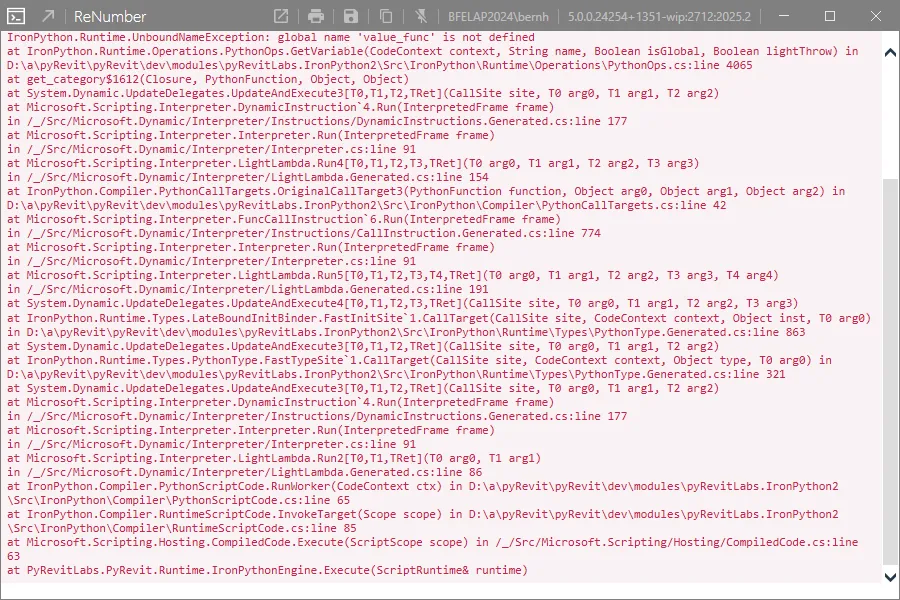
A separate error also appeared when attempting to use the Renumber tool in Revit 2025, reinforcing that the conflict wasn’t isolated to a single feature but affected multiple extensions dependent on the same underlying pyRevit engine.
This is a meaningful pain point for firms managing mixed project teams, where some architects have already upgraded to Revit 2025 while others remain on Revit 2024 for compatibility with ongoing projects. Losing pyRevit functionality in either version, even temporarily, disrupts workflows that rely on tools like Tap Coloring, Make Pattern, Color Splasher, and Renumber, all of which were specifically praised by users as core to their daily modeling process.
The Recommended Fix: Use the Regular WIP Installer
Developer Jean-Marc Couffin clarified that a specific installer set does work correctly for Revit 2025 without requiring users to manually manage separate folders. He pointed users toward the regular WIP installer rather than a manually configured dual-folder setup.
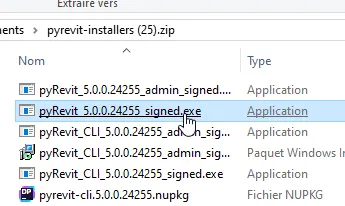 pyRevit installer download interface referenced by developers for Revit 2025 setup
However, even with this installer, some users found a new limitation: installing pyRevit for Revit 2025 removed the tool from previously installed Revit versions, rather than allowing both to run side by side. This matches a broader known issue tracked separately in the community, where users have documented that pyRevit 4.8.16 and pyRevit 5.0 cannot always coexist cleanly on the same system, depending on installer version and configuration.
Where Things Stand Now
As of early 2025, the picture became clearer. While a fully polished, official stable release for Revit 2025 had not been finalized for roughly six months after Revit 2025’s launch, the WIP installers remained functional and were confirmed by the development team as the recommended path for anyone needing pyRevit support now rather than waiting. Accessing these installers still requires a GitHub account, and users are directed to the orange installer button on the official WIP release page.
For firms and individual users planning to move to Revit 2025, the practical takeaway is straightforward: expect to use the WIP installer rather than a traditional stable release, be prepared for occasional inconsistencies between tool versions, and report any bugs directly on GitHub so the development team can continue refining compatibility. Given how extensively the Revit 2025 platform change affected third-party Python-based tools industry-wide, not just pyRevit, this cautious, community-tested rollout approach reflects the scale of the underlying technical challenge rather than a lack of progress.
If your team is currently juggling Revit 2024 and Revit 2025 projects simultaneously, plan installation carefully, test on a non-critical machine first, and stay engaged with the community forum, where ongoing fixes and installer updates continue to be shared as they become available.