
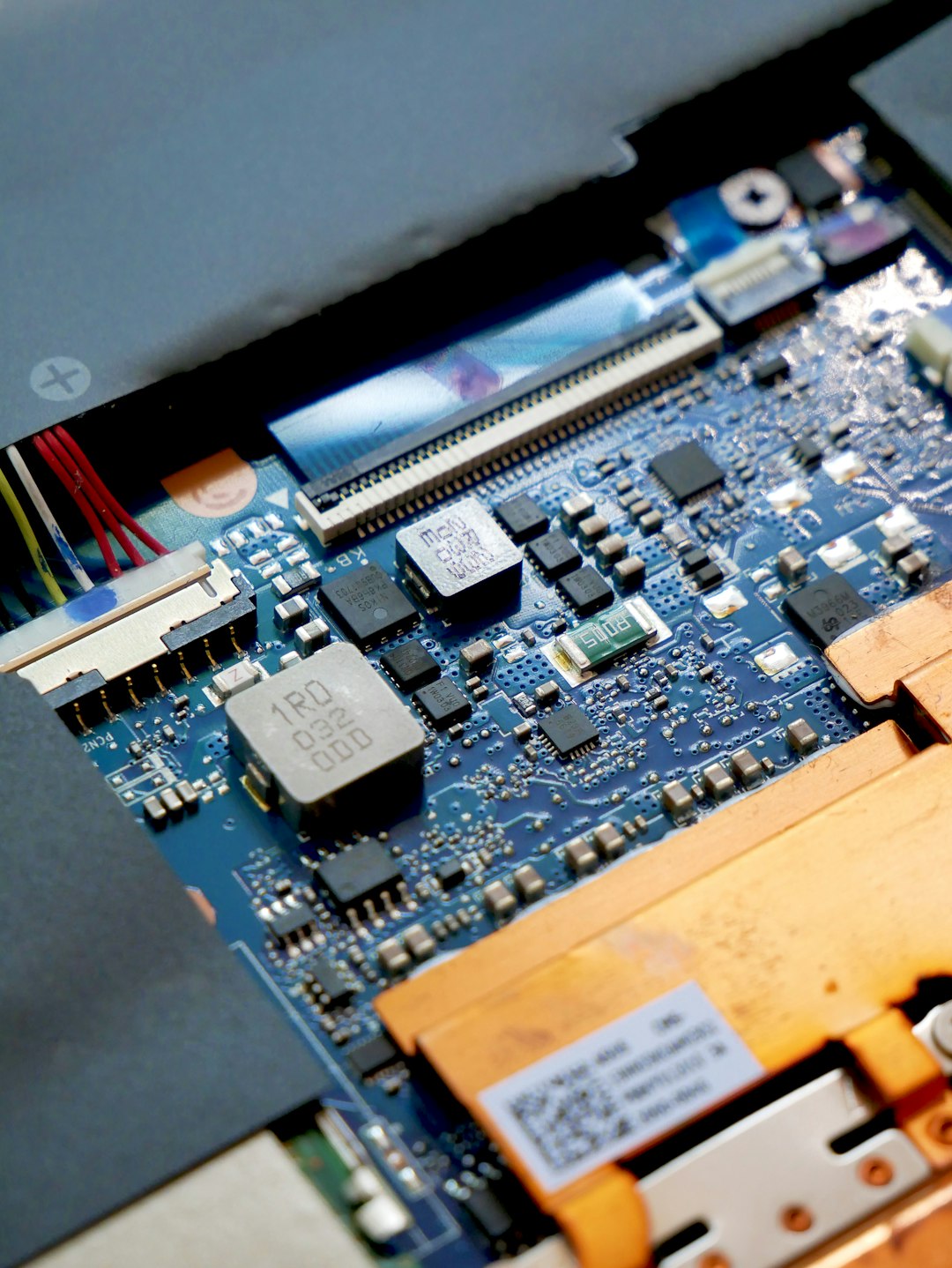
The backbone of modern computing, PCIe, or Peripheral Component Interconnect Express, is a high-speed interface standard crucial for connecting internal components within a computer system. Primarily, it serves as the communication highway between the motherboard and expansion cards like graphics cards, network cards, and storage controllers. Understanding PCIe is essential for any tech enthusiast looking to optimize their system’s performance and capabilities.
PCIe slots, distinguished by their data lane configurations – commonly x1, x4, x8, and x16 – dictate the bandwidth available for data transfer. A higher number of lanes directly translates to faster communication between the motherboard and the connected expansion card, impacting overall system responsiveness and performance. Learn more about how PCI Express is taking over.
Exploring the Different Types of PCIe Slots
PCIe slots are categorized by their physical size and the number of data lanes they support, denoted by an “x” followed by a number. This designation is critical as it determines the potential data transfer rate.
- PCIe x1: The most compact slot, featuring a single data lane. It’s typically used for less bandwidth-intensive expansion cards such as sound cards, network adapters, and Wi-Fi cards.
- PCIe x4: With four data lanes, this slot offers increased bandwidth compared to an x1 slot. It’s a common choice for storage controllers, RAID cards, and certain sound cards.
- PCIe x8: Boasting eight data lanes, the x8 slot provides substantial bandwidth. It’s often found in systems that utilize high-performance network adapters or specialized data acquisition cards requiring rapid data throughput.
- PCIe x16: This is the largest and highest bandwidth slot, equipped with 16 data lanes. It is almost exclusively used for graphics cards (GPUs) and is vital for demanding applications like gaming, content creation, and professional workstations.
It’s worth noting that motherboard manufacturers might offer variations in slot configurations. Furthermore, the actual bandwidth of any PCIe slot is also dependent on its generation, such as PCIe 3.0, 4.0, or 5.0, which significantly influences device performance.
What Constitutes a PCIe Card?
A PCIe card, or PCI Express card, is an expansion card designed to interface with a computer’s motherboard via a PCIe slot. These cards are instrumental in augmenting a computer’s inherent capabilities by introducing new functionalities not built into the motherboard. The diversity of PCIe cards caters to a wide array of user needs.
Common examples of PCIe cards include:
- Graphics Cards (GPUs)
- Network Interface Cards (NICs)
- USB or Firewall Expansion Cards
- Storage Controller Cards
- Sound Cards
- Capture Cards
These examples illustrate the versatility of PCIe cards in customizing and upgrading computer systems for specific purposes, from enhanced gaming and multimedia experiences to robust networking, advanced storage solutions, and professional workflows.
Understanding the PCIe Lane
A PCIe lane is the fundamental unit of data transfer within a PCIe connection. It acts as a dedicated data channel, facilitating bidirectional communication between the motherboard and an expansion card. Each lane comprises a set of differential signal pairs, one for transmitting and one for receiving data, engineered to maintain signal integrity even at extremely high speeds.
The aggregate bandwidth of a PCIe slot is determined by the number of lanes it incorporates. More lanes mean a wider data pathway, leading to higher transfer rates and improved performance for the connected device. The physical layout of these lanes on the motherboard involves intricate wiring or traces designed to minimize signal interference and ensure reliable data transmission.
A Comparative Look at PCIe Generations
The evolution of PCIe technology has been marked by significant improvements in data transfer rates and bandwidth with each new generation.
- PCIe 1.0 / 1.1 (2003/2005): Introduced higher speeds than its predecessor, the PCI interface, with a maximum bandwidth of 250 MB/s per lane and 4 GB/s for an x16 slot.
- PCIe 2.0 (2007): Doubled the per-lane bandwidth to 500 MB/s, achieving 8 GB/s in an x16 slot, offering a noticeable performance boost.
- PCIe 3.0 (2010): Further doubled the per-lane bandwidth to 1 GB/s (16 GB/s for x16), catering to increasingly demanding applications.
- PCIe 4.0 (2017): Achieved another doubling, reaching 2 GB/s per lane (32 GB/s for x16), providing greater bandwidth for high-performance graphics cards and SSDs.
- PCIe 5.0 (2019): Pushed bandwidth to 4 GB/s per lane (64 GB/s for x16), supporting the next wave of data-intensive applications.
- PCIe 6.0 (2022): Reached 8 GB/s per lane (128 GB/s for x16), representing the cutting edge of high-speed data transfer for future computing platforms.
Each successive generation offers enhanced bandwidth, crucial for supporting advancements in graphics, high-speed storage, and other data-hungry technologies.
PCIe at Crystal Group
Crystal Group’s current server offerings leverage PCIe Gen 5 bus speeds, effectively doubling the throughput of Gen 4. This adoption is rapidly becoming an industry standard, with platforms like Intel’s Sapphire Rapids and AMD’s EPYC utilizing PCIe Gen 5 for internal and external peripheral communication. You can find these advanced platforms in our FG2 rugged servers, available today. The primary beneficiaries of these accelerated bus speeds are SSDs and GPUs, as the demand for faster storage and computational acceleration continues to grow. While PCIe Gen 6 is anticipated, it may still be some time before it becomes widely available.