
Revit, a powerful Building Information Modeling (BIM) software, is essential for architects, engineers, and construction professionals. However, with numerous resources available, choosing the right Revit tutorial or book can be daunting. This guide summarizes the best Revit resources for both beginners and advanced users.
5 Key Tips for Choosing a Revit Tutorial or Book
Assess Your Current Level: Start with basic tutorials if you’re new to Revit. Look for detailed guides on the software interface and fundamental functions.
Understand the Content: A good tutorial should cover a wide range of topics, including architectural modeling, structural design, and Revit MEP. A clear structure helps you follow and practice step-by-step.
Quality and Reliability of Sources: Prefer materials from reputable training centers or experienced authors in the architecture field. This ensures accurate information and updates on the latest Revit features.
Learning Methods: Choose tutorials that include video instructions or practical exercises to apply theoretical knowledge effectively. Online courses are also flexible and offer instructor support.
Feedback from Other Learners: Before purchasing or enrolling in a course, read reviews from previous students to gauge the quality of the tutorial.
Top Revit Tutorials and Books (2025)
Revit 2021 PDF Tutorial
Compiled by Expert Nguyen Phuoc Du, with years of experience in architecture, this tutorial covers 8 chapters with detailed instructions presented scientifically. It helps users familiarize themselves with the Revit interface and apply knowledge to real-world projects. Practical exercises are designed to follow BIM workflow in architecture, structure, and MEP, improving system thinking and Revit skills.
Download Revit 2021 PDF here.
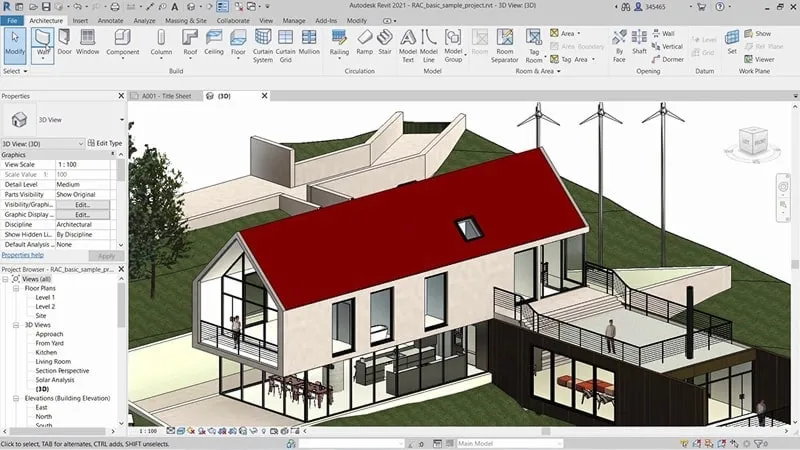
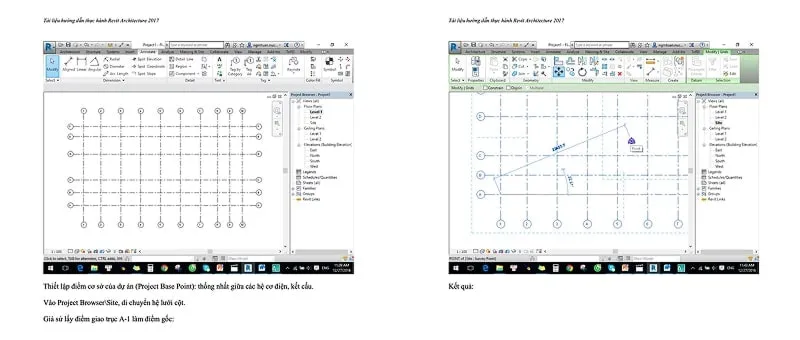
Revit Architecture PDF
This in-depth guide covers architectural design, including practical exercises and examples. It is essential for students and recent graduates.
Download Revit Architecture PDF here.
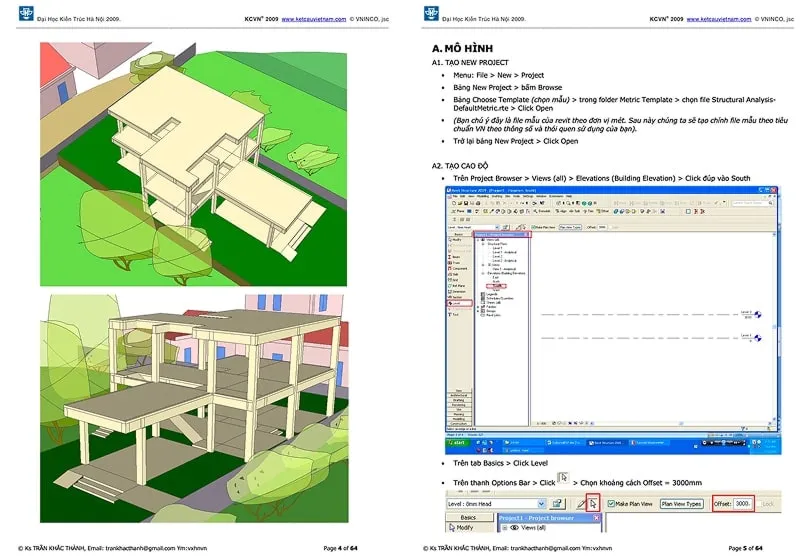
Revit Structure Tutorial
From Hanoi University of Architecture, this tutorial is ideal for those wanting to improve their structural design skills in Revit. It covers drawing columns, beams, foundations, and display management, helping users understand the necessary skills for real project implementation.
Download Revit Structure Tutorial here.
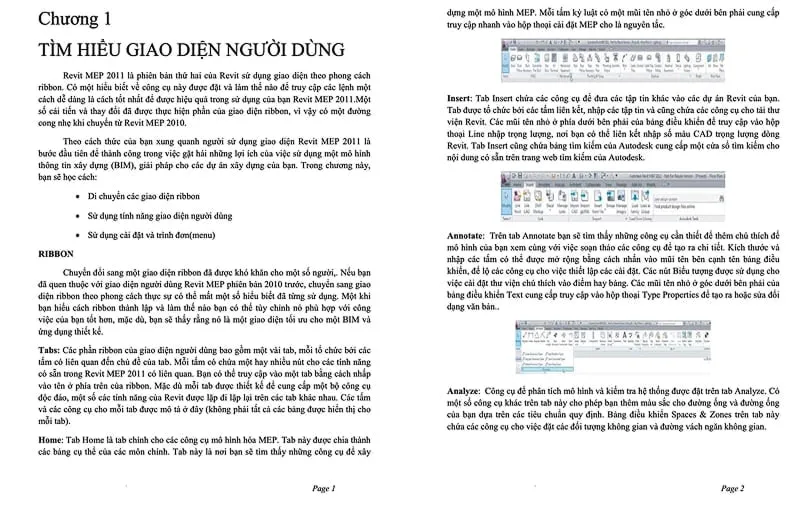
Revit MEP Tutorial
Designed for mechanical, electrical, and plumbing (MEP) engineers, this tutorial helps them understand how to design, manage electrical, water, and ventilation systems in construction projects. It covers 3D modeling for MEP systems, creating technical drawings, and improving workflow efficiency.
Download Revit MEP Tutorial here.
 Revit MEP Tutorial Content
Top 3 Self-Study Revit Tutorials
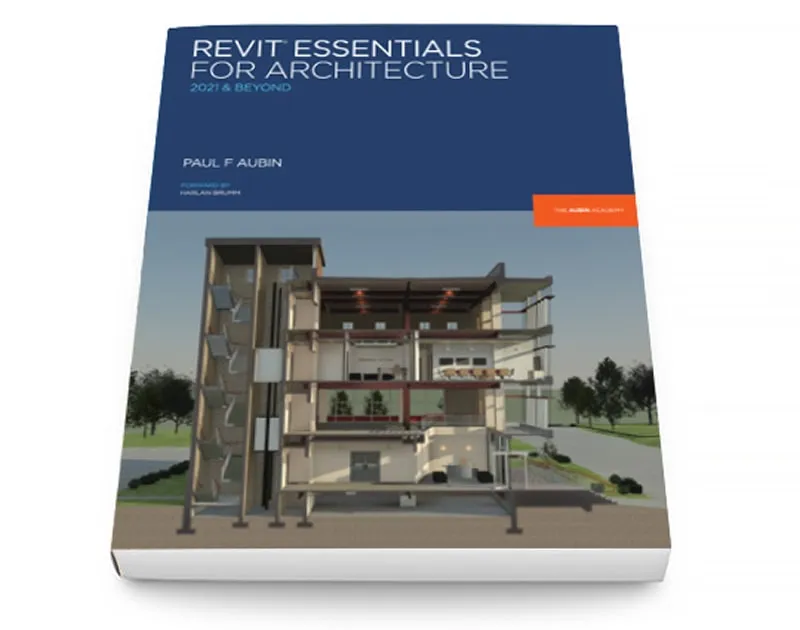
Revit Essentials for Architecture – Paul Aubin
A comprehensive guide to Autodesk Revit for architecture, focusing on practical exercises. It covers the BIM workflow, improving productivity, and optimizing work processes.
Key Features:
- Covers essential skills for Revit architectural design.
- From basic to advanced, including model creation, drawing setup, documentation, linked file management, and team collaboration.
- Combines teaching experience and practical knowledge.
- Practical exercises based on real projects.
- Tips from BIM Managers for effective project information management.
Download Revit Essentials for Architecture here.
Renaissance Revit – Paul Aubin
For those who love classical architecture and modern technology, this book by Paul Aubin combines the two worlds. It teaches Revit Family Editor to create complex shapes while understanding the design thinking of architectural masters.
Download Renaissance Revit here.
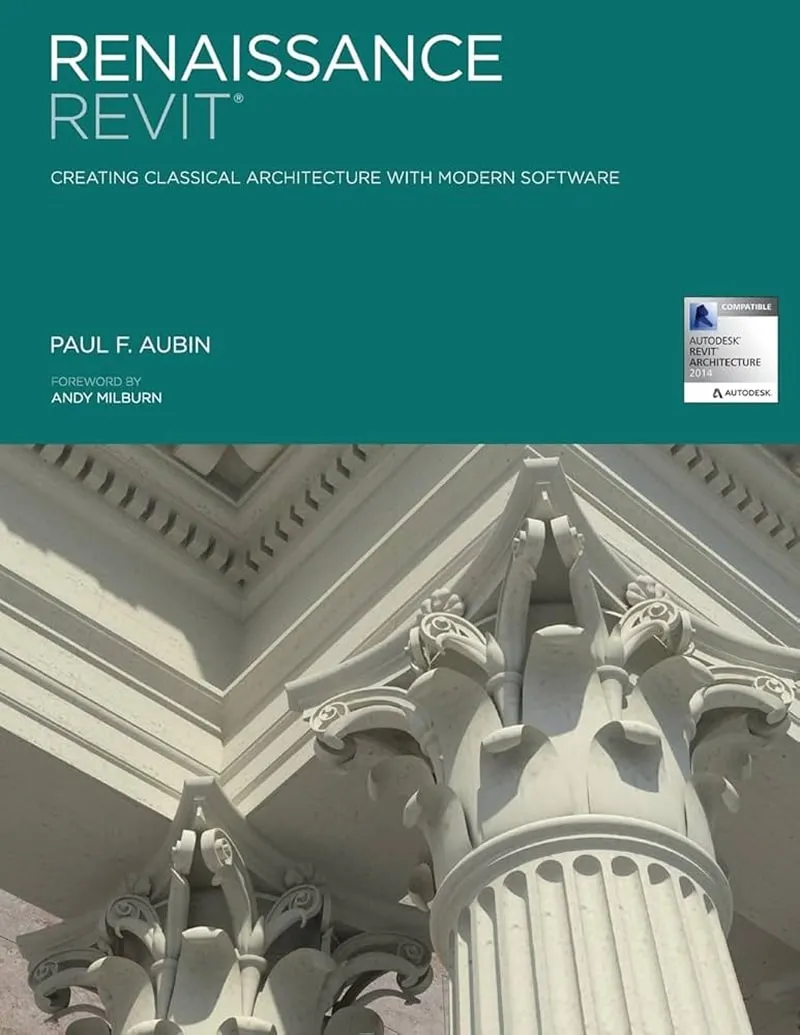 Renaissance Revit Book Cover
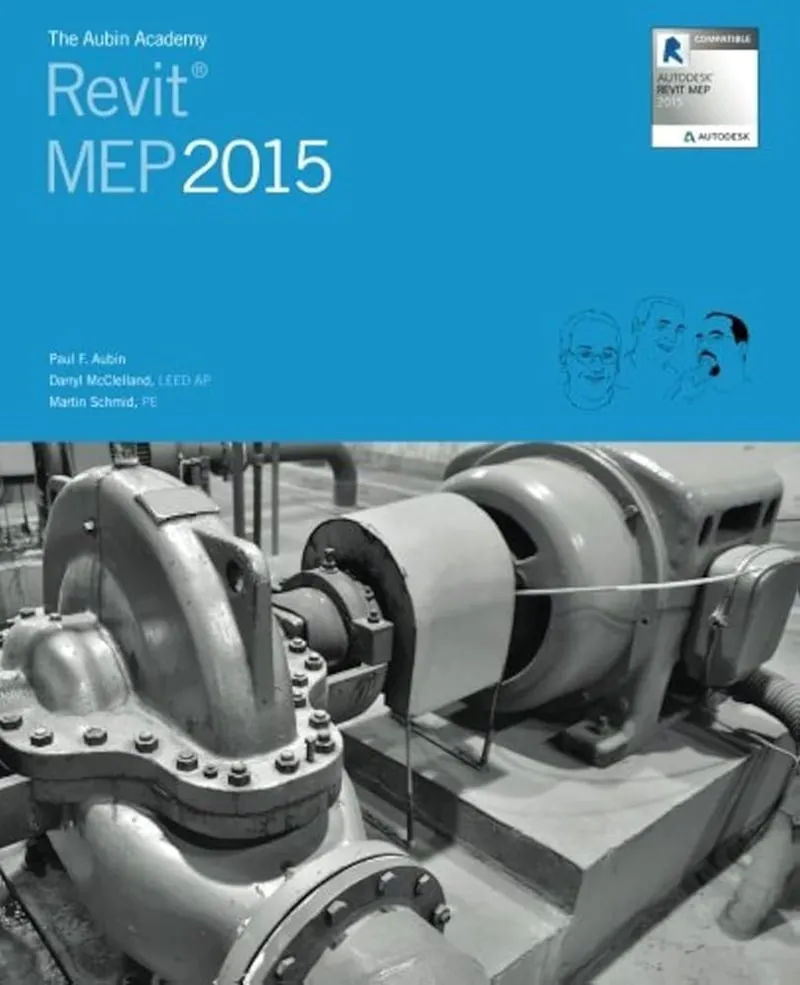
The Aubin Academy: Revit MEP – Darryl McClelland, Martin Schmid, Paul Aubin
A detailed guide to Revit MEP, focusing on practical workflow. It covers creating design drawings and construction documents according to industry standards.
Key Features:
- Teaches through a logical workflow, reflecting real project implementation.
- Applies Revit MEP to BIM processes, optimizing MEP design.
- Suitable for all skill levels.
Download The Aubin Academy: Revit MEP here.
Basic Concepts in Revit PDF Tutorials
- Modeling: All drawings in Revit are representations of a virtual construction model. Revit uses this model to coordinate and manage changes in the project.
- Elements: Represent real components in the 3D model of Revit and have relationships with each other.
- Parameters: Determine the size, shape, location, and material of elements in the model. These relationships are