
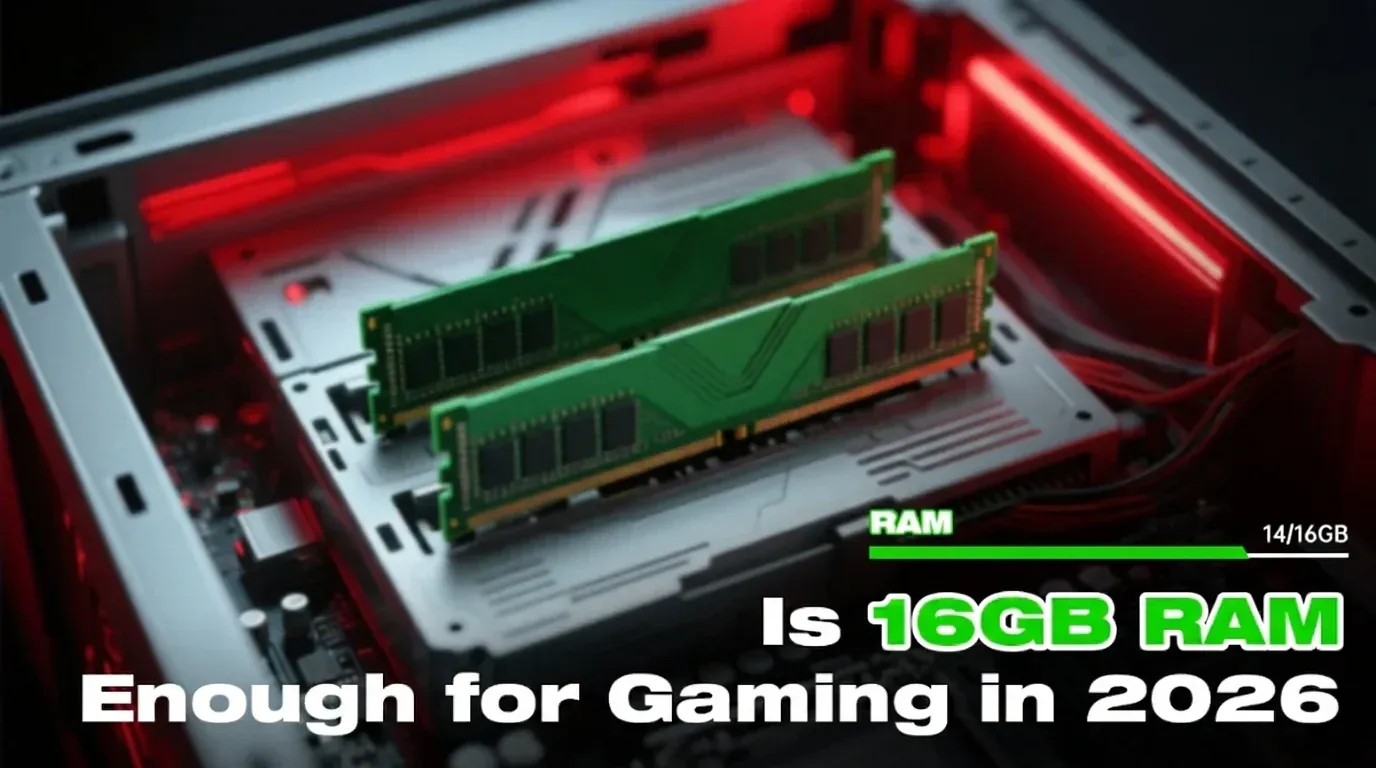
As we step into 2026, gamers are constantly asking: Is 16GB RAM enough for modern gaming? For most players, 16GB remains the entry-level standard, supporting everything from fast-paced shooters to sprawling RPGs. When paired with a capable CPU and GPU, this amount of memory provides sufficient headroom for smooth gameplay and multitasking without breaking the bank.
System memory plays a key role in ensuring fast loading, smooth asset transitions, and preventing stutters, particularly in high-detail open-world games. With 16GB, you can comfortably run background applications such as game launchers, voice chat, and drivers alongside your main game. However, during intense gaming scenes, memory usage can peak around 12GB, leaving minimal buffer for additional applications or future game releases.
Games That May Push 16GB to Its Limits
While 16GB is sufficient for the majority of games, modern titles at ultra settings or with heavy mods may start to reveal its constraints. Here’s a quick reference for RAM requirements in popular games:
| Game Title | Minimum RAM | Recommended RAM |
|---|---|---|
| Cyberpunk 2077 | 8GB | 16GB |
| Call of Duty: Warzone | 12GB | 16GB+ |
| Baldur’s Gate 3 | 8GB | 16GB+ |
| Fortnite | 8GB | 16GB |
| Valorant | 4GB | 8GB |
| Red Dead Redemption 2 | 8GB | 16GB |
| Hogwarts Legacy | 16GB | 32GB (Ultra w/ RT) |
For budget setups or competitive eSports titles, 16GB is typically enough. For AAA games at 1440p or higher, 32GB provides extra stability and future-proofs your system.
Benchmark Insights: 8GB vs 16GB vs 32GB
Upgrading from 8GB to 16GB offers the most noticeable improvement, eliminating slowdowns and reducing crashes. Moving from 16GB to 32GB offers smaller frame rate gains unless running multiple high-memory applications alongside gaming.
| RAM Size | Average FPS (AAA titles) | System Responsiveness | Multitasking Stability |
|---|---|---|---|
| 8GB | 50–65 (some stutter) | Sluggish | Limited |
| 16GB | 70–90 (stable) | Smooth | Moderate multitasking |
| 32GB | 72–95 (very stable) | Ultra-smooth | Excellent |
For most gamers, 16GB hits the sweet spot between cost and performance. Higher capacities mainly benefit streamers, content creators, or those aiming for maximum future-proofing.
The Importance of RAM Speed and Dual-Channel Setup
RAM configuration significantly affects gaming performance. Using a dual-channel 2×8GB setup is preferable to a single 16GB stick, enhancing bandwidth and reducing potential bottlenecks in CPU-bound scenarios.
Multitasking Challenges with 16GB RAM
Gamers often run multiple applications alongside their main game:
- Chrome with many tabs: ~2GB
- Discord voice/chat: ~500MB
- Game launcher + anti-cheat: ~1GB
Combined with a heavy game, this can reach 14–15GB of RAM usage, leaving minimal free memory. Systems may then rely on virtual memory, introducing latency and occasional stuttering if your SSD isn’t high-speed.
Game Settings That Impact RAM Usage
Optimizing settings is essential with limited memory:
| Setting | RAM Load Impact | Recommendation |
|---|---|---|
| Texture Quality | High | Reduce from Ultra to High |
| Shadow Resolution | Moderate | Medium or High |
| View Distance | High | Medium |
| Ray Tracing | Low (GPU-heavy) | Disable if unnecessary |
| Post-Processing Effects | Low | Keep high if desired |
Lowering these options can free 2–3GB of RAM, improving performance on resource-intensive titles.
When to Upgrade to 32GB
Consider upgrading if you:
- Play heavily modded or sandbox games like Skyrim or Cities: Skylines
- Stream or record gameplay with overlays
- Run multiple apps simultaneously (Chrome, OBS, Discord, Spotify)
- Perform video editing or 3D rendering
For typical single-game players, 16GB remains sufficient for at least the next few years.
Monitoring and Optimizing RAM Usage
Keep an eye on RAM consumption to avoid performance issues:
- Windows Task Manager: Quick snapshots
- MSI Afterburner + RivaTuner: Real-time in-game overlay
- HWInfo: Detailed diagnostics
Optimization tips:
- Close unnecessary browser tabs
- Disable auto-start apps via Task Manager
- Enable Windows Game Mode
- Use a static pagefile to minimize disk thrashing
FAQs About 16GB RAM for Gaming
Q1: Will 16GB affect FPS?
Minor stutters may occur if RAM fills up, but FPS is generally stable.
Q2: Is dual-channel memory important?
Yes, it significantly boosts memory bandwidth for smoother gameplay.
Q3: Is 16GB enough for gaming and streaming?
For light streaming, yes. Heavy streaming requires 32GB.
Q4: Will 16GB suffice by 2026?
Yes, for most mainstream and competitive games.
Q5: Upgrade RAM or GPU first?
Prioritize GPU unless RAM is below 16GB or single-channel.
Q6: Most RAM-intensive settings?
Texture quality, view distance, and AI behavior.
Conclusion: 16GB RAM in 2026 – Smart Enough for Gamers?
Even with modern apps and AI tools consuming significant memory, 16GB remains adequate for mainstream gaming. For competitive titles or budget-conscious setups, it’s a reliable choice. If building a new PC for AAA games at high resolution or multitasking heavily, 32GB is a worthy investment. Dual-channel RAM, proper configuration, and monitoring background usage ensure the best performance.
Bottom line: For most gamers today, 16GB is enough, and smart configuration often outweighs sheer capacity.