
Gaming posture is a critical factor for anyone who spends long hours playing PC or console games. Whether you’re a competitive esports player, a streamer, or a casual gamer, the way you sit directly affects your comfort, focus, and long-term physical health. Understanding proper gaming posture helps reduce strain and supports better performance during extended gaming sessions.
In this guide on gaming posture, we break down what it is, why it matters, the risks of poor habits, and how you can improve your setup to minimize discomfort and injury risks over time.
What is gaming posture?
Gaming posture refers to the body position you maintain while playing video games, usually in a seated position. It includes how your head, spine, shoulders, arms, hips, and legs are aligned during gameplay.
Good posture is not just about sitting “straight.” It involves balancing your entire body in a way that reduces unnecessary stress on muscles and joints while you focus on the game.
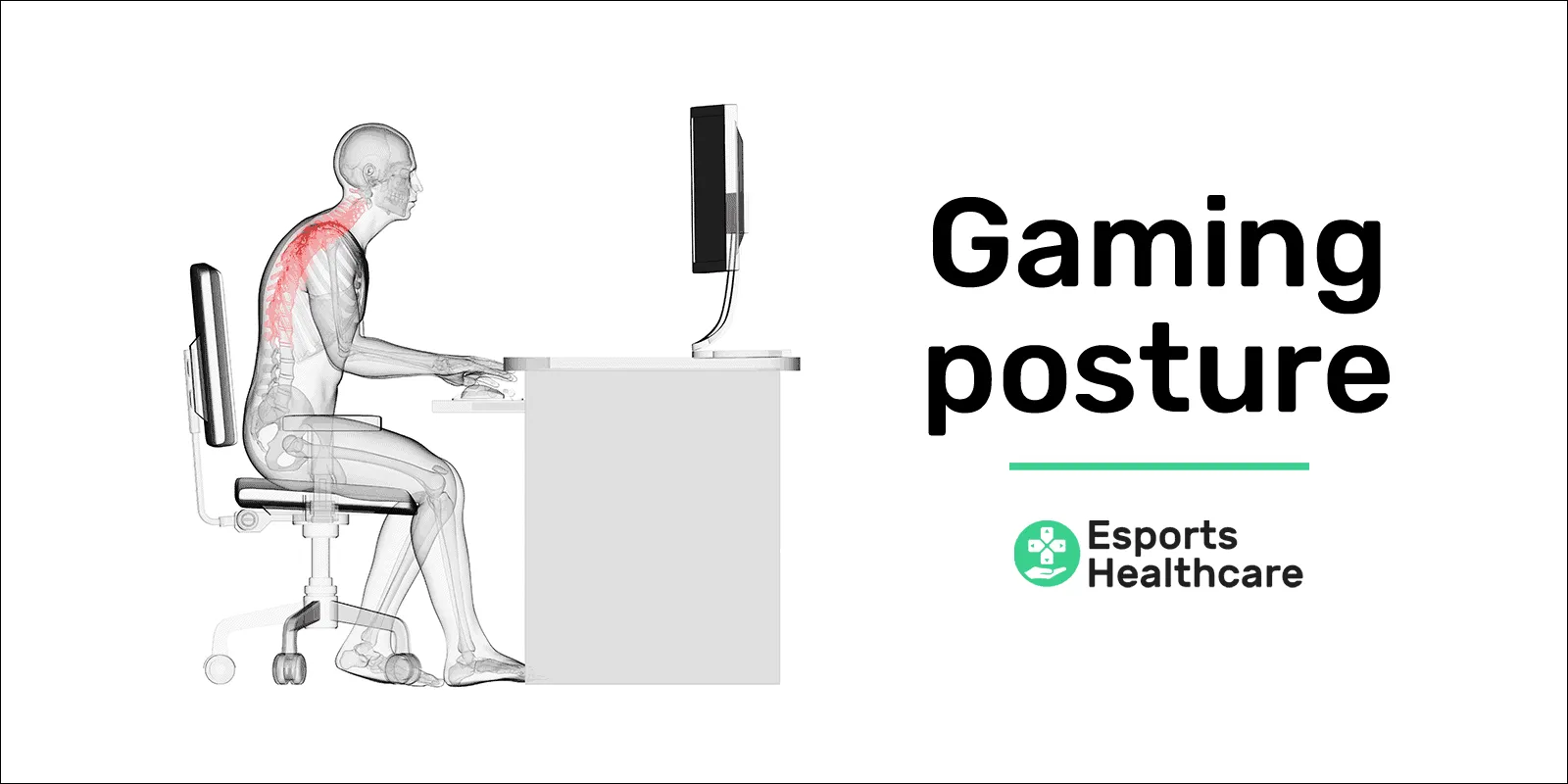
Most gamers naturally adopt a relaxed or forward-leaning position during gameplay, especially during intense moments. However, these habits can build up strain over time if not managed properly.
The problem with long gaming sessions
One of the biggest issues in modern gaming is not just posture itself, but prolonged sitting. Even if your posture is “good,” staying in one position for hours can still create physical stress.
The human body is designed for movement, not long static positions. When you sit for extended periods, circulation slows down, muscles tighten, and joints become stiff. Over time, this can contribute to discomfort and reduced mobility.
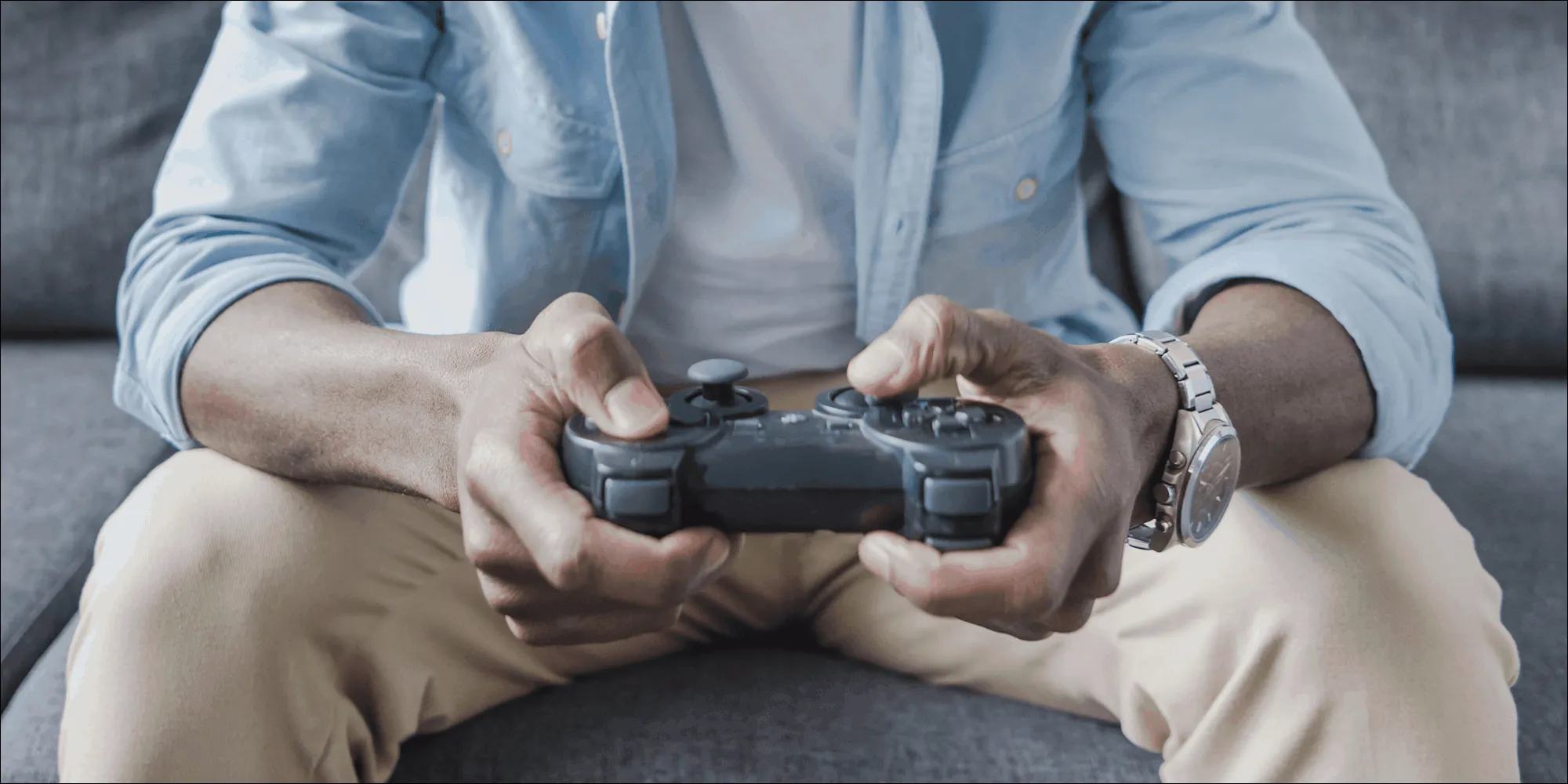
Many gamers unintentionally lean forward, rest their elbows on their knees, or hunch their shoulders during intense gameplay. These habits may feel natural in the moment but can lead to imbalance in posture mechanics.
Risks of poor gaming posture
Poor gaming posture combined with long sitting sessions may increase the risk of several physical issues. These are not immediate injuries, but rather conditions that can develop gradually over time.
Postural issues
Long-term imbalance in sitting posture can contribute to:
- Lower back pain
- Neck strain
- Upper and lower crossed syndromes
These issues often result from muscles becoming either too tight or too weak due to repetitive positioning.
Overuse injuries
Repetitive gaming movements (mouse, keyboard, controller use) may also contribute to:
- Mouse elbow (lateral epicondylosis)
- Gamer’s thumb (De Quervain’s condition)
- Shoulder strain from prolonged arm elevation
Nerve-related discomfort
Extended poor posture can also compress nerves, potentially leading to:
- Carpal tunnel symptoms
- Cubital tunnel irritation
- Sciatic-like discomfort
Long-term spinal stress

Extended slouched positions may increase pressure on spinal structures. Over time, this can contribute to stiffness, reduced mobility, and increased risk of degenerative changes in spinal discs and joints.
Why posture breakdown happens during gaming
Gaming posture tends to deteriorate due to three main factors:
1. Focus intensity
During competitive moments, players naturally lean forward and reduce awareness of body position.
2. Lack of movement breaks
Long gaming sessions without breaks reduce circulation and increase muscle fatigue.
3. Improper setup
Chair height, monitor position, and desk alignment all influence how your body compensates during play.
Even small setup issues can push the body into awkward positions over time.
How to improve your gaming posture
Improving gaming posture does not require perfect alignment—it requires better habits and better setup adjustments that reduce strain during long sessions.
Ergonomic awareness and posture correction
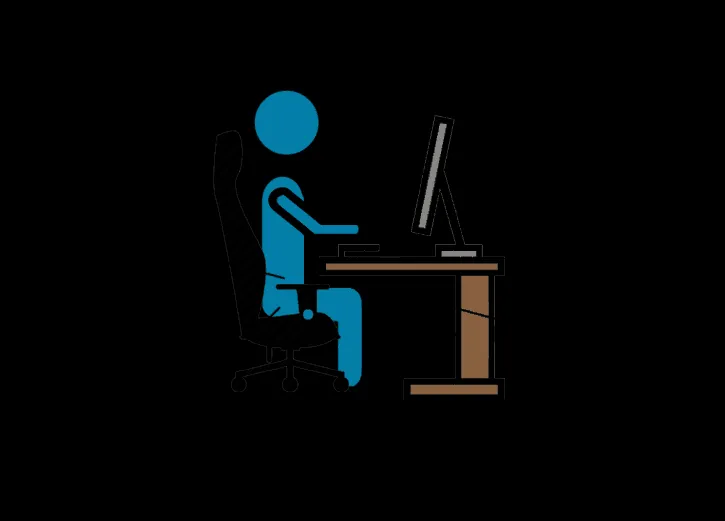 Gaming posture diagram showing correct alignment of head, spine, arms, and legs
A more sustainable gaming posture focuses on reducing tension rather than forcing rigid positioning.
Key principles include:
- Keep your head aligned with your shoulders
- Avoid excessive forward leaning
- Support your lower back
- Keep elbows relaxed at roughly 90 degrees
- Ensure feet remain flat on the floor
Upper body alignment
Your upper body plays a major role in maintaining healthy gaming posture:
- Keep your shoulders relaxed, not shrugged
- Avoid rounding your upper back forward
- Maintain a neutral neck position to reduce strain
Small adjustments here can significantly reduce tension buildup during long sessions.
Chair and desk setup
Your equipment setup strongly influences your posture habits:
- Chair height should allow feet to rest flat on the ground
- Knees should remain at a comfortable 90-degree angle
- Desk height should support natural arm positioning without shoulder lift
If your setup forces you to reach, lean, or hunch, your posture will automatically adapt in a harmful way.
Breaks and movement strategy
Even the best gaming posture cannot fully eliminate the risks of prolonged sitting. Movement is essential.
Regular breaks help:
- Restore circulation
- Reduce muscle stiffness
- Reset posture habits
- Improve focus and reaction time
Short breaks between matches or every 45–60 minutes are highly recommended.
Posture training and support exercises
Some gamers benefit from mobility and stretching routines designed to counteract sitting strain.
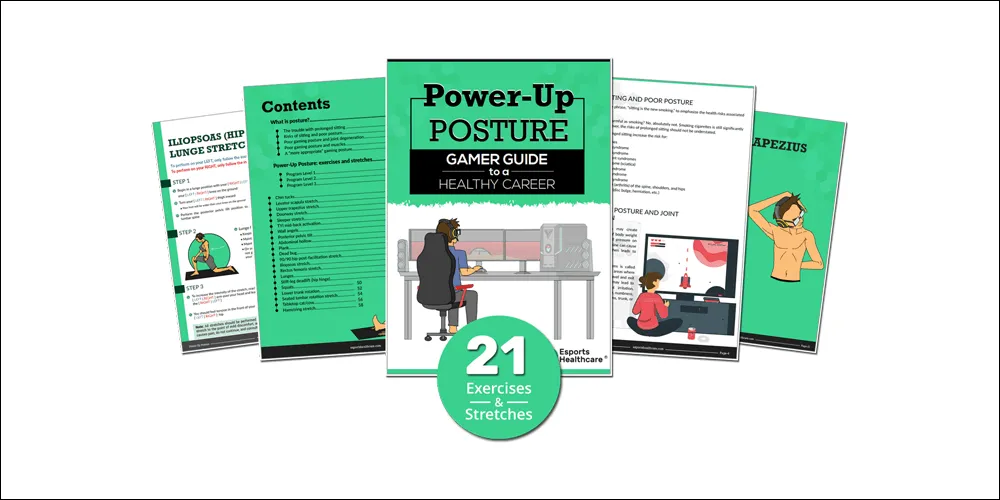
These programs typically focus on:
- Stretching tight hip flexors and chest muscles
- Strengthening upper back muscles
- Improving shoulder stability
- Enhancing core support
Consistent practice can help restore balance in the body over time.
Building a healthier gaming routine
Improving gaming posture is not just about sitting correctly—it’s about building a sustainable routine that supports long-term health.
This includes:
- Adjusting your gaming setup for comfort
- Taking regular movement breaks
- Staying aware of posture during gameplay
- Incorporating light stretching or mobility work
Small improvements made consistently are more effective than attempting perfect posture all at once.
Conclusion
Gaming posture plays a significant role in your long-term comfort, health, and performance. While there is no single “perfect” posture, reducing strain through better setup, awareness, and movement habits can greatly improve your gaming experience.
By combining ergonomic adjustments with regular breaks and body awareness, gamers can reduce the risks associated with long gaming sessions and maintain better physical condition over time.
Whether you are a competitive player or a casual gamer, improving your gaming posture is one of the simplest ways to support both health and performance in the long run.
References
- Esports Healthcare – Gaming Posture & Ergonomics Guide: https://esportshealthcare.com/guide-to-healthy-gaming/
- Esports Healthcare – Lower Back Pain from Gaming: https://esportshealthcare.com/lower-back-pain-from-gaming/
- Esports Healthcare – Neck Pain in Gamers: https://esportshealthcare.com/neck-pain-from-gaming/
- Esports Healthcare – Upper Crossed Syndrome: https://esportshealthcare.com/upper-crossed-syndrome/
- Esports Healthcare – Carpal Tunnel Syndrome: https://esportshealthcare.com/carpal-tunnel-syndrome/