
In the world of modern engineering and architecture, CAD files serve as the “source documents” for every technical drawing. Gone are the days when engineers and architects had to manually draft designs on paper; today, the entire design process is digitized and stored as CAD data. These files do more than just store geometric shapes—they contain precise dimensions, annotations, layers, and critical metadata that ensure a design is interpreted with absolute accuracy across the entire supply chain.
In the ecosystem of AutoCAD, the most dominant software in the industry, two primary formats prevail:
- DWG: The native format for AutoCAD, capable of storing comprehensive 2D and 3D design data.
- DXF (Drawing Exchange Format): A highly compatible format designed for seamless data exchange between AutoCAD and third-party software.
Understanding the distinction between DWG and DXF is essential for professionals to choose the right format when archiving work or sharing data with external partners.
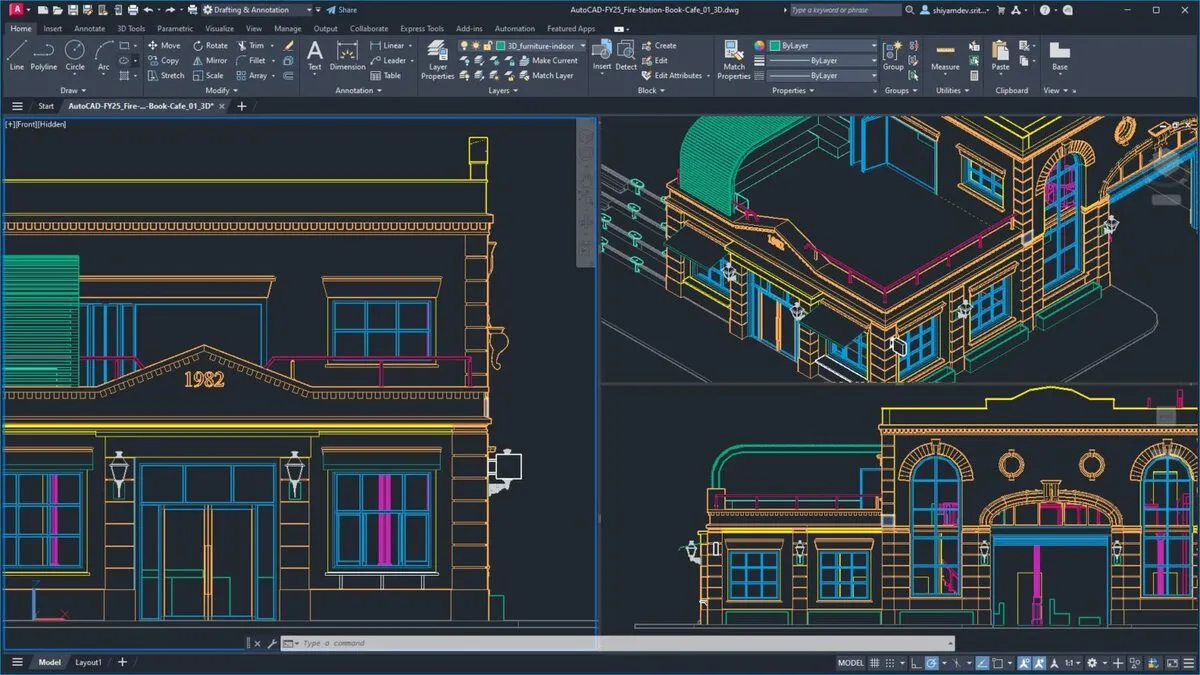
Effective Creation and Management of CAD Files
Working with AutoCAD often involves managing hundreds of drawings and various iterations. Without a clear management strategy, users risk data loss or version confusion. To maintain a professional workflow, Autodesk recommends several best practices for file management:
- Standardized Naming Conventions: Use clear, consistent names that reflect the project, date, and status.
- Structured Directory Systems: Organize files into logical folder hierarchies to ensure quick retrieval.
- Cloud Storage Integration: Leverage cloud platforms to ensure files are accessible from any location.
- Version Control: Implement a system to ensure all team members are always working on the most recent design iteration.
A robust management process reduces errors, saves significant time, and ensures synchronization across multi-disciplinary teams.
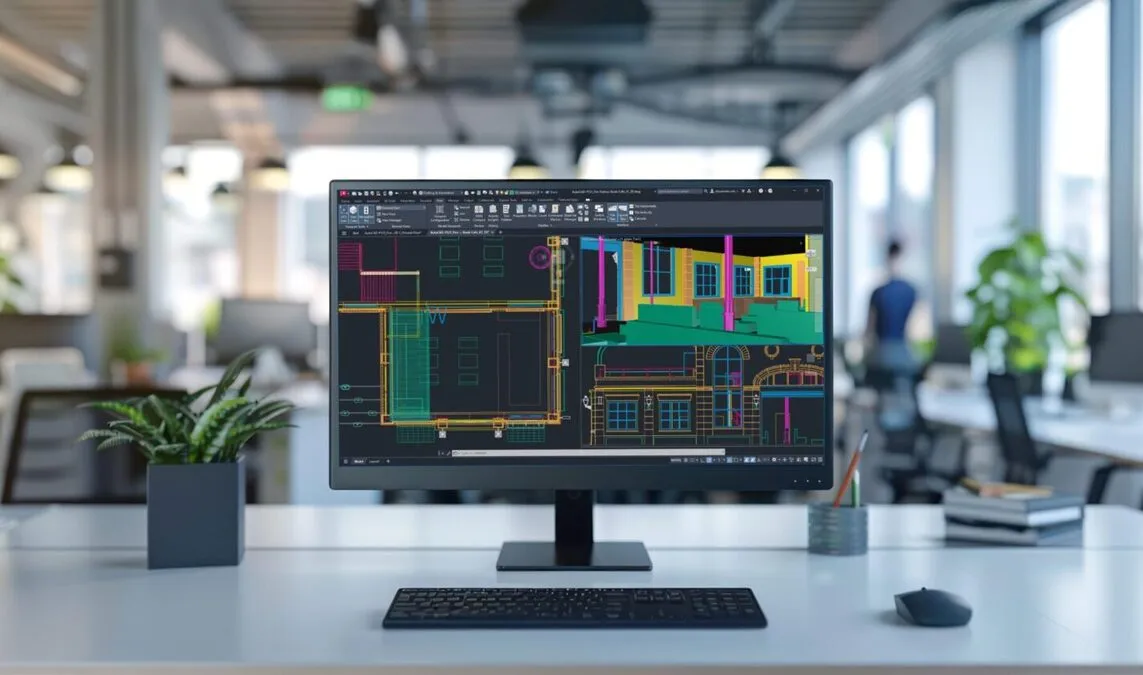
Advanced Methods for Sharing CAD Data
Because they contain dense technical data, CAD files can become quite large, making them difficult to share via traditional methods like email. Autodesk has developed several specialized tools to facilitate easier collaboration:
- Cloud-based Sharing: Simplifies the transfer of large-scale datasets.
- Autodesk Viewer: A web-based tool that allows stakeholders to view drawings directly in a browser without needing to install the full software suite.
- AutoCAD Web: Enables users to not only view but also edit drawings directly in a browser, making it an ideal solution for remote work or on-site adjustments at construction locations.

File Format Conversion and Workflow Flexibility
Flexibility is key in technical workflows. Often, users need to convert CAD files into different formats for presentations, printing, or client reviews. PDF is the most common choice, as it allows anyone to view the drawing without specialized CAD software. AutoCAD supports high-quality PDF exports that maintain the integrity of the original vectors.
Conversely, if a user receives a PDF or a scanned paper drawing that needs editing, the PDFIMPORT tool is invaluable. This feature allows users to convert PDF content back into editable AutoCAD objects. This is particularly useful when digitizing legacy documents or working with limited files provided by external clients.
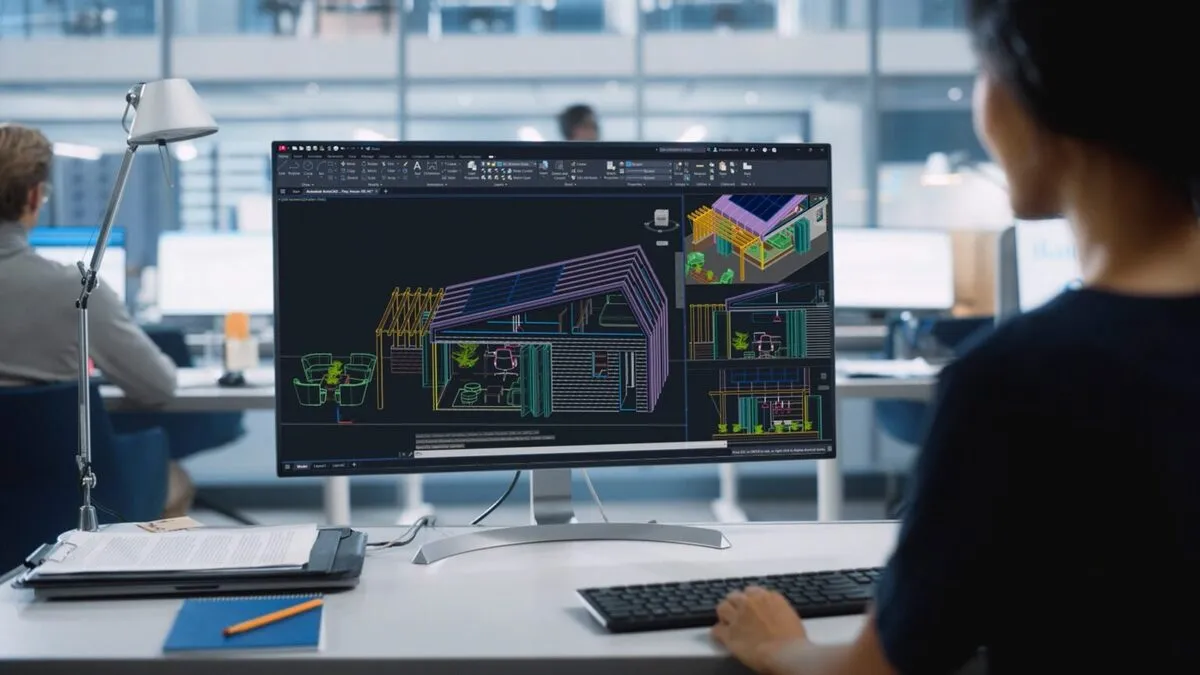 The process of exporting and converting AutoCAD drawings to PDF format
The Future of CAD File Management: The CDE Model
The industry is rapidly shifting toward the Common Data Environment (CDE) model. To meet this demand, Autodesk has developed the Autodesk Construction Cloud (ACC). This platform provides a centralized environment for storing, sharing, and version-tracking CAD files in the cloud. By adopting ACC, project teams can access data anytime, minimize the risk of data loss, and ensure that every stakeholder is synchronized, ultimately enhancing the efficiency of complex project collaborations.
Conclusion
CAD files are the backbone of any AutoCAD design workflow. By mastering the creation, management, and conversion of these files, professionals can streamline their design-to-production pipeline. With the support of tools like AutoCAD Web, Autodesk Viewer, and advanced cloud platforms, managing and collaborating on CAD data has never been more flexible or efficient. Reach out to certified providers to explore how these digital solutions can transform your technical operations.