
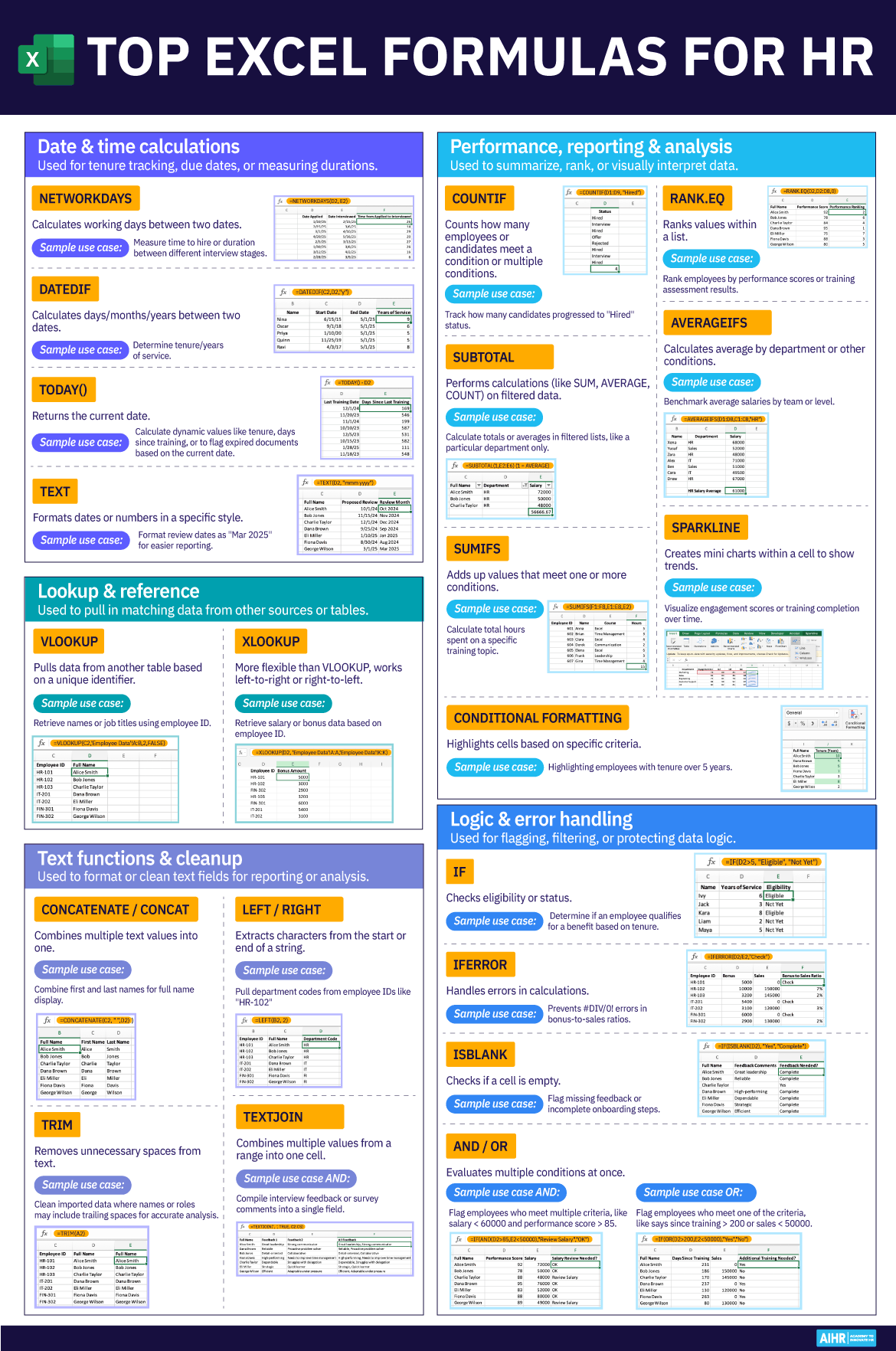
Excel’s robust date functions offer powerful capabilities for calculating time elapsed between two dates, a common necessity for tasks like determining employee service years. This guide provides a comprehensive walkthrough of formulas to accurately compute service duration in years, months, and days.
Calculating Total Years of Service with YEARFRAC
For a straightforward calculation of the total number of years between two dates, the YEARFRAC function is an efficient choice. This function returns the fraction of a year represented by the number of whole days between two dates.
Consider a dataset with employee start and end dates. To calculate the years of service in column D, you can use the following formula: