
If you’ve ever struggled to memorize spreadsheet terminology or wanted a more engaging way to study Microsoft Excel concepts, Excel crossword puzzles might be exactly what you need. These interactive, printable puzzles transform dry vocabulary lists into genuine brain-teasing challenges — making them a favorite tool for teachers, students, and office professionals looking to sharpen their spreadsheet skills.
What Is a Microsoft Excel Crossword Puzzle?
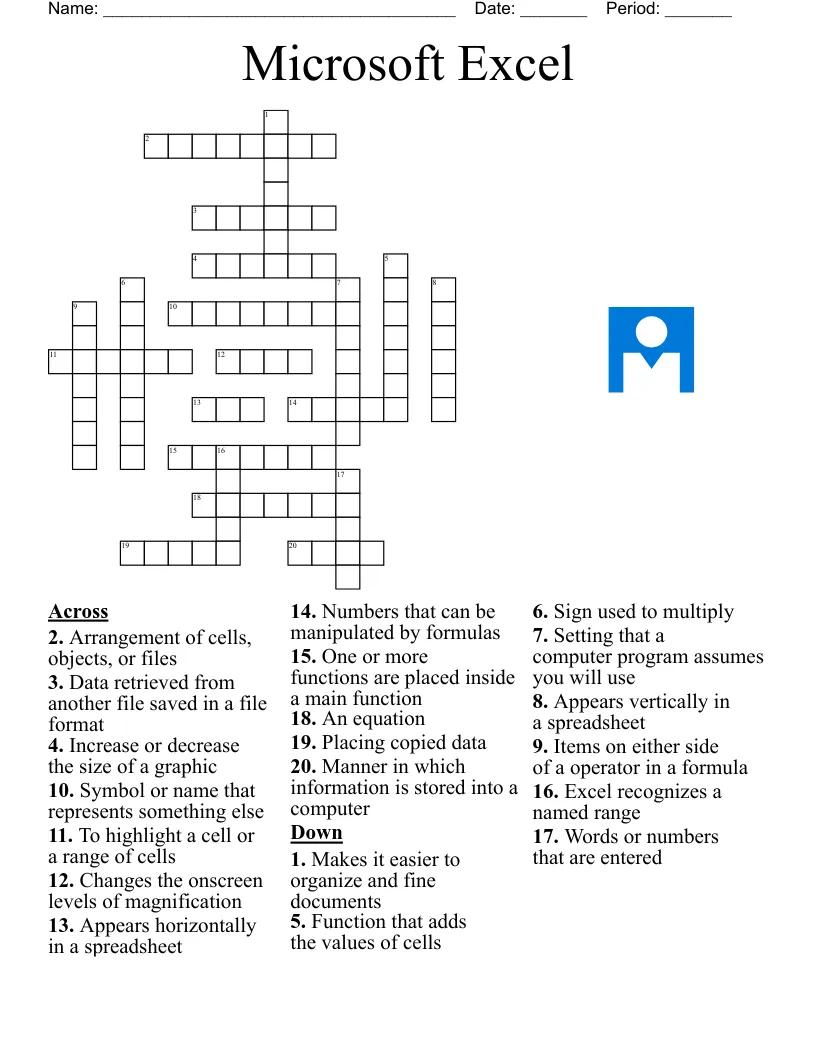
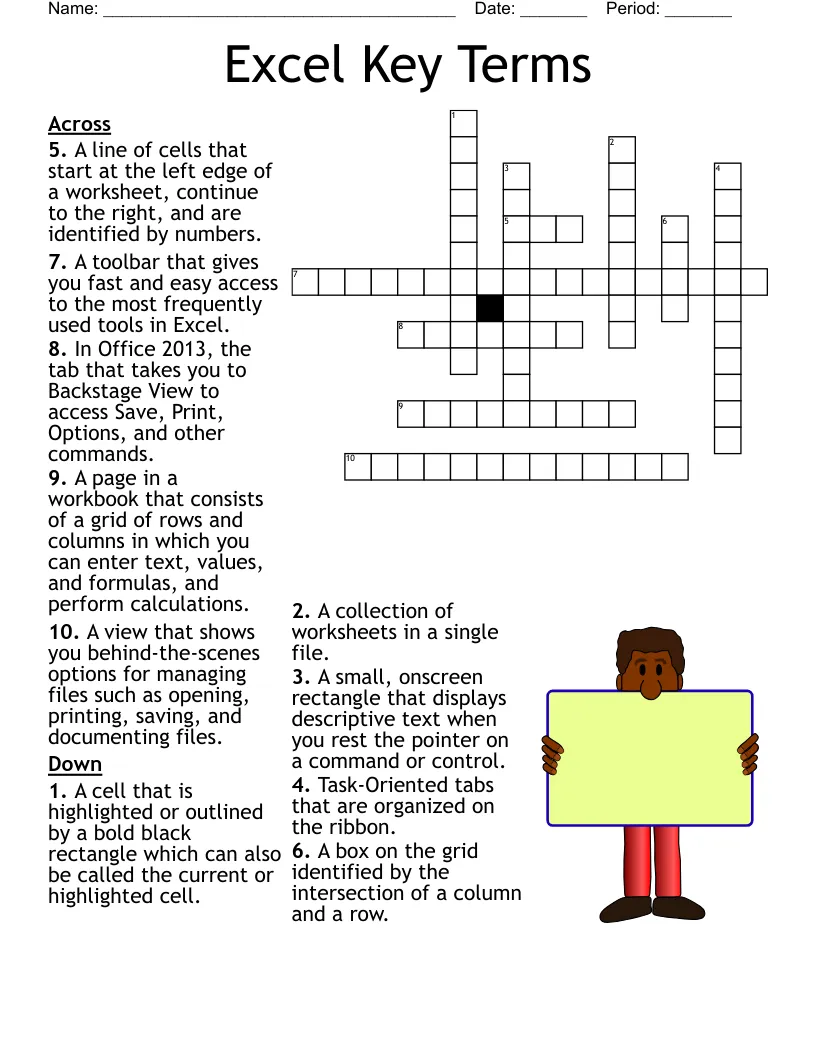
A Microsoft Excel crossword puzzle is a printable or digital word puzzle built around the core vocabulary, functions, and concepts used in the Excel spreadsheet application. Rather than reading through a glossary or watching tutorial videos, learners engage actively with the material by solving clues that describe real spreadsheet operations.
The most common format features 20 clues with answers ranging from 3 to 8 letters. Topics typically cover everything from basic cell navigation to advanced formula concepts. These puzzles are available as printable PDFs or Microsoft Word documents, making them easy to distribute in classrooms or share with remote learners.
Key Excel Concepts Covered in Crossword Clues
One of the most popular Microsoft Excel crossword puzzles includes 20 carefully crafted clues that walk learners through fundamental spreadsheet concepts. Understanding what each clue is testing helps reinforce the knowledge even before you pick up a pencil.
Here is a breakdown of the major concept areas covered:
Spreadsheet Structure
The puzzle distinguishes between elements that appear vertically (columns) and those that appear horizontally (rows) in a spreadsheet. Knowing the difference between these two structural components is foundational to navigating any worksheet efficiently.
Data Entry and Storage
Clues cover “words or numbers that are entered” (data) and the “manner in which information is stored into a computer” (format). These concepts remind learners that Excel is, at its core, a data management tool — and understanding how data is inputted and stored is critical for building reliable workbooks.
Formulas and Functions
Several clues target Excel’s calculation engine. The puzzle includes hints for the SUM function (“function that adds the values of cells”), operands (“items on either side of an operator in a formula”), and nested functions (“one or more functions are placed inside a main function”). These are among the most tested topics in any Excel certification or classroom assessment.
Formatting and Display
Visual presentation in Excel is just as important as data accuracy. Clues address zoom (“changes the onscreen levels of magnification”), scaling (“increase or decrease the size of a graphic”), and named ranges (“Excel recognizes a named range”). Understanding these tools helps users present data clearly and navigate large spreadsheets with ease.
Working with Data
The puzzle also touches on pasting (“placing copied data”), selecting (“to highlight a cell or a range of cells”), linking (“data retrieved from another file saved in a file format”), and using the asterisk as the multiplication symbol. These are everyday operations that any productive Excel user needs to master.
Why Use Crossword Puzzles to Learn Excel?
Traditional study methods — reading documentation, watching tutorials, or practicing on a blank spreadsheet — are effective but often passive. Crossword puzzles introduce an element of active recall, which is one of the most powerful techniques for long-term memory retention.
When you work through a clue like “an equation,” your brain has to retrieve the word formula from memory rather than simply recognizing it on a list. This retrieval process strengthens the neural pathways associated with that concept, making it easier to recall in real-world situations.
There are several other practical reasons to incorporate these puzzles into your Excel learning routine:
- Accessible format: Printable PDFs and Word documents mean you can study offline, away from a screen.
- Classroom-ready: Teachers can distribute puzzles to an entire class with a single print run.
- Customizable: Most puzzle platforms allow you to add, edit, or remove clues to match your specific curriculum or difficulty level.
- Engagement: Puzzles are inherently more engaging than flashcards, making learners more likely to complete a study session.
Types of Excel Puzzles Available
Beyond the standard crossword format, a range of puzzle styles can reinforce Excel vocabulary and terminology:
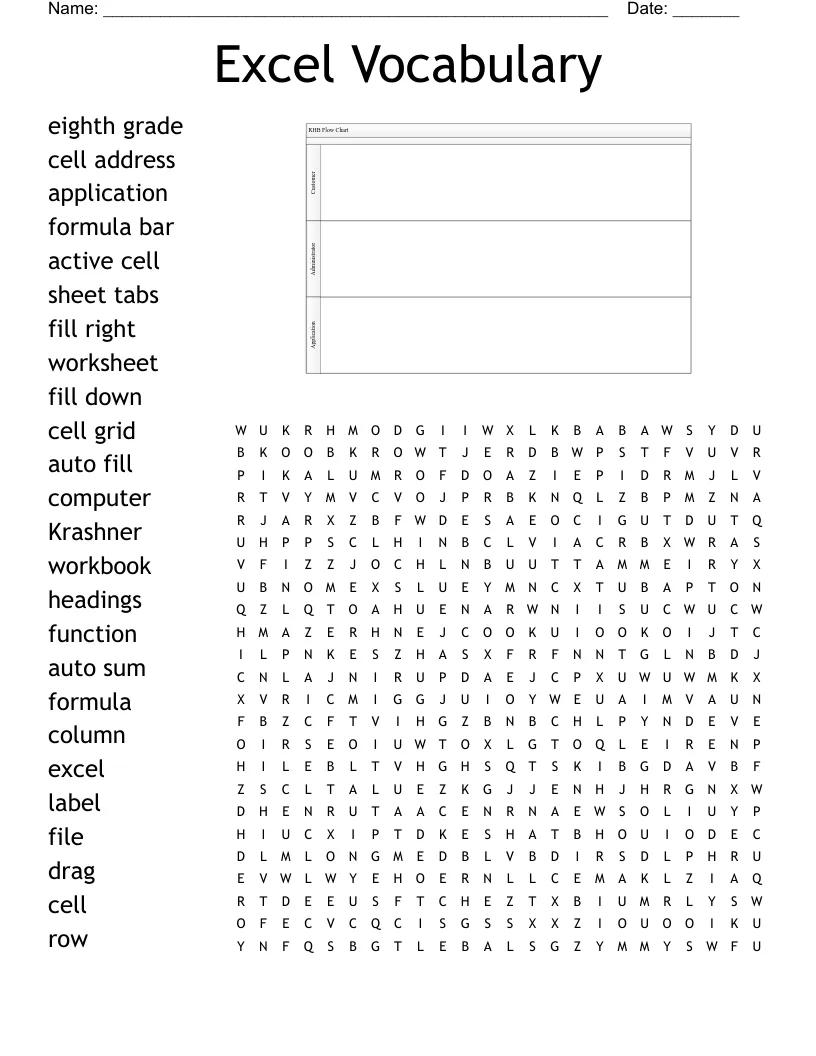
Crossword Puzzles present definition-style clues that require learners to fill in the correct term. They work best for testing precise vocabulary knowledge, such as the difference between a formula and a function, or the role of an operand.
Word Search Puzzles hide Excel terms within a grid of letters. While they are generally considered less cognitively demanding than crosswords, word searches are excellent for building familiarity with spelling — particularly for technical terms like concatenate, spreadsheet, or hyperlink.
Spreadsheet Crossword Puzzles take a more application-focused approach, using scenario-based clues rather than pure definitions. For example, instead of “function that adds values,” a clue might read “you would use this to total a column of monthly sales figures.”
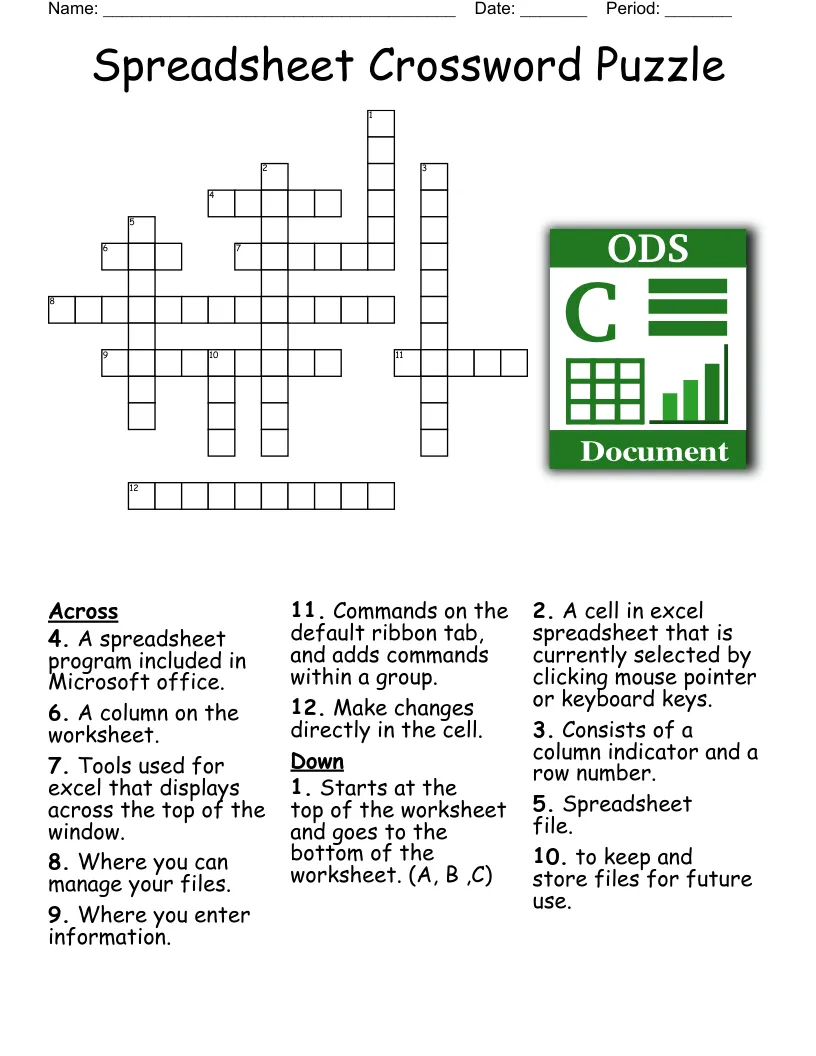 Spreadsheet crossword puzzle with scenario-based clues for intermediate Excel learners
Related Puzzle Topics That Complement Excel Learning
Alongside core Excel puzzles, learners benefit from exploring related subject areas that deepen their understanding of the broader computing environment:
Computer Science & Technology Crosswords introduce general computing vocabulary — hardware, software, networks, and operating system concepts — that provide useful context for understanding how Excel fits within the larger world of office productivity software.
Cyber Security Crosswords are increasingly relevant for Excel users who handle sensitive data. Topics like encryption, phishing, and data integrity directly affect how professionals manage and protect spreadsheet files in corporate environments.
Excel Vocabulary Word Searches serve as warm-up activities before tackling more complex crossword challenges. They are particularly well-suited for beginners encountering terms like cell, workbook, range, and formula bar for the first time.
How to Get the Most Out of Excel Crossword Puzzles
To maximize the learning value of these puzzles, consider the following strategies:
First, attempt the puzzle without references. Resist the urge to look up answers immediately. Struggling with a clue — even if you ultimately fail to solve it — activates deeper memory encoding than simply reading the answer.
Second, review every answer after completing the puzzle. Whether you solved a clue correctly or not, take a moment to connect the answer to its real-world application in Excel. If “nested functions” was a clue you missed, open Excel and practice writing a simple nested IF or VLOOKUP formula.
Third, use customizable puzzles to target your weak areas. Many puzzle platforms allow educators and self-learners to modify existing puzzles or build new ones from scratch. If you consistently struggle with Excel’s formatting options, create a puzzle focused entirely on that topic.
Fourth, combine puzzle formats. Start with a word search to build spelling familiarity, then progress to a crossword for deeper vocabulary testing. This layered approach mirrors the spaced repetition technique used in many modern language learning applications.
Conclusion
Microsoft Excel crossword puzzles are far more than a classroom novelty — they are a practical, evidence-backed tool for reinforcing spreadsheet knowledge at any skill level. By engaging with clues that cover spreadsheet structure, data entry, formulas, functions, and formatting, learners build a more robust and lasting understanding of Excel’s core concepts.
Whether you are a teacher looking for ready-to-print classroom materials, a student preparing for a computing exam, or a professional refreshing your spreadsheet skills, these puzzles offer a low-barrier, high-impact way to consolidate your knowledge. Explore the available crossword and word search puzzles, customize them to fit your learning goals, and make Excel vocabulary a strength rather than a stumbling block.