
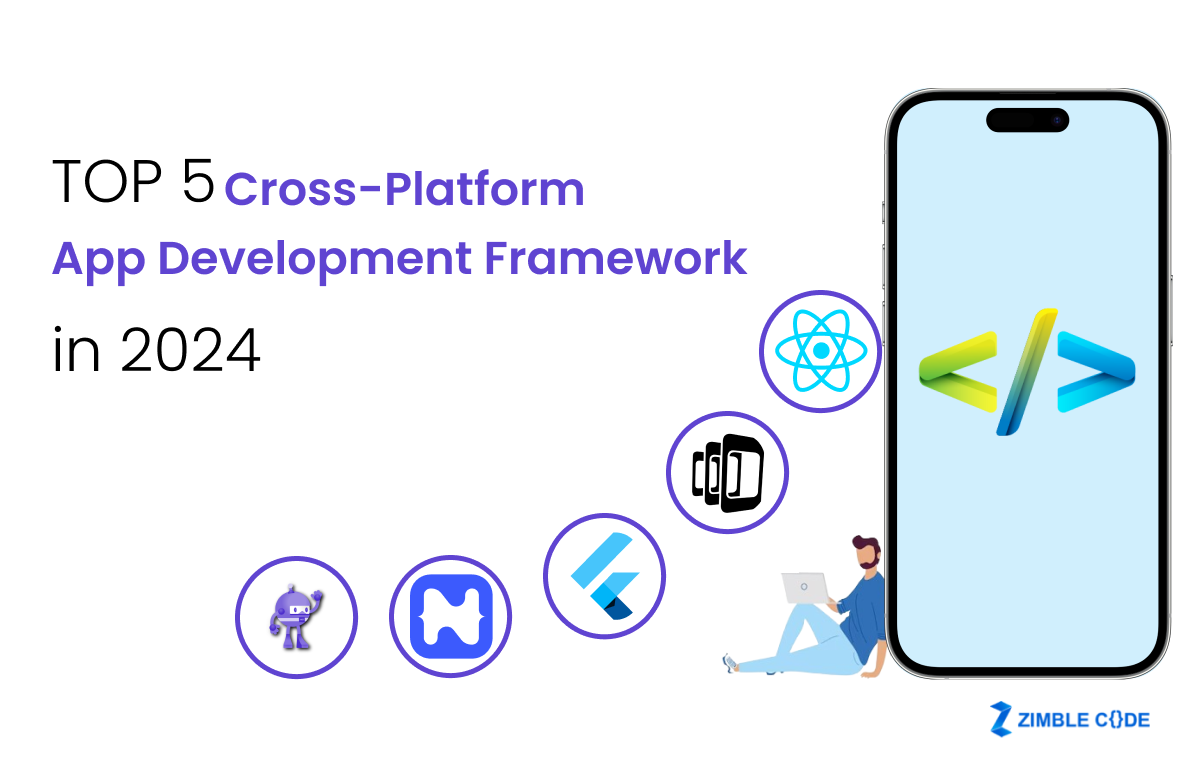
Cross-platform app development has surged in popularity, offering a streamlined approach to building mobile applications that function seamlessly across various platforms. This method allows developers to craft apps for different mobile operating systems using a single codebase, significantly accelerating the development process and reducing costs compared to traditional native development. The increasing demand for efficient app creation has spurred the emergence of numerous tools, making the selection process a complex one. This article delves into six of the leading cross-platform app development frameworks, highlighting their unique features and guiding you in choosing the best fit for your business needs.
What is a Cross-Platform App Development Framework?
Cross-platform app development frameworks empower mobile engineers to create native-looking applications for platforms like Android and iOS from a unified codebase. The primary advantage of this approach lies in code reusability, which saves developers valuable time by eliminating the need to write separate code for each operating system. This efficiency is crucial in today’s fast-paced tech landscape.
Leading Cross-Platform App Development Frameworks
While this list is not exhaustive, it covers some of the most prominent frameworks available today. It’s essential to recognize that no single tool is universally ideal; the best choice hinges on your project’s specific requirements, goals, and other critical factors.
1. Kotlin Multiplatform (KMP)
Kotlin Multiplatform (KMP) is a powerful open-source technology developed by JetBrains. It facilitates code sharing across platforms while preserving the advantages of native programming. KMP allows developers to reuse substantial portions of code, write platform-specific code when necessary, and integrate shared Kotlin code effortlessly into any project. With Compose Multiplatform, a modern declarative UI framework, developers can achieve up to 100% code sharing, including the user interface.
- Programming Language: Kotlin
- Key Features:
- Enables code reuse across Android, iOS, web, desktop, and server-side, with the flexibility to include native code.
- Seamless integration into existing projects, allowing developers to leverage platform-specific APIs.
- Compose Multiplatform offers complete code-sharing flexibility for both logic and UI.
- Minimizes risk for teams already using Kotlin for Android development, as it doesn’t require learning a new language.
- Maturity & Support: Officially promoted to Stable in November 2023, KMP benefits from robust official support, comprehensive documentation, and an active community. Google announced official support for using KMP to share business logic between Android and iOS at Google I/O 2024.
2. Flutter
Released by Google in 2017, Flutter is a widely adopted framework for building mobile, web, and desktop applications from a single codebase. It utilizes Google’s Dart programming language.
- Programming Language: Dart
- Key Features:
- Hot Reload: Allows developers to see code changes reflected instantly without recompilation.
- Material Design Support: Integrates Google’s Material Design system for building visually appealing interfaces.
- Custom Rendering Engine: Flutter doesn’t rely on web browser technology; it uses its own engine for drawing widgets, ensuring consistent UI across platforms.
- Community: Flutter boasts a large and active global community, with its usage trending upwards according to Stack Overflow Trends.
3. React Native
Developed by Meta Platforms (formerly Facebook) in 2015, React Native is an open-source UI framework. It’s built upon Facebook’s JavaScript library, React, and enables the creation of natively rendered cross-platform mobile applications.
- Programming Language: JavaScript
- Key Features:
- Fast Refresh: Similar to Flutter’s hot reload, it provides immediate feedback on code changes.
- Native UI Components: React primitives render to native platform UI components, ensuring a customized and responsive user experience.
- Flipper Debugger: Integrated by default in recent versions, Flipper offers advanced debugging tools for Android, iOS, and React Native apps.
- Community: React Native benefits from a vast and strong developer community, offering extensive support and shared knowledge.
4. Ionic
Ionic, an open-source mobile UI toolkit released in 2013, allows developers to build cross-platform applications using standard web technologies like HTML, CSS, and JavaScript. It integrates with popular frameworks such as Angular, React, and Vue.
- Programming Language: JavaScript
- Key Features:
- Pre-built UI Components: Provides a rich set of UI components designed for mobile operating systems.
- Plugin Access: Utilizes Cordova and Capacitor plugins to access native device features (camera, GPS, etc.).
- Ionic CLI: A command-line interface that simplifies the development process.
- Community: The Ionic Framework Forum is a vibrant space for community members to exchange knowledge and solve development challenges.
5. .NET MAUI
.NET Multi-platform App UI (.NET MAUI), released by Microsoft in May 2022, is a cross-platform framework enabling the creation of native mobile and desktop apps using C# and XAML. It’s an evolution of Xamarin.Forms.
- Programming Languages: C#, XAML
- Key Features:
- Cross-Platform APIs: Provides unified APIs for accessing native device features.
- Single Project System: Allows targeting Android, iOS, macOS, and Windows from a single project.
- .NET Hot Reload: Enables modifying managed source code while the app is running.
- Community: Despite being relatively new, .NET MAUI has garnered significant developer interest and maintains an active community presence on platforms like Stack Overflow and Microsoft Q&A.
6. NativeScript
Initially released in 2014, NativeScript is an open-source framework for building native Android and iOS mobile apps. It supports JavaScript and transpiled languages like TypeScript, integrating well with frameworks like Angular and Vue.js.
- Programming Languages: JavaScript, TypeScript
- Key Features:
- Direct API Access: Simplifies access to native Android and iOS APIs.
- Native UI Rendering: Apps run directly on native devices without relying on WebViews.
- Plugins and Templates: Offers pre-built solutions to streamline development.
- Adoption: While based on familiar web technologies, NativeScript is often favored by small companies and startups.
Choosing the Right Cross-Platform Framework
With numerous options available, selecting the ideal framework requires careful consideration. Beyond the technical specifications, several key factors should influence your decision.
1. Team Expertise
Evaluate your development team’s existing skillset. Frameworks like React Native or NativeScript might be suitable if your team excels in JavaScript. If your team is already proficient in Kotlin, KMP offers a natural progression.
2. Vendor Reliability and Support
Ensure the framework’s maintainer provides long-term support. Research the companies behind the frameworks and examine existing applications built with them to gauge their commitment and stability.
3. UI Customization
The degree of UI customization required for your app is a critical factor. Frameworks like Flutter and KMP with Compose Multiplatform offer extensive UI flexibility, allowing for highly tailored user experiences. Explore Compose Multiplatform for advanced UI capabilities.
4. Framework Maturity
Consider how frequently the framework’s public API and tooling change. Mature frameworks tend to have more stable APIs and fewer disruptive updates, reducing potential development hurdles. Examining bug reports on platforms like GitHub can provide insights into a framework’s stability.
5. Framework Capabilities
Each framework offers a distinct set of features and tools. Assess whether the framework provides robust capabilities for building, debugging, and testing your app, including features like code analyzers and unit testing frameworks.
6. Security
For business-critical applications, especially in finance or e-commerce, security is paramount. Ensure the chosen framework adheres to strong security practices and offers features to mitigate risks like insecure data storage and authentication vulnerabilities, as outlined in the OWASP Mobile Top 10.
7. Educational Resources
The availability and quality of documentation, tutorials, and community forums are vital for a smooth development experience. Comprehensive learning resources indicate a well-supported framework that will aid your team in overcoming challenges.
Conclusion
Selecting the optimal cross-platform app development framework involves a thorough assessment of your project’s unique requirements, your team’s capabilities, and the specific features offered by each framework. By carefully weighing these factors, you can choose a solution that not only meets your immediate needs but also sets you up for long-term success in delivering high-quality, cross-platform applications. Consider the benefits of solutions like cross platform mobile development tool to further enhance your development process.