
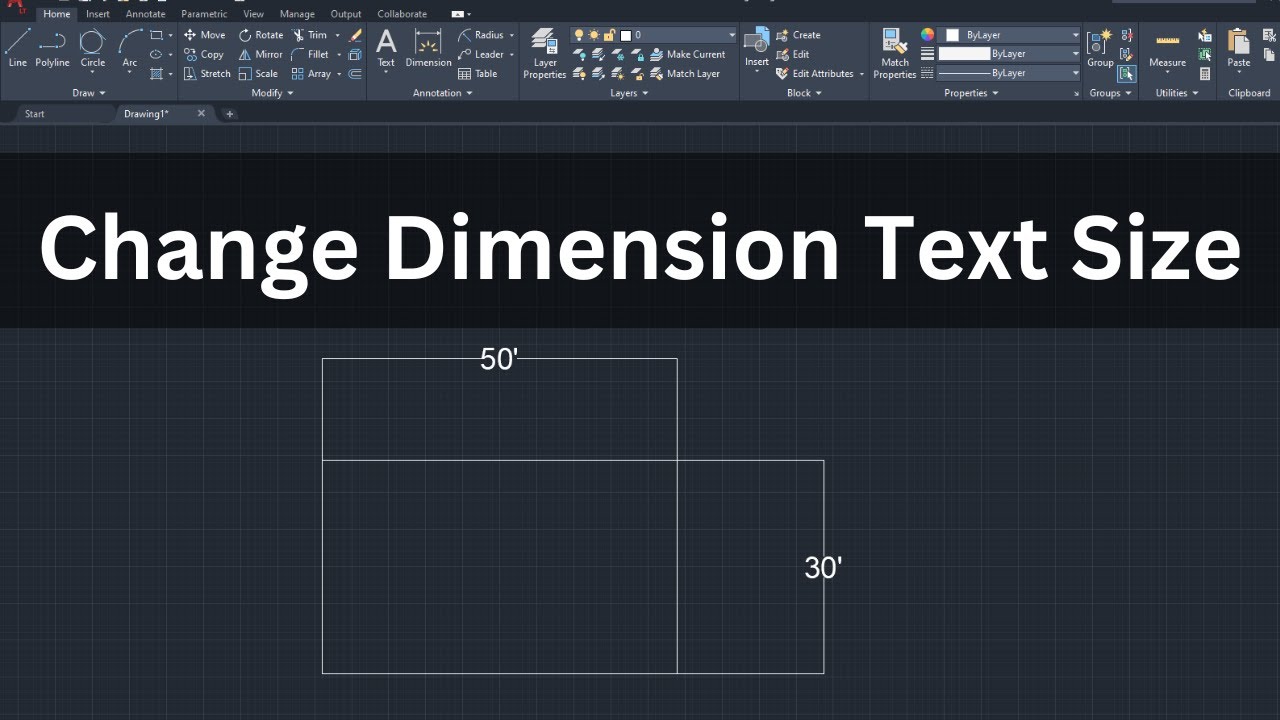
Dimensioning mirrored parts in CAD software presents a unique challenge, particularly in AutoCAD. While standard text objects offer straightforward methods for mirroring or creating backward text, dimension entities often behave differently, leading to workflows that require tedious manual adjustments. This article delves into the specific issue of achieving backward dimension text for mirrored components in AutoCAD, a problem that has perplexed many users seeking efficiency and adherence to drafting standards.
The Persistent Problem with Mirrored Dimensions
A common scenario in AutoCAD involves modeling a part once and then needing to dimension it twice in Modelspace—once for the original orientation and again for its mirrored counterpart. Users often employ separate layers, such as a primary “DIM” layer and an “OPD” (Opposite Dimension) layer, to manage these distinct sets of dimensions. The process typically involves rotating the User Coordinate System (UCS) in the viewport for the mirrored part by 180 degrees around the Y-axis before dimensioning. These layers are then controlled via viewport freezing and thawing.
The core difficulty arises when attempting to make the dimension text itself appear “backward” or mirrored on the OPD layer, corresponding to the rotated UCS. The goal is to avoid completely re-dimensioning the mirrored part. Instead, users wish to copy existing dimensions, transfer them to the OPD layer, and have their text automatically flipped, saving significant time and effort.
Examining AutoCAD’s Text and Dimension Behaviors
AutoCAD provides options for manipulating text orientation, but these do not always translate directly to dimension objects. For instance:
- Single-line text (TEXT command): This type of text has a “Backwards” property in its Properties palette, allowing users to easily mirror the text horizontally.
- Multiline text (MTEXT command): While MTEXT doesn’t have a direct “Backwards” property, its text can be mirrored if the
MIRRTEXTsystem variable is set to1when theMIRRORcommand is applied.
However, when dimensions are mirrored, the MIRRTEXT variable’s effect is often inconsistent or non-existent. Users report that mirroring dimension entities does not result in backward text, regardless of the MIRRTEXT setting. Crucially, the Properties palette for dimension objects lacks a direct “Backwards” option, leaving users without an obvious built-in command to flip dimension text.
Why Standard Text Mirroring Fails for Dimensions
The MIRRTEXT system variable is designed to control whether MTEXT objects are mirrored when mirrored using the MIRROR command. It does not inherently apply to dimension objects, which are parametric entities with their own unique set of properties and behaviors. Attempting to mirror a dimension object as a whole entity does not flip its associated text component in the same way it would for a standard MTEXT object. This distinction creates a significant hurdle for users trying to maintain a streamlined dimensioning workflow for mirrored parts.
Exploring Potential Workarounds and Solutions
Given the absence of a direct command or property to mirror dimension text, achieving this often requires a more complex approach:
Custom LISP Routines: Advanced AutoCAD users might develop custom AutoLISP routines. Such a routine would need to:
- Select existing dimensions.
- Copy them to a new location or layer.
- Manipulate the underlying text objects associated with these dimensions to create a mirrored appearance. This is technically challenging, as it involves interacting with the internal structure of dimension objects.
- Potentially adjust dimension text styles or properties to accommodate the mirrored text.
Exploding Dimensions (Not Recommended): One could theoretically explode dimension objects (
EXPLODEcommand) into their constituent parts (lines, text, etc.) and then mirror the resulting text. However, this action destroys the parametric nature of the dimension, making it an uneditable block of geometry. This is generally not a viable or recommended solution for professional drafting.Alternative Dimensioning Strategies: Some workflows might involve creating the mirrored part and then dimensioning it from scratch using the appropriate UCS, accepting the manual effort involved. Others might leverage specialized CAD add-ons or plugins designed to enhance dimensioning capabilities.
Conclusion: The Quest for Mirrored Dimension Efficiency
The inability to directly mirror dimension text in AutoCAD for mirrored parts remains a persistent challenge for many drafting professionals. While AutoCAD offers robust tools for standard text manipulation, dimension entities present a distinct set of behaviors that complicate mirrored workflows. The lack of a direct “backward” text property or a universally effective MIRRTEXT application for dimensions means that achieving this often requires advanced customization or accepting a more time-consuming manual process. Users seeking to streamline this aspect of their CAD work may need to explore custom programming solutions or adapt their workflows to mitigate the extra effort involved in dimensioning mirrored components.