
When it comes to mechanical, electrical, and plumbing (MEP) design software, two names constantly arise: Revit MEP vs AutoCAD. While AutoCAD has long been a staple in the industry, using it for MEP design comes with significant limitations in productivity and coordination capabilities. This is precisely why an increasing number of engineers are investigating the Revit MEP vs AutoCAD comparison to find a more optimal solution. Here’s why MEP engineers should make the switch from AutoCAD to Revit MEP.
Understanding AutoCAD
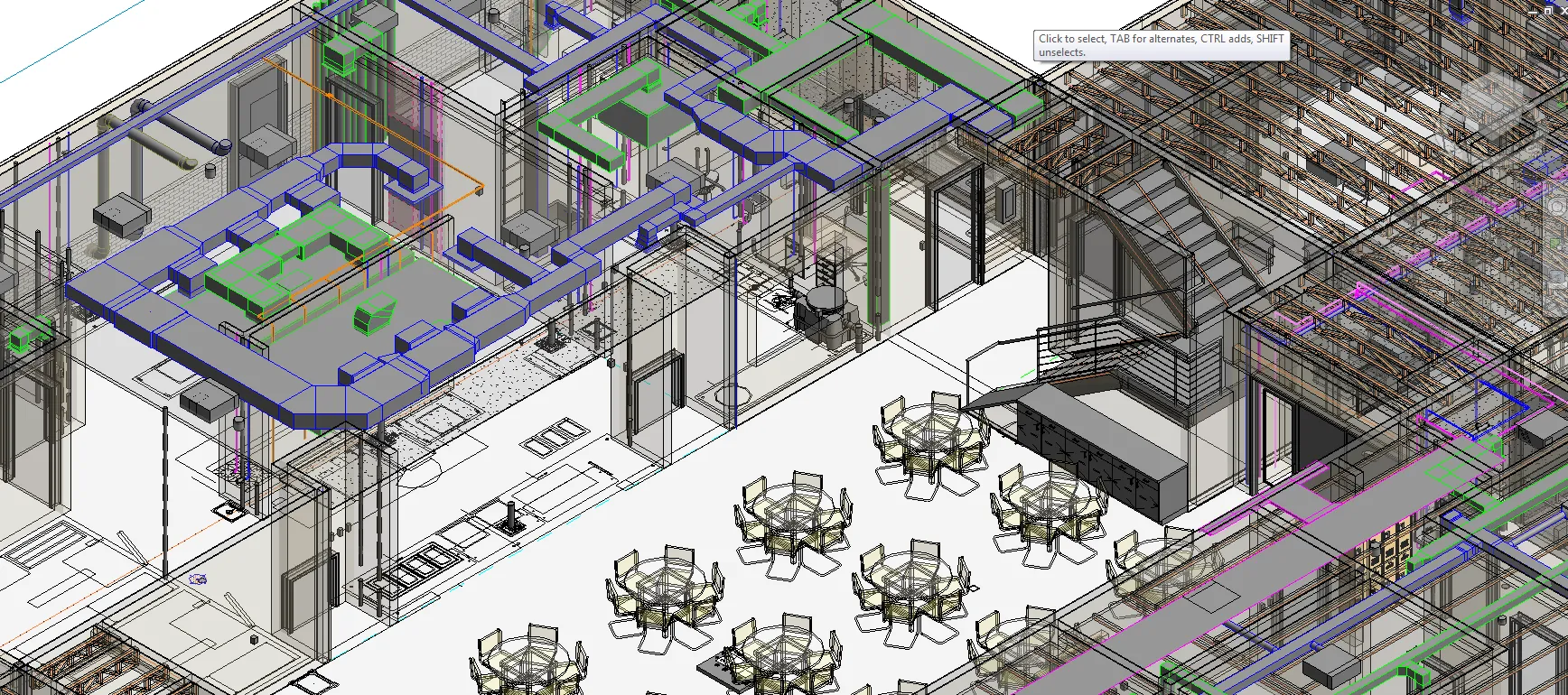
AutoCAD is one of the pioneering software in computer-aided design (CAD), renowned for its powerful 2D drawing capabilities and basic 3D modeling support. This versatile tool is widely used across multiple industries including mechanical engineering, electrical systems, and civil construction.
Key AutoCAD Features:
- Precise 2D technical drawing for floor plans, schematics, and electrical circuit diagrams
- Basic 3D modeling support for simple visualization needs
- High customizability with plugins and industry-specific toolsets
- Lightweight, easy to install, and compatible with common computer configurations
Who Should Use AutoCAD?
AutoCAD is suitable for:
- Engineers and designers focused on 2D drawings
- Projects that don’t require complex collaboration or advanced 3D modeling
- Users working with simple designs featuring minimal detail and low complexity
What is Revit MEP?
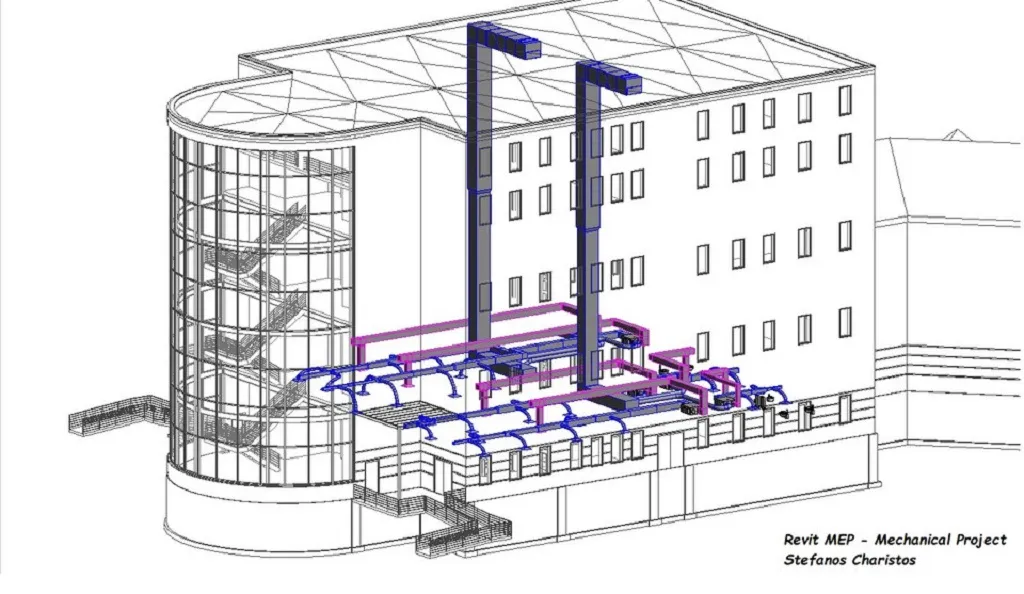
Revit MEP (Mechanical, Electrical, and Plumbing) is part of the Autodesk Revit software suite, developed specifically for Building Information Modeling (BIM) workflows. The software provides powerful tools for creating data-rich 3D models and supports effective coordination between disciplines.
Key Revit MEP Features:
- Comprehensive BIM capabilities with intelligent 3D modeling support
- Real-time collaboration with architects, structural engineers, and stakeholders
- Automatic clash detection and minimized errors
- Integrated energy analysis, system loading, and operational performance tools
- Team collaboration on cloud platforms, ideal for global projects
Who Should Use Revit MEP?
Revit MEP is best suited for:
- Large-scale, multi-discipline projects requiring detailed 3D models
- AEC industry professionals prioritizing collaboration capabilities
- Engineers seeking to integrate sustainability and efficiency into design
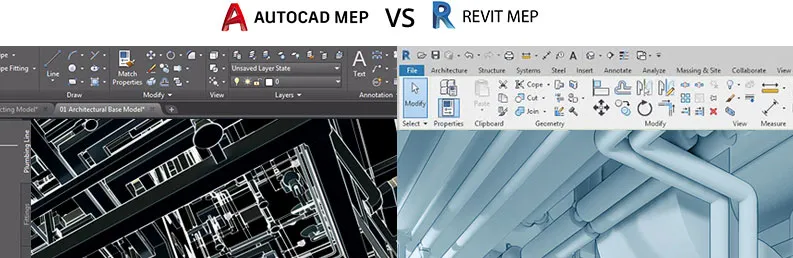
Revit MEP vs AutoCAD: Detailed Comparison
| Feature | AutoCAD | Revit MEP |
|---|---|---|
| Primary Purpose | 2D technical drawing and basic 3D modeling | Building Information Modeling (BIM) |
| Collaboration Capability | Limited | High collaboration capability |
| 3D Capability | Basic visualization | Detailed data-rich models |
| Learning Curve | Easy for beginners | Steeper but more comprehensive |
| Hardware Requirements | Lightweight, low configuration | High configuration required |
| Project Type | Small to medium | Medium to large and complex |
| Future Outlook | Stable demand | Growing demand due to BIM adoption trends |
Pros and Cons of Revit MEP vs AutoCAD
AutoCAD Advantages:
- Simple interface, suitable for beginners
- Flexible, usable across multiple engineering disciplines
- Lower computer hardware requirements
AutoCAD Disadvantages:
- Limited 3D capabilities
- Not designed for collaborative workflows
Revit MEP Advantages:
- Enables seamless collaboration between all parties
- Advanced tools supporting precise 3D modeling and simulation
- Reduces design errors through clash detection features
Revit MEP Disadvantages:
- Requires powerful hardware and specialized training
- Higher learning difficulty for beginners
Why MEP Engineers Choose Revit MEP More Often
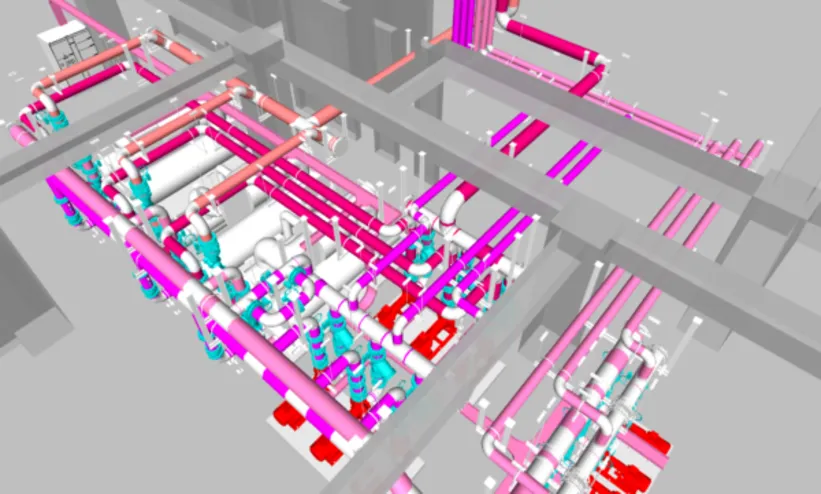
- 3D Visualization: Revit MEP allows you to create comprehensive detailed 3D models for mechanical, electrical, and plumbing systems.
- Data-Driven: The software links data with each design component, ensuring models contain all necessary information for fabrication and construction.
- Collaboration: You and your team can work simultaneously on the same model, enhancing accuracy and minimizing errors.
- Parametric Design: When one part of the model changes, related components automatically update, ensuring synchronization.
However, with these powerful capabilities, Revit MEP has a higher learning curve. The software is particularly suitable for large-scale, complex projects where high requirements for collaboration and 3D modeling exist.
 Revit MEP productivity comparison showing significant efficiency gains over AutoCAD for MEP projects
Which Software Should MEP Engineers Choose?
Choosing between Revit MEP vs AutoCAD depends on your project scope and requirements. If you’re handling small, simple MEP designs requiring only 2D drawings, AutoCAD MEP may be the appropriate choice. However, if you’re preparing to execute large, complex projects demanding accuracy, real-time updates, and collaboration, Revit MEP is the better option.
In the Revit MEP vs AutoCAD comparison, it’s clear that Revit MEP is not just a design tool but a comprehensive solution helping MEP engineers enhance productivity, reduce errors, and optimize coordination in BIM environments. Meanwhile, AutoCAD increasingly becomes limited when meeting the growing demands of modern projects.
If you’re an MEP engineer looking to upgrade your skills and keep pace with BIM trends, this is the perfect time to make the switch. Contact Revit Vietnam now to get guidance on a Revit MEP learning path that fits your needs!
The transition from AutoCAD to Revit MEP represents more than just changing software—it’s about embracing the future of building design where collaboration, data integration, and intelligent modeling drive project success. As the AEC industry increasingly adopts BIM standards, MEP engineers who master Revit MEP will position themselves for greater career opportunities and project effectiveness.