
If you’ve ever wanted to move from hand-sketched floor plans to polished, construction-ready drawings, the AutoCAD Architectural Design & Residential Planning Specialization on Coursera might be exactly what you need. Offered by EDUCBA and designed for beginners through intermediate learners, this 5-course program takes you through the full residential design workflow — from basic drafting fundamentals all the way to bungalow layouts and basement parking systems. With 1,741 learners already enrolled and a 4.8 rating across its courses, this specialization has quickly become one of the more practical AutoCAD programs available on Coursera.
What Is the AutoCAD Architectural Design & Residential Planning Specialization?
At its core, this specialization is a structured, hands-on learning path built around real-world residential design projects. Rather than teaching AutoCAD in the abstract, each course is grounded in an applied project — architectural floor plans, apartment lighting layouts, parking structure drawings, and single-family home plans. The goal is to produce learners who can deliver professional, client-ready documentation, not just people who know where the tools are in the interface.
The program is structured as a series of 5 progressive courses, each building on the last. EDUCBA recommends following them in sequence, and for good reason: the technical complexity ramps up steadily, and skills introduced in Course 1 are expected knowledge by Course 3.
Estimated time to complete: 12–13 weeks at 3–4 hours per week (approximately 31 total hours of instruction and project work)
Level: Beginner — no prior AutoCAD experience required
Certificate: Shareable Coursera certificate, eligible for LinkedIn profile
Course Breakdown: What You’ll Learn in Each Module
Course 1 — Master AutoCAD Drafting: Create & Refine Architectural Plans (5 hours)

This is where everything starts. Course 1 focuses on getting comfortable with AutoCAD’s core drafting environment — layers, line types, dimensioning, annotation, and the basic tools used to construct an architectural drawing. Learners complete a full architectural case study from initial setup through to a finished, annotated plan. By the end, you should be able to create a basic floor plan that meets professional drafting standards.
Key skills gained: Computer-Aided Design, AutoCAD, Architectural Drawing, Technical Drawing, Drafting and Engineering Design
Course 2 — Master & Apply Apartment Lighting Layout Techniques (5 hours)
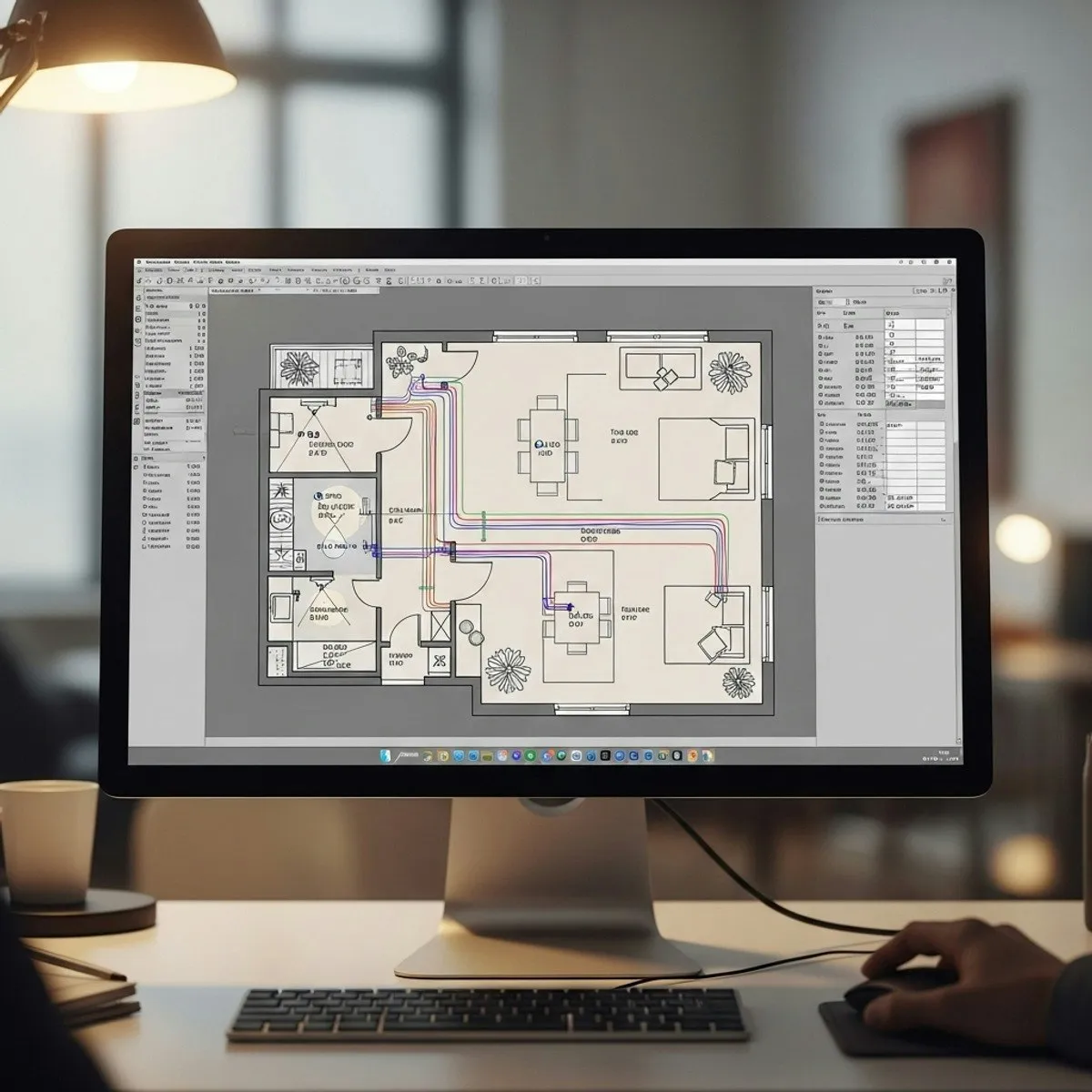
This course shifts focus to MEP (mechanical, electrical, plumbing) territory — specifically lighting design for residential apartments. You’ll learn how to calculate lux and lumen levels for different room types, select appropriate LED fixtures, ensure electrical safety compliance, and place fixtures in AutoCAD to produce a complete, code-compliant lighting plan.
For anyone working in architectural design professionally, this is a genuinely valuable skill set that goes beyond what many introductory AutoCAD courses cover. The course bridges electrical engineering principles with spatial design in a way that feels practical rather than theoretical.
Key skills gained: Layout Design, Electrical Systems, Engineering Calculations, Safety Standards, Requirements Analysis
Course 3 — Design & Draft Architectural Plans Using AutoCAD (10 hours)

At 10 hours, Course 3 is the most comprehensive module in the series. This is where architectural design thinking is introduced more formally: analyzing site conditions, developing climate-responsive layouts, creating structural drawings, and producing cost quotations aligned with industry expectations.
This course moves beyond just drafting into design decision-making. You’re not just placing walls — you’re reasoning about orientation, function, and documentation standards. It’s a significant step up in complexity, which is why following the sequence matters.
Key skills gained: Conceptual Design, Spatial Analysis, Sustainable Architecture, Construction Estimating, Cost Estimation, Engineering Documentation
Course 4 — Design and Optimize Basement Parking Layouts in AutoCAD (5 hours)
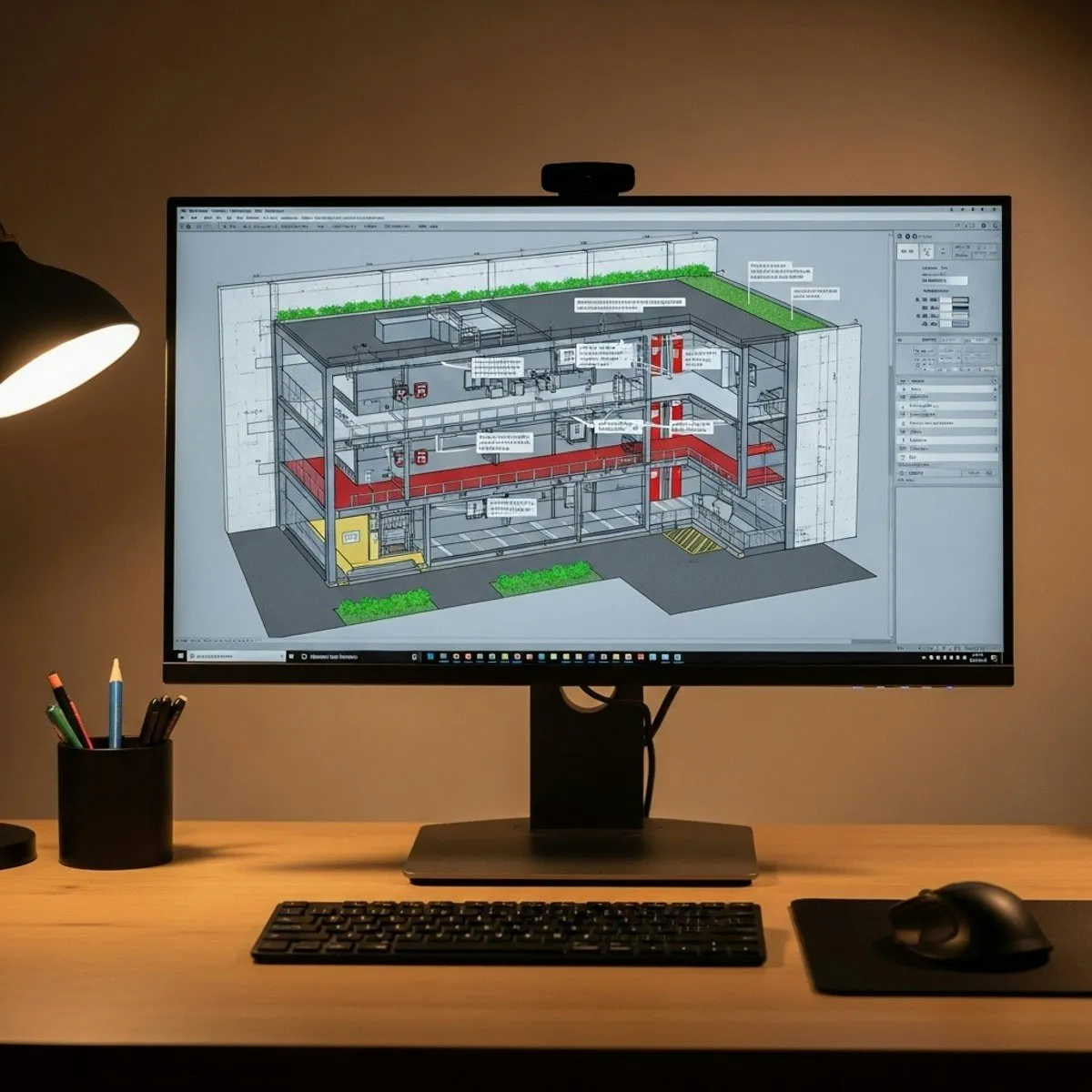 Basement parking layout with circulation planning, fire safety zones, and structural column placement
Basement parking is a specialized area of architectural drafting that combines structural engineering, traffic flow optimization, and fire safety code compliance. Course 4 walks learners through designing a complete basement parking structure: column placement, ramp design, stall dimensions, circulation paths, and fire egress. The end deliverable is a construction-ready parking drawing.
This module is particularly relevant for learners working on multi-unit residential projects or high-density housing where below-grade parking is a common requirement.
Key skills gained: Traffic Flow Optimization, Structural Engineering, Building Codes, Civil and Architectural Engineering, Engineering Plans and Specifications
Course 5 — Master AutoCAD Bungalow Design: Create & Analyze Layouts (6 hours)
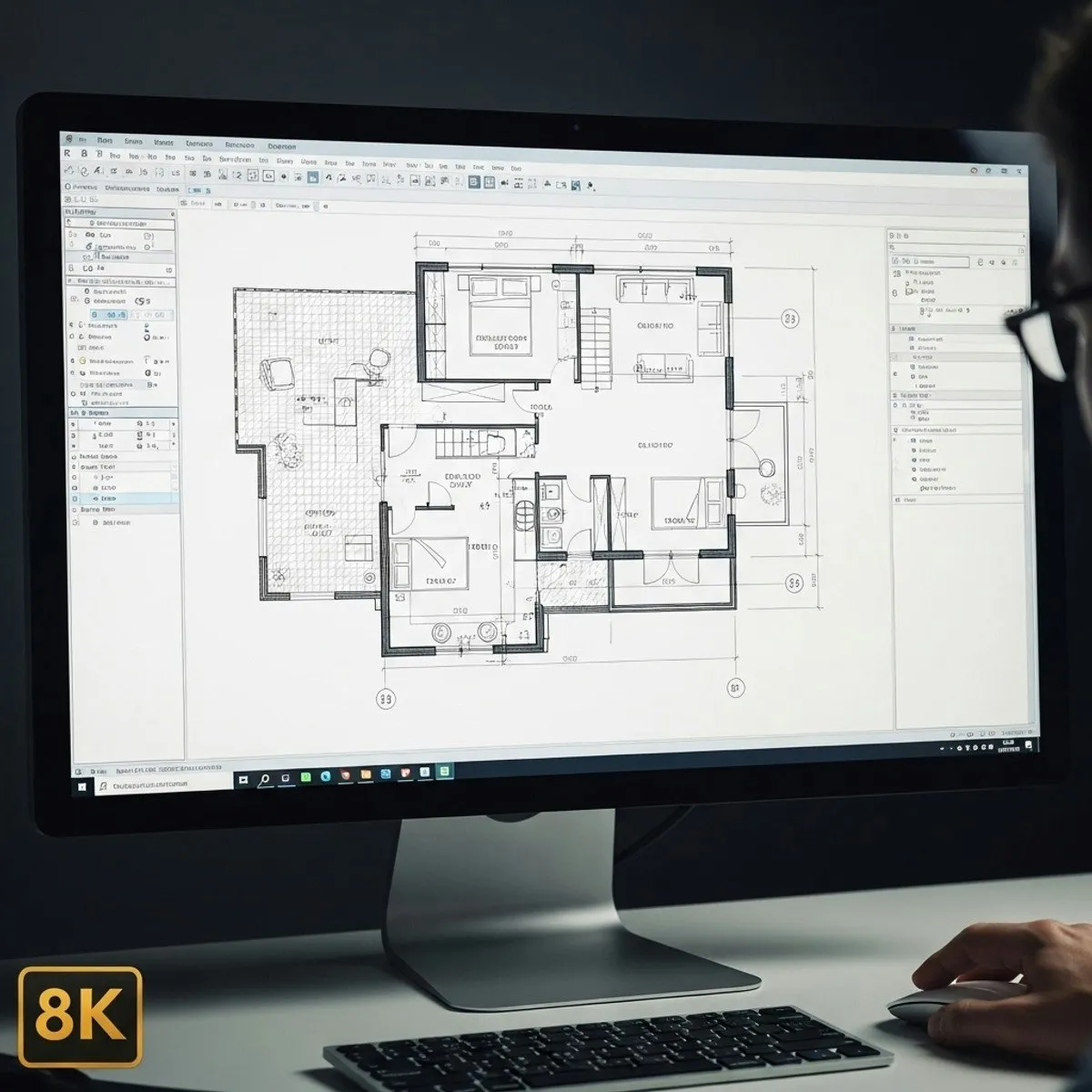
The final course focuses on single-family residential design — bungalows and row houses. You’ll learn how to develop land and area layouts, design functional interior spaces with furniture placement, and draft front elevations. This is the capstone of the entire learning journey: producing a complete, professional architectural drawing package for a residential property.
Key skills gained: Architectural Drawing, Land Development, Design Elements and Principles, Functional Design, Autodesk tools
Who Should Enroll?
This specialization is well-suited for several types of learners:
- Architecture students looking to build practical CAD skills outside of university coursework
- Drafters and technicians who want to formalize their knowledge of residential design workflows
- Interior designers interested in expanding into architectural layout and documentation
- Civil engineers who need to produce residential building drawings and coordinate with architects
- Career changers entering the AEC (Architecture, Engineering, Construction) industry from adjacent fields
The program is explicitly beginner-friendly — basic computer skills and an interest in design are the only prerequisites. That said, learners with some existing CAD exposure will move through the early material faster and get more out of the later, more advanced courses.
Pros and Cons
What works well:
- Strong real-world project focus throughout all five courses
- Progressive difficulty curve that builds genuine competency rather than tool familiarity alone
- Covers areas often overlooked in general AutoCAD courses — lighting design, parking layout, bungalow-specific planning
- Flexible, self-paced format with no fixed deadlines
- Financial aid available for learners who need it
What to keep in mind:
- The program does not carry university credit by default (though individual institutions may choose to accept it)
- At roughly 31 hours total, this is a focused specialization, not a comprehensive CAD degree program
- Learners wanting to work in commercial or industrial architecture will need additional coursework beyond this program
Certification and Career Value
Upon completing all five courses, you’ll receive a Coursera Specialization Certificate from EDUCBA that can be added to your LinkedIn profile, resume, or CV. The certificate is shareable and verifiable, which makes it a concrete addition to a professional portfolio — particularly useful if you’re trying to transition into an architectural drafting or design role.
The skills covered align with what entry-level architectural technicians and CAD drafters are expected to demonstrate: creating construction-ready floor plans, working with lighting and electrical layouts, understanding building code considerations, and producing documentation to industry standards.
Enrollment and Pricing
The specialization is included with Coursera Plus, which provides access to thousands of programs for a flat monthly or annual subscription. Individual enrollment is also available. Coursera regularly offers promotional discounts — the platform currently has 40% off for annual subscriptions, which may apply depending on your region and the time of enrollment.
Financial aid is available for learners who cannot afford the enrollment fee. You can apply directly through the course description page on Coursera.
Final Verdict
The AutoCAD Architectural Design & Residential Planning Specialization delivers a solid, structured pathway into residential architectural drafting for learners starting from scratch. Its strongest differentiators are the applied project focus and the range of topics covered: most competing courses stop at floor plans, while this program extends into lighting systems, parking infrastructure, and single-family home design. If you’re serious about building job-ready AutoCAD skills for residential design, this 5-course series is a well-organized place to start.
Enroll through Coursera to check current pricing, review course previews, or apply for financial aid.