
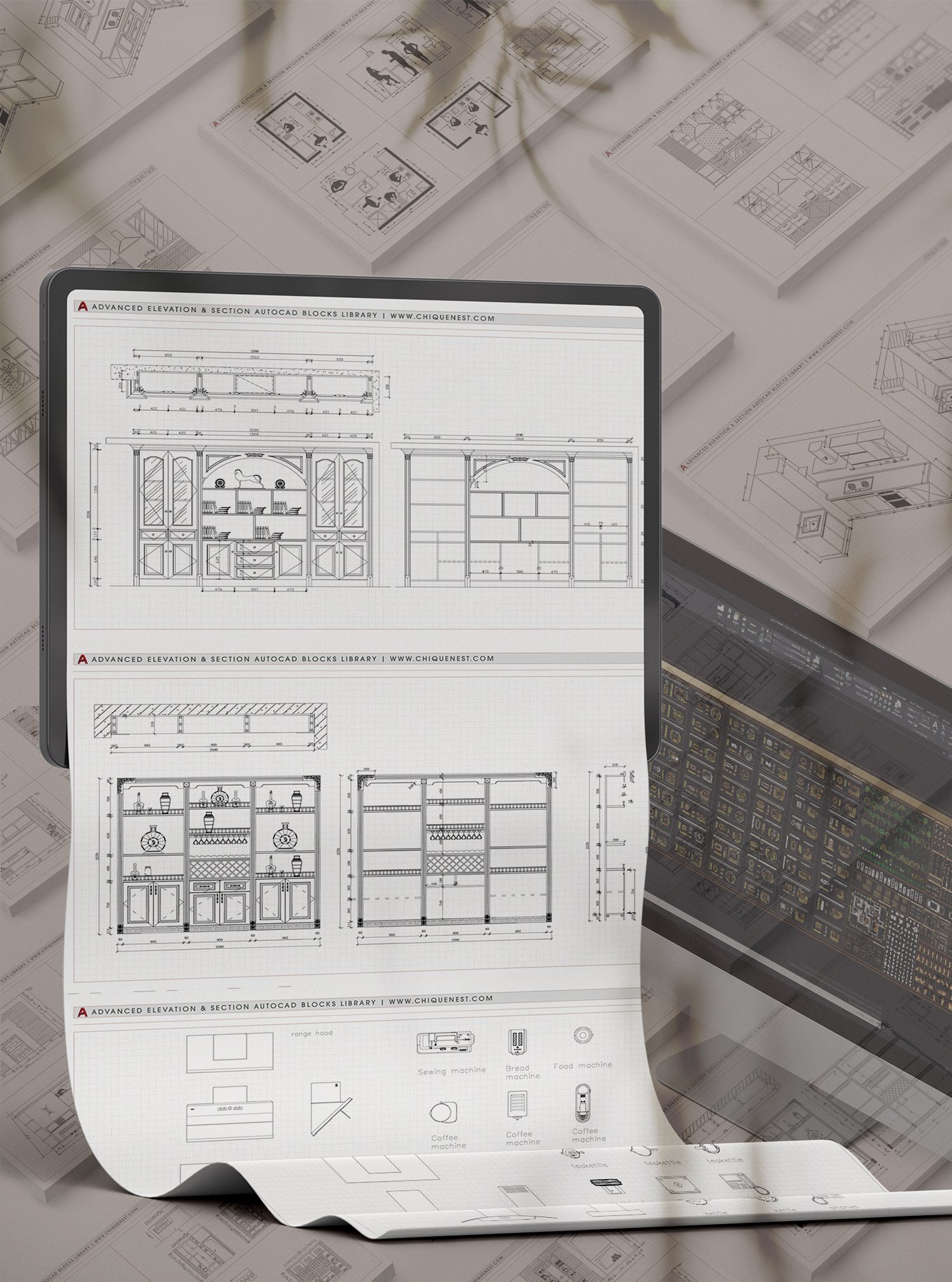
AutoCAD remains a cornerstone for architects, designers, engineers, and students, enabling the creation of intricate 2D and 3D designs. Navigating the complexities of this software often involves leveraging pre-made assets, commonly known as AutoCAD blocks. This guide delves into the vast world of free AutoCAD blocks, offering a treasure trove of resources to enhance your design workflow and accelerate project completion. From essential furniture and architectural elements to detailed vehicles and natural elements, discover how to effectively utilize these downloadable resources to elevate your projects. Discover complicated AutoCAD drawings.
The Power of Free AutoCAD Blocks
At its core, AutoCAD facilitates the creation and editing of design files, primarily in the DWG format. This format is ideal for representing detailed 2D and 3D drawings of objects. However, building every element from scratch can be time-consuming. This is where free AutoCAD blocks become invaluable. These pre-designed components, ranging from intricate furniture pieces to structural elements, can be seamlessly integrated into your projects, saving significant time and effort. The platform discussed offers a continuously expanding library of high-quality DWG files, including various blocks, samples, and complete projects, catering to a diverse array of design needs. Learn how to change PDF to AutoCAD files.
A Deep Dive into Available Block Categories
The platform provides an extensive collection of categorized AutoCAD blocks, ensuring that virtually any design requirement can be met. These categories include:
Furniture for Every Space
- Kitchen Furniture: Essential for interior design, these top-view blocks include sinks, hobs, and various cabinet layouts.
- Upholstered Furniture: Enhance your living spaces with detailed DWG blocks of sofas, armchairs, and sectional furniture, all presented in top view.
- Dining Tables: Find a variety of rectangular, square, and round dining tables, along with chair arrangements, perfect for interior plans.
- Living Room Furniture: This collection offers a comprehensive set of sofas, armchairs, tables, carpets, and even plants to bring your living room designs to life.
- Beds: Access a wide array of single and double beds in top view, complete with bedside tables and lamps for detailed bedroom layouts.
Architectural and Structural Elements
- Plumbing Library: A robust collection of plumbing fixtures, including various types of baths, toilets, bidets, sinks, and showers, meticulously detailed in top view.
- Doors and Windows: Multiple sets of doors and windows are available, crucial for defining the structure and aesthetic of any building.
- Cornices and Friezes: Elevate your architectural designs with detailed sections and unfoldings of decorative cornices and friezes.
- Columns: Classic architectural elements like Ionic and Corinthian columns are provided, adding a touch of historical grandeur to your projects.
Enhancing Your Designs with Natural and Human Elements
- Trees and Ornamental Plants: Complement your landscape and urban plans with a diverse range of tree types in top view and site plan formats, as well as decorative plants for both indoor and outdoor settings.
- People Silhouettes and Top Views: Add a sense of scale and realism to your designs with extensive libraries of people in various poses and top-down views.
Vehicle Blocks for Comprehensive Projects
- Cars and Trucks: From everyday vehicles to specialized trucks and construction equipment, a vast array of car blocks are available in top, side, front, and back views, covering numerous brands and types. Explore free PDF to AutoCAD conversion options.
Maximizing Your AutoCAD Workflow with DWG Files
The utility of these DWG files extends beyond simple block insertion. With AutoCAD on your PC or Mac, you can easily export these models into various formats like PNG or PDF, or further edit them to suit your specific project needs. For those looking to work with older versions of the software, resources like AutoCAD 2007 descargar can be explored.
The platform is committed to being a central hub for designers, regularly updating its collection with fresh, high-quality content contributed by a community of users. This collaborative approach ensures a constantly evolving and comprehensive resource for all your AutoCAD design challenges. Remember to add a scale bar in AutoCAD to ensure accuracy in your scaled drawings.
In conclusion, the availability of free, high-quality AutoCAD blocks significantly empowers designers by providing ready-to-use components that streamline the design process. This extensive library caters to a wide spectrum of needs, from intricate interior details to broad landscape designs, ultimately helping users to create more professional and efficient architectural and engineering projects.